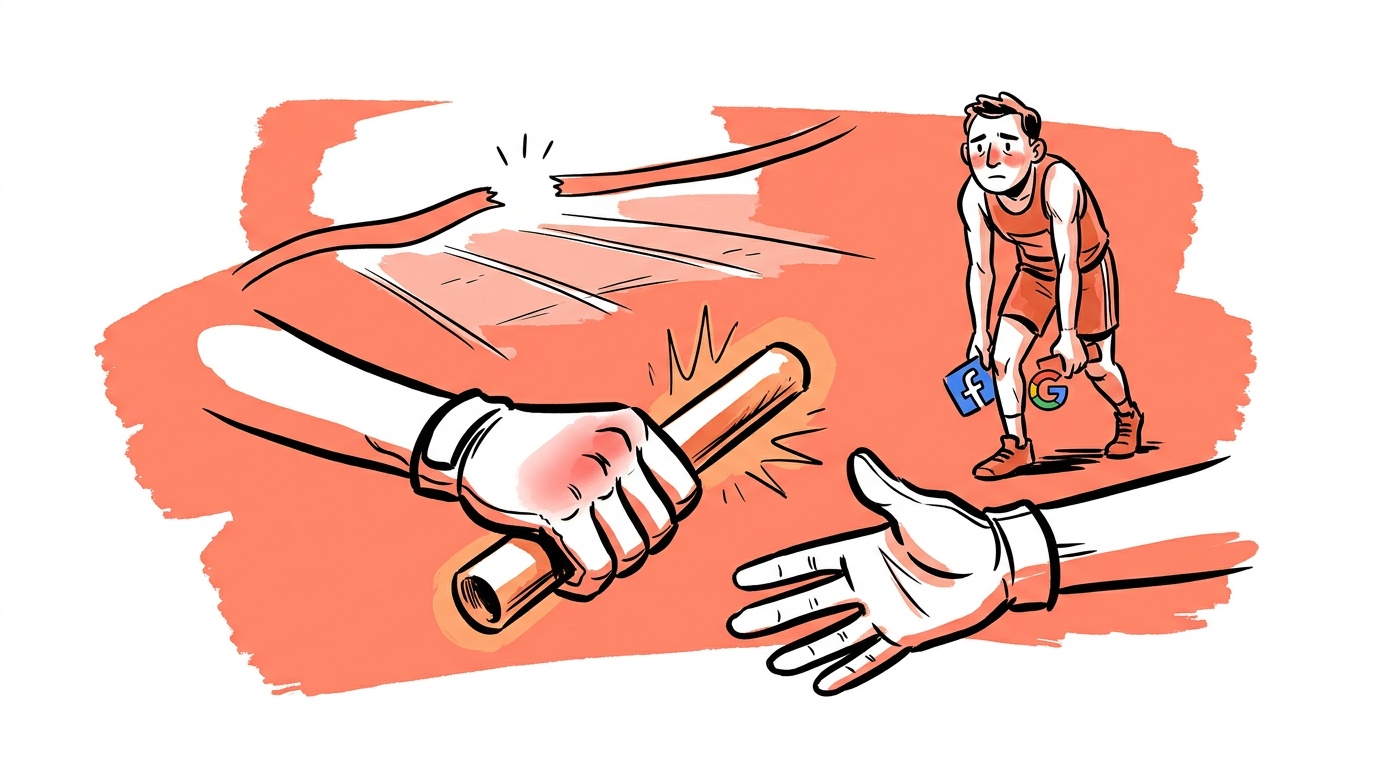
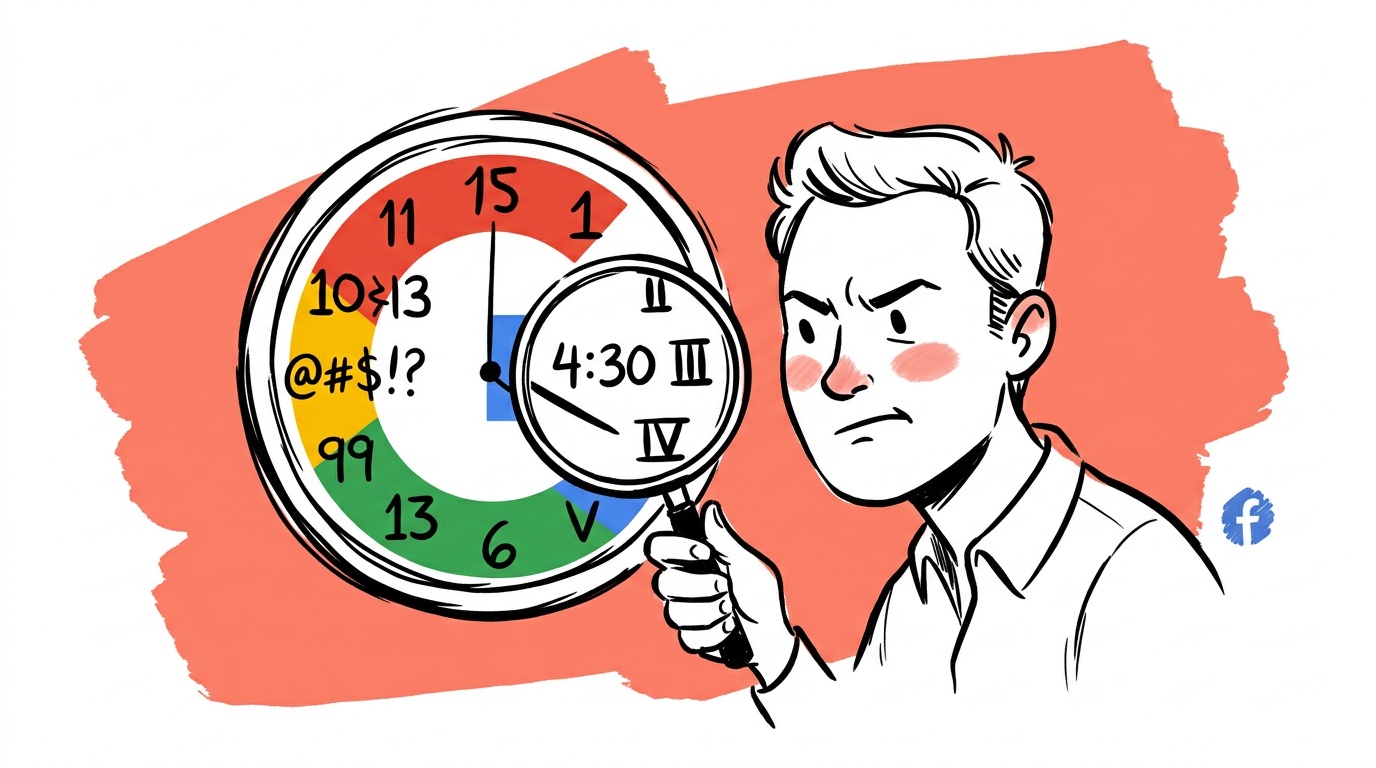

Last-click attribution assigns 100% of the conversion credit to the final click before purchase. Every earlier touchpoint — the display ad that introduced your brand, the YouTube pre-roll that explained your product, the paid search ad someone clicked but didn't buy from — gets exactly zero. That is not a neutral measurement choice. It is a systematic distortion that makes top-of-funnel and mid-funnel campaigns look worthless, causes founders to over-invest in bottom-funnel keywords, and rewards the ad that happened to be present at checkout rather than the ad that actually drove intent.
The result: you pause a campaign because the dashboard shows no conversions. Three months later revenue has quietly dropped and you can't explain why. What you killed was an assist — a touchpoint that warmed up buyers who later converted through branded search, a direct visit, or a retargeting ad that got all the credit.
TL;DR — Ad Attribution and Multi-Touch Credit
- Last-click attribution is the platform default, and it consistently undercounts the value of awareness and consideration campaigns.
- Most purchases involve multiple ad touchpoints across days or weeks before the final conversion event fires.
- Switching to a data-driven or linear attribution model often reveals that "underperforming" campaigns were doing real work.
- The fix is not a fancier model — it is understanding your customer's actual time-to-convert and mapping credit accordingly.
- Before you pause a campaign, check its assisted conversions and path data, not just its last-click conversions.
The Assist Problem Nobody Talks About
In basketball, an assist is a real stat. In ad reporting, it mostly isn't — or at least, platforms don't surface it prominently enough for founders to act on it.
Google Ads shows assisted conversion data inside the Search Attribution reports, but most accounts are reviewed at the campaign level where last-click numbers dominate. Meta's Attribution Settings panel lets you choose between click windows of 1, 7, or 28 days, but the comparison view that shows you what each model changes rarely gets opened.
In accounts running multi-channel campaigns across multiple platforms, a consistent pattern emerges: display and video campaigns appear to have weak direct conversion rates, while branded search and retargeting appear to perform exceptionally well. Switch those same accounts to a linear or position-based attribution model and the picture changes materially. Campaigns that looked like they were burning budget were, in many cases, generating the searches and site visits that retargeting later closed.
This is the assist problem. The closer gets the trophy. The creator of the opportunity gets cut from the roster.
Why Last-Click Became the Default (And Why It Stuck)
Last-click attribution was not designed to be accurate. It was designed to be simple. In the early days of search advertising, the assumption was that someone searched, clicked an ad, and bought. That was often true for transactional, low-consideration purchases. One touchpoint, one conversion, clean data.
The problem is that buying behavior has changed significantly. Shoppers research across platforms, compare on mobile, buy on desktop, and take days or weeks between first exposure and final purchase. The Google Ads Help documentation on attribution models acknowledges this explicitly, noting that data-driven attribution is now the recommended default for accounts with sufficient conversion volume — yet many accounts either haven't opted in or don't qualify because their volume is too low.
Last-click stuck because it is auditable. You can point to the click, point to the conversion, and draw a straight line. Multi-touch models require trusting a calculation you can't fully verify, and founders — rightly — are skeptical of opaque systems. That skepticism is healthy. It just needs to be applied to last-click too, because "simple" is not the same as "correct."
If your attribution window is set to 7 days and your average customer takes 14 days to decide, you are structurally blind to half your conversion path. Check your window settings before you interpret any performance data.
How to Actually Read a Conversion Path
Google's Top Paths report inside the Attribution section of Google Ads shows you the actual sequence of touchpoints before a conversion. If you have not looked at this report in the last 30 days, stop reading this post and go look at it first.
What you will typically find:
Paths that start with generic search. Someone searches a category term ("project management software"), clicks your ad, does not convert, comes back later via branded search ("YourBrand login"), and converts. Last-click gives credit to branded search. The generic search ad gets nothing. But without that first click, the branded search never happens.
Paths that start with display or video. Someone sees your YouTube ad, visits your site, leaves. Days later they see a retargeting ad, click, buy. Last-click gives retargeting full credit. Your YouTube campaign looks worthless.
Paths involving multiple channels. Paid search → organic → direct → paid social → conversion. In a last-click model, paid social closes this sale. Every other channel contributed nothing, according to your dashboard.
The Google Analytics 4 attribution documentation describes how the data-driven model uses machine learning to distribute credit across these paths based on actual incremental contribution. It is not perfect, but it is measurably less wrong than defaulting to last-click.

Live today.
The full campaign — copy, images, targeting — generated for your site and deployed paused for your approval.
Choosing a Model That Fits Your Business
There is no single correct attribution model. The right one depends on your sales cycle length, your channel mix, and how much conversion volume you have. Here is a practical mapping:
| Sales cycle | Channel mix | Recommended model | Min. evaluation window | Attribution window |
|---|---|---|---|---|
| Under 1 day, impulse purchase | Single channel | Last-click | 7 days | 7 days |
| 1–7 days, simple research phase | Two channels | Position-based | 14 days | 30 days |
| 1–4 weeks, multi-touch research | Three or more channels | Position-based or data-driven | 30 days | 30–90 days |
| Over 4 weeks, considered purchase | Multi-channel with video | Data-driven (if volume qualifies) | 60 days | 90 days |
Last-click makes sense only if your product is genuinely impulse-purchased with no research phase and a conversion window under 24 hours. That describes a small fraction of businesses.
Linear distributes credit equally across every touchpoint. It is easy to explain and removes the bias toward closers, but it treats a 2-second display impression the same as a 10-minute product page visit. Use it when you want a conservative baseline.
Position-based (U-shaped) gives 40% credit to the first touchpoint, 40% to the last, and distributes the remaining 20% across the middle. It acknowledges that first exposure and final conversion are both important. This is a reasonable default for most B2C accounts with sales cycles longer than a day or two.
Data-driven uses Google's model to assign credit based on which touchpoints actually change conversion probability in your specific account. Requires a minimum conversion volume — Google recommends at least 3,000 ad interactions and 300 conversions in a 30-day period. If you have the volume, use this.
Time-decay gives more credit to touchpoints closer to conversion. It sounds logical but effectively reinforces the same bias as last-click — it just does so gradually rather than all at once.
The Short-Window Mistake
Beyond the multi-touch problem, there is a second attribution failure that compounds the first: judging campaign performance on too short a time horizon.
A campaign that launches Monday and is paused Friday has not been given enough time to reach the people it touched who were not yet ready to buy. If your average time-to-convert is two weeks, any campaign you evaluate before two full weeks of data have passed is producing a misleading number. You are measuring a partial path.
This matters most for upper-funnel campaigns — awareness video, broad-match search, display prospecting. These channels are seeding future demand. Their conversions show up in your account 7, 14, or 30 days after the impression, often attributed to a different campaign entirely. When you pause them early, you remove the seed but still see the harvest for a few weeks. Revenue looks fine. Then it quietly drops. You have just eaten your own pipeline.
The fix is mechanical: set a minimum evaluation window equal to your average time-to-convert, and do not make pause decisions before that window closes. You can find your account's average time-to-convert in Google Ads under Tools → Attribution → Path Length.
What to Do Before You Pause Anything
When a campaign looks weak, run this check before touching the budget:
-
Look at assisted conversions. In Google Ads, go to Campaigns → Columns → Modify Columns → Attribution → Assisted Conversions. A campaign with low last-click conversions but high assisted conversions is doing real work.
-
Check the attribution model. If the account is on last-click, switch the comparison view to position-based and see what changes. If assisted conversions jump, you have your answer.
-
Check the conversion window. If it is set to 7 days and your sales cycle is longer, you are missing data by definition. Extend the window to 30 days and wait for the reporting to catch up. If you compare across platforms, make every platform use the same window first — mismatched windows are the real cross-platform attribution problem.
-
Look at path data. In the Top Paths report, search for the campaign name. If it appears consistently in the early positions of converting paths, it is a legitimate contributor regardless of what last-click shows.
-
Check impression share before assuming the ad is bad. A campaign with low conversions and low impression share may not have had enough exposure to generate meaningful data. The problem may be budget or bid, not creative. (Impression share itself is a bidding signal, not a market signal — the ad metrics that lie to you covers why.)
The Meta Business Help Center's guide on attribution settings makes a similar point for Meta campaigns — click windows, view windows, and the comparison tool all exist to give you a fuller picture than the default dashboard shows.
When you pause a campaign that was generating awareness, you don't just stop spending. You stop building the audience that your retargeting campaigns depend on. The damage shows up 2–4 weeks later, not immediately. That delay is what makes the mistake so easy to miss.
Building an Attribution Practice, Not Just a Model
The goal is not to pick the "right" model and trust it forever. Attribution is a practice, not a setting. It requires:
- Reviewing path data monthly, not just campaign-level numbers
- Tagging every campaign, ad set, and creative consistently so path reports are readable
- Comparing at least two attribution models side-by-side before making budget decisions
- Documenting which campaigns you paused and why, so you can correlate future revenue drops to past decisions
- Setting evaluation windows that match your actual sales cycle, then defending them when someone asks why you haven't paused the "losing" campaign yet
That last point is underrated. The organizational pressure to show results fast is a bigger driver of attribution errors than any technical gap. We make the same argument about patience in when to trust data and when to trust your gut. Someone sees a cost with no visible return and asks why it's still running. The data to defend the campaign exists — it lives in a report that nobody opened.
Build the habit of opening that report before every budget conversation. It is the single change most likely to stop you from killing your own growth.
FAQ
What is ad attribution in digital marketing? Ad attribution is the process of assigning credit for a conversion — a purchase, a sign-up, a lead — to one or more of the ad touchpoints a customer interacted with before converting. Different attribution models distribute that credit differently. Last-click gives all credit to the final ad clicked. Multi-touch models spread credit across the full journey.
Why does last-click attribution cause problems for advertisers? Last-click attribution systematically undervalues upper-funnel and mid-funnel campaigns because it assigns zero credit to any touchpoint that isn't the final click before conversion. This causes founders to pause campaigns that are generating real awareness and intent, while over-crediting retargeting and branded search campaigns that are closing sales those earlier campaigns created.
What is multi-touch attribution and how does it work? Multi-touch attribution models distribute conversion credit across multiple touchpoints in a buyer's journey. Common models include linear (equal credit to all touchpoints), position-based (more credit to the first and last touchpoints), time-decay (more credit to recent touchpoints), and data-driven (credit assigned based on actual statistical contribution in your account).
How do I find assisted conversions in Google Ads? In Google Ads, go to your Campaigns view, click Columns, then Modify Columns, then select the Attribution section. Add "Assisted Conversions" to your column view. You can also find path-level data under Tools and Settings → Attribution → Top Paths and Path Length reports.
What attribution model should I use for Google Ads? If your account has sufficient conversion volume (Google recommends at least 3,000 ad interactions and 300 conversions in 30 days), data-driven attribution is the most accurate option. For lower-volume accounts, position-based attribution is a reasonable default for most businesses with sales cycles longer than a day or two. Avoid last-click unless your product is genuinely impulse-purchased with no research phase.
How long should I wait before evaluating a new campaign? At minimum, wait for a period equal to your average time-to-convert, which you can find in the Google Ads Path Length report. For most businesses with a sales cycle of one to three weeks, this means evaluating campaigns after at least three to four weeks of data, not after the first few days.
Can I use multiple attribution models at the same time? You cannot apply multiple models simultaneously to your live bidding, but you can use Google Ads' attribution comparison tool to view your conversion data through different models side by side. This comparison view lets you see how credit shifts when you move from last-click to another model — without changing your active attribution setting — which is a useful sanity check before making budget decisions.
Live today.
The full campaign — copy, images, targeting — generated for your site and deployed paused for your approval.

We build AdControlCenter — AI-powered ad management for small businesses, online stores, SaaS companies and service providers. We write what we'd want to read: real numbers, no fluff, the things we wish we'd known when we started.
More from the team →