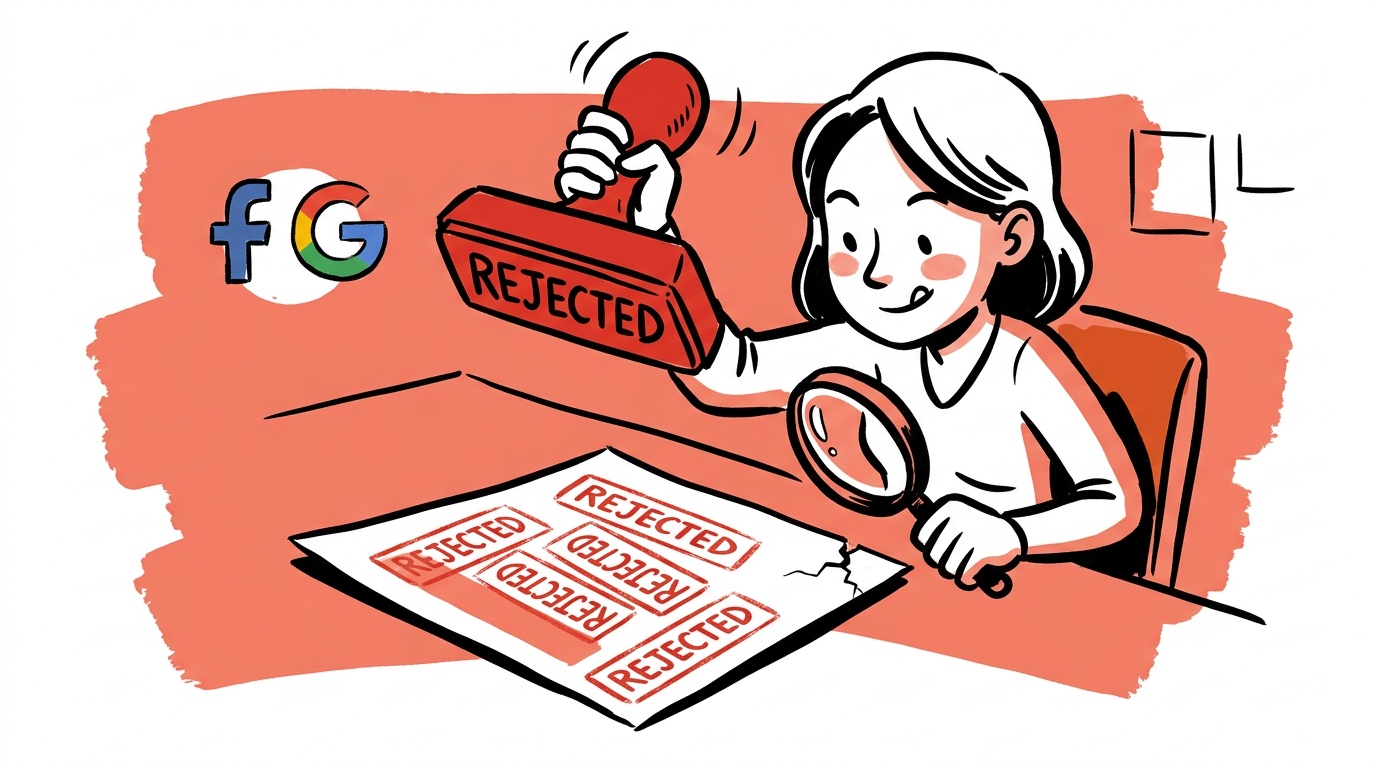

The most expensive thing you can do after an ad disapproval is resubmit the same ad five times. Each rejection is a data point in your account's history, and repeated violations are what turn a fixable "this ad was disapproved" into an unfixable "your account is suspended."
Automated review does misfire, but many disapprovals trace back to a short list of causes you can check in order: the landing page, the claim in the copy, the targeting category, or a billing and identity mismatch. Work through those and you can fix many disapprovals without ever opening an appeal.
The short answer to "why are my ads disapproved?" Platforms disapprove ads when the ad, the landing page, or the account violates a written policy, and the stated reason is often a loose label for a narrower trigger. Read the exact policy name in the rejection, compare the ad and the destination page against that policy, fix the real trigger, and only then request review.
- A disapproval is a policy match on the ad, the landing page, or the account. Founders often check only the ad and skip the other two.
- Read the exact policy name in the notice. It tells you which fix path to take, and it differs between Google and Meta.
- Do not resubmit unchanged ads. Repeated violations are what escalate an ad problem into an account suspension.
- Appeal only after you have changed something, and say what you changed in plain language.
- Reduce risk before it happens: keep claims, page content, payment details, and business identity consistent across everything you run.
Disapproval vs. suspension: they are not the same problem
This distinction decides how worried you should be.
A disapproval applies to a single ad, asset, or sometimes a keyword. The rest of your account keeps running. You fix the item, request review, and move on.
A suspension (or restriction) applies to the account, and it stops everything. Both Google Ads policy and Meta's advertising standards describe account-level enforcement as the consequence of repeated or severe violations, not of a single mild one. Some categories, like circumventing systems or misrepresenting your business, can go straight to account-level action.
The practical rule: treat every disapproval as a warning with a paper trail. One ad rejected for a missing disclaimer is routine. Ten ads rejected for the same reason in a week looks, to an automated system, like an advertiser who does not intend to comply.
Read the rejection like a debugger, not a verdict
The notice is vague in some cases, but it almost always contains the one thing you need: a policy name. Start there.
Work through this order:
- Policy name. Look it up in the platform's policy center and read the full text, not the summary.
- The ad itself. Headline, body, image text, video frames, and any overlay. Platforms review all of these.
- The landing page. Open it on a phone, logged out, in a fresh browser. Check what a reviewer's crawler would see, including pop-ups, redirects, and slow-loading sections.
- The account. Payment status, verified business identity, and any prior notices.
The third step is the one people skip. It is easy to rewrite the ad three times while the real problem is a page that makes an unsupported claim, hides pricing, or redirects to a different domain than the one in the ad.
The mismatch check
Compare four things side by side: what the ad promises, what the page says, what the checkout charges, and what your business name and domain say about who you are. Any gap between them is a candidate trigger. Mismatches are a classic cause of misleading-claims and destination-related flags on both platforms.
The common triggers, by platform
These are patterns, not guarantees. Always confirm against the current policy text because enforcement details change.
Google Ads
- Destination problems. Pages that are broken, unreachable, or that behave differently for crawlers than for users. See Google's destination requirements.
- Misrepresentation. Unclear pricing, missing business information, or claims the page does not back up.
- Restricted categories. Health, financial services, and similar verticals often require certification or come with limits on what you may say.
- Editorial issues. Excessive capitalization, odd punctuation, or gimmicky formatting in the copy.
Meta Ads
- Personal attributes. Copy that implies you know something about the viewer, such as a health condition or financial situation. This is a frequent and surprising trigger.
- Before-and-after and body imagery. Creative that implies a dramatic personal transformation.
- Unrealistic or unsubstantiated claims. Guaranteed results and income promises.
- Landing page and Pixel issues. Pages that do not match the ad or that collect sensitive data in ways the policies restrict.
Meta's creative review is heavily automated, and image-based flags can be hard to interpret. When a rejection reads like it does not match your creative, test by changing one variable at a time: swap the image, then the headline, then the body, and see which version clears.

Live today.
The full campaign — copy, images, targeting — generated for your site and deployed paused for your approval.
The fast fix workflow
Here is the sequence we would run on a rejected ad, in order of cost.
- Pause the pattern, not just the ad. If several ads share the same copy, image, or landing page, assume they will all be flagged. Hold the rest until you fix the shared element.
- Fix the named policy. Change the specific element. Remove the claim, add the required disclosure, correct the page, or drop the restricted targeting.
- Make the change substantive. Do not edit by trivially rewording. Reviewers and classifiers look at substance.
- Request review once. Use the platform's in-product review option and write a short, factual note: what the policy flagged, what you changed, and where.
- Document it. Keep a log of the notice, the date, the fix, and the outcome. If you are ever suspended, this log is the backbone of your appeal.
A good appeal note is boring. "The ad was flagged under personal attributes. We removed the second-person health reference from the headline and body. The updated ad is attached" beats three paragraphs of frustration every time.
The pressure to get ads live again pushes people to resubmit fast. But a clean, single, well-documented resubmission usually resolves faster than a cycle of rejected retries, because each retry adds history you then have to overcome.
If you are actually suspended
A suspension needs a different mindset: you are now making a case to a person or a stricter review process, not just fixing a creative.
- Find the stated reason and the policy page. Both platforms show account-level notices and link to an appeal path. Use the official one. Support threads and third-party "fixers" are a common source of scams.
- Verify your identity and business. Make sure your legal name, address, domain, and payment method are consistent and current. Mismatches here are a frequent hidden cause of account-level action.
- Fix before you appeal. Remove or correct everything that could plausibly be the cause, including old campaigns you forgot about.
- Appeal with facts. State what happened, what you corrected, and what you will do to prevent a repeat.
- Do not open a new account to work around it. Circumventing a suspension is itself a policy violation and can make a recoverable situation permanent.
No one can promise an appeal outcome. Specific, documented appeals give a reviewer something to act on; emotional or generic ones do not.
Prevent the next one
The cheapest disapproval is the one that never happens. Build these habits into your launch process:
- Pre-flight checklist. Before any ad goes live, check claims against the page, confirm required disclosures, and make sure the destination loads cleanly on mobile.
- Keep claims provable. If you cannot back up a number or outcome on the page, do not put it in the ad.
- Standardize templates. Reusing approved structures reduces variance, which reduces surprises.
- Watch account health across platforms. If you run Google and Meta together, a notice on one is easy to miss while you are busy on the other. A single view of disapprovals, policy notices, and billing status saves you from finding out days late.
- Avoid risky bulk changes. Launching dozens of new ads with a shared flaw multiplies your violations at once.
FAQ
Why does my ad keep getting disapproved even though I changed it?
Usually the change did not touch the actual trigger. Re-read the exact policy name, then check the landing page, not just the ad. A page that still makes the flagged claim will keep the ad rejected no matter how you reword the copy.
How long does it take to get an ad reviewed after an appeal?
It varies by platform, ad type, and account history. Many reviews complete quickly, but some take longer, especially for sensitive categories. Check the status in your ads dashboard rather than resubmitting while you wait.
Can repeated ad disapprovals get my account suspended?
Yes. Both Google and Meta describe repeated policy violations as grounds for account-level enforcement. This is why you should fix the cause rather than resubmitting unchanged ads.
What is the difference between an ad disapproval and an account suspension?
A disapproval affects one ad or asset, and your other ads keep running. A suspension affects the whole account and stops all delivery until it is resolved through an appeal.
Should I make a new ad account if mine is suspended?
No. Creating a new account to evade a suspension is itself a violation and can lead to permanent loss of access. Use the official appeal process instead.
Why was my ad rejected for something that is not in it?
Automated review sometimes misreads images, text overlays, or page content. Change one variable at a time to find what triggers it, and request a manual review if the ad is genuinely compliant.
Do landing pages really cause ad disapprovals?
Yes. Broken pages, hidden pricing, unsupported claims, and ad-to-page mismatches can all trigger disapprovals even when the ad text is fine.
The takeaway
Next time an ad is rejected, do one thing before touching the ad: open the landing page on your phone and compare it, line by line, to the policy the notice named. If the page and the policy do not conflict, you have a likely misfire worth appealing. If they do, you just found the fix.
Live today.
The full campaign — copy, images, targeting — generated for your site and deployed paused for your approval.

We build AdControlCenter — AI-powered ad management for small businesses, online stores, SaaS companies and service providers. We write what we'd want to read: real numbers, no fluff, the things we wish we'd known when we started.
More from the team →