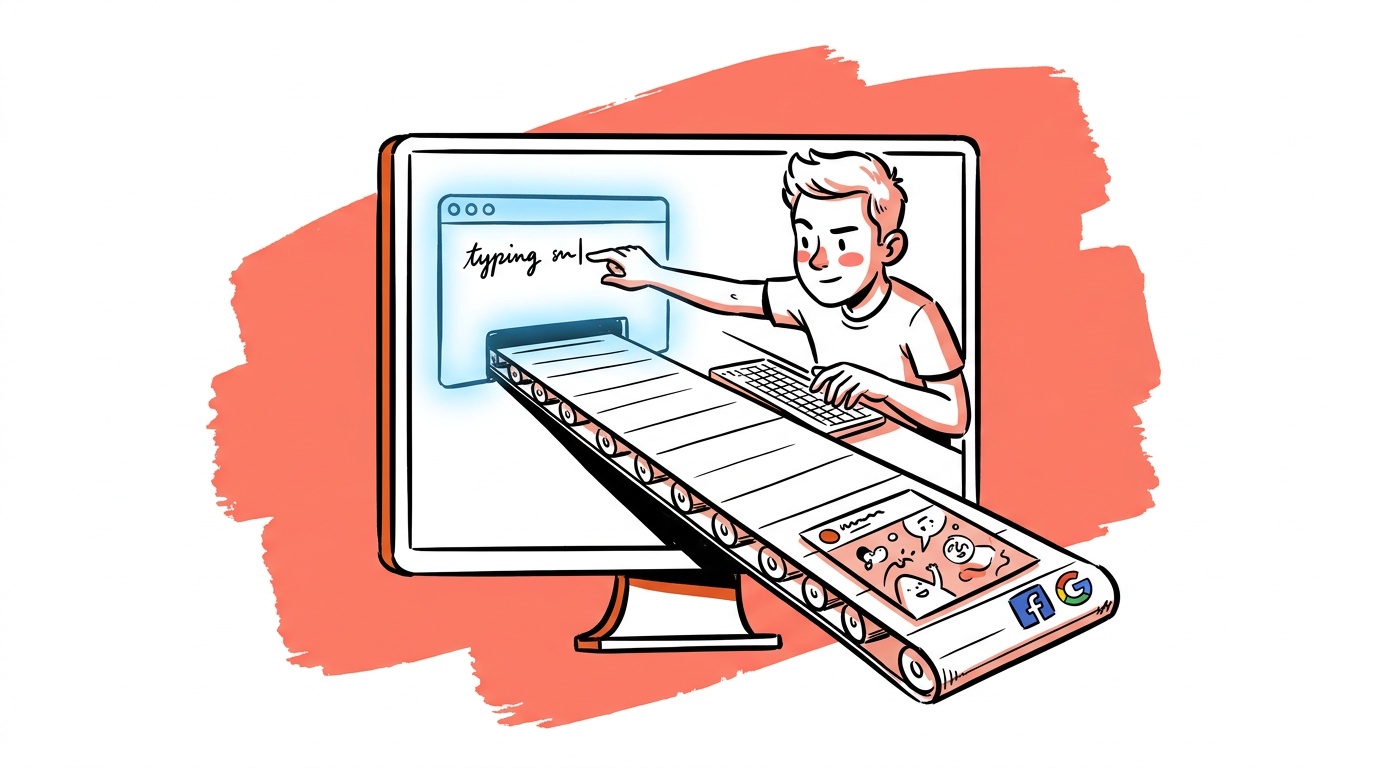

The teams moving fastest on paid ads right now are doing something strange: writing a one-line brief in Slack, watching Claude pull it through an MCP server into an image-generation pipeline, and shipping platform-ready social assets in minutes—without opening a design tool or a spreadsheet. That's not a demo. That's a production workflow several shops are running today, documented in Magnific's own MCP walkthrough.
The gap between "I use AI to draft copy" and "AI runs my entire brief-to-asset pipeline" is wider than most people realize. This post closes it.
TL;DR — AI Ad Workflows: Brief to Creative
- MCP (Model Context Protocol) lets AI assistants call external tools—including image upscalers, ad APIs, and asset managers—directly from a chat interface, collapsing the brief-to-creative handoff into one thread.
- The workflow has four stages: brief ingestion, copy generation, visual production, and platform export. Each stage can be automated; most teams only automate the first two.
- AI optimization for paid search works best when you give the model structured context—account history, conversion data, audience segments—not just the ad itself.
- The biggest failure mode isn't bad AI output. It's unstructured briefs that produce generic creative because the model had nothing specific to work from.
- A well-prompted AI workflow can move faster than a human-only workflow, but it still requires a human quality gate before anything goes live.
What MCP Actually Does for Ad Teams
MCP—Model Context Protocol—is a standard that lets an AI assistant talk to external services without you copying and pasting between tabs. Think of it as a USB standard for AI tool integrations: one protocol, many compatible services. (For the broader picture of agents and flows built on top of it, see how AI agents and flows are changing creative workflows.)
For ad workflows, this matters because creative production has always been a multi-tool problem. You write copy in one place, generate images in another, resize in a third, upload to the platform in a fourth. MCP collapses those handoffs. When Magnific connected their image pipeline to Claude via MCP, the result was a chat-driven workflow where a single message could trigger upscaling, reformatting, and asset delivery—no context switching required.
The practical implication for ad teams: if your AI assistant can call your creative tools directly, the brief becomes the interface. You describe what you need, the model figures out the tool calls, and assets come back into the same thread.
Earlier "integrations" were mostly Zapier-style triggers: event A fires action B. MCP is conversational. The model decides which tools to call based on your intent, not a predetermined trigger. That means you can say "make this 1080x1080 and also give me a 9:16 version" and get both, instead of building two separate Zaps.
The Four-Stage Workflow
Whether you're running Google Search, Meta video, or LinkedIn sponsored content, the brief-to-live workflow has four stages. Here's where AI currently earns its place—and where it doesn't.
Stage 1: Brief ingestion
A brief that says "summer sale ad" produces garbage. A brief that includes product, audience, USP, tone, platform, format, and one hard constraint produces something you can actually ship. The AI's job at this stage is to surface what's missing and ask for it before generating anything.
The most reliable way to do this is a structured prompt template that forces the model to check for required fields before it proceeds. If the brief is thin, the model asks clarifying questions. If the brief is complete, it moves to copy generation. This is the stage most teams skip, and it's why their AI output feels generic.
Stage 2: Copy generation
With a complete brief, a capable model can generate headline variants, primary text, CTAs, and URL path options in one pass. The output quality scales directly with brief quality—which is why Stage 1 is non-negotiable.
For Google Ads specifically, structured AI-assisted optimization works best when you feed the model real account data: which headlines have high impression share but low CTR, which descriptions are underperforming, which ad groups have Quality Score issues. Without that context, the model is writing in a vacuum. With it, the suggestions are grounded in actual performance patterns.
Stage 3: Visual production
This is where MCP integrations like Magnific's earn their keep. Once copy is approved, the model can call an image generation or upscaling service, pass the brand guidelines as parameters, and return sized assets for each placement—without a designer touching a file.
The current constraint is consistency. AI image generation still struggles to maintain exact brand characters or product shots across a batch of creative variants. Worse, the failure is silent — the model substitutes a plausible look-alike, which is why we run a product-fidelity check on every physical-product image. The practical workaround most teams use: generate backgrounds and layout compositions with AI, composite real product photography in. The AI handles the tedious resize-and-format work; the brand-critical visual element stays controlled.
Stage 4: Platform export
Every major ad platform has an API, and AI assistants with the right tool connections can push creative to asset libraries, create campaigns in draft, and flag spec violations before upload. The bottleneck here is permissions and authentication setup, not model intelligence—once that plumbing is in place, this stage runs reliably.
Structuring the Brief for AI Consumption
The brief format matters more than the model you use. When we've tested the same creative request across several models, the output variance from brief quality dwarfs the output variance from model choice.
A brief that produces reliable AI creative has these fields, in this order:
- Product or offer — exact name, specific claim, one sentence.
- Audience — job title or behavioral description, not "everyone interested in X."
- Primary USP — the one thing that's true about this product that competitors can't say.
- Tone — one or two adjectives. "Direct and a little irreverent" is useful. "Professional but friendly" is not.
- Platform and format — be specific. "Meta feed, 1080x1080 static" is specific. "Social media" is not.
- Hard constraints — legal disclaimers, words to avoid, character limits that matter.
- Performance context — if you have prior data, include it. "Previous ads with urgency language outperformed on this audience" changes what the model generates.
Field 7 is where most teams leave money on the table. AI models are not psychic. They don't know your account history unless you tell them. Feeding in prior performance patterns is the fastest way to get AI output that behaves like an experienced copywriter who's worked your account for months.
A filled example
Here's what a complete brief looks like in practice, and why each field matters:
Product: Sparse — project management tool for solo consultants. Core claim: closes client projects 40% faster by automating follow-up sequences.
Audience: Independent consultants, 5–15 active clients, billing by the hour, frustrated by chasing approvals over email.
USP: The only PM tool built for one-person shops—no seat minimums, no enterprise bloat.
Tone: Confident, slightly impatient. Speaks to people who hate wasted time.
Platform/format: Google Search RSA. Three headlines, two descriptions.
Hard constraints: No use of the word "simple." No pricing claims. Headline max 30 characters.
Performance context: Ads emphasizing time saved on admin have outperformed feature-list ads on this audience. "Chase" and "follow-up" as copy signals have high CTR history.
A brief this specific produces headlines like "Stop Chasing Client Approvals" and descriptions that lead with the follow-up automation angle. A brief that says "PM tool for consultants" produces "Manage Projects Smarter." The model is the same. The brief is what changes the output.

Live today.
The full campaign — copy, images, targeting — generated for your site and deployed paused for your approval.
Where AI-Assisted Optimization Actually Helps on Google Ads
Paid search optimization is tedious in a specific way: there's always more data than a human can process, and the highest-value actions are often buried in long-tail query reports or asset combination analysis. This is exactly where AI is fast and cheap.
Specific tasks where AI optimization earns back time:
- Search term report triage — feeding a week's query data to a model and asking it to surface negatives, new match opportunities, and intent shifts is faster than manual review and catches patterns a tired human misses.
- RSA asset analysis — Responsive Search Ads generate a combinatorial explosion of headline/description pairings. A model can analyze which combinations are over-indexed by Google's serving algorithm and suggest underserved assets worth testing.
- Audience signal recommendations — for Performance Max campaigns, describing your existing customer list to a model and asking it to suggest audience expansion signals often produces useful starting points, especially if you describe the customer in behavioral terms rather than demographic ones.
Where AI optimization doesn't help: account strategy. Which campaigns to pause, whether to shift budget from Search to Demand Gen, how to think about brand vs. non-brand split—these are judgment calls that require business context the model doesn't have. AI can tell you what the data says. You decide what to do about it.
The Failure Modes to Anticipate
Most AI workflow failures are boring. They're not hallucinations or model errors. They're:
Generic output from thin briefs. Garbage in, garbage out. If your brief doesn't include a specific USP, the model invents one, and it will be something like "high quality" or "trusted by thousands." Neither is useful.
Asset spec drift. AI-generated images often come back at the wrong dimensions, wrong file size, or with text in unsafe zones. Build a spec-check step into the workflow before anything goes to the platform. In a node-based builder that's a single node before export — see building scalable AI creative workflows.
Over-reliance on AI for compliance. Models do not reliably catch platform policy violations, especially in regulated categories (finance, health, supplements). A human with platform policy knowledge needs to review anything in a regulated vertical before it goes live.
Context window limitations on large accounts. If your account has thousands of keywords and hundreds of ad groups, you can't paste everything into a single prompt. You need to chunk the data intelligently—by campaign, by intent cluster, by time period—before feeding it to the model.
From what we've seen in production workflows: Claude or GPT-4o for copy and analysis, Midjourney or Firefly for image generation, MCP for tool connections, a human for QA, and the platform's own bulk upload tools for final delivery. Nothing exotic. The sophistication is in the brief format and the data you feed the model, not the model itself.
Building Toward a Repeatable System
One-off AI prompts are useful. A repeatable AI system is what actually compounds.
A repeatable system means: the same brief template every time, the same model with the same system prompt, the same QA checklist before anything goes to a platform, and a log of what was generated versus what was approved versus what actually ran. That log is how you improve the system over time—you can feed approved creative back into the brief template as examples, and the model's output quality improves without you changing the underlying prompt.
The teams doing this well treat their AI workflow as a product. They version the prompts. They document what changed when output quality shifted. They run the same brief through different prompt versions to compare. It's not glamorous work, but it's the difference between a workflow that drifts toward mediocrity and one that gets better every sprint.
If you're starting from scratch: build Stage 1 first. Get the brief template right. The rest of the workflow is only as good as the input you hand it.
FAQ
What are the best AI tools for ad workflows in 2025? The most functional setups combine a large language model (Claude, GPT-4o) for copy and analysis, an image generation tool (Midjourney, Adobe Firefly) for visuals, and an integration layer like MCP to connect them. For Google Ads specifically, AI works best when you feed it structured account data—search term reports, asset performance, Quality Scores—rather than asking it to generate from scratch.
Can AI fully automate Google Ads optimization? Not fully, and you shouldn't want it to. AI handles data-heavy, pattern-recognition tasks well: search term triage, RSA asset analysis, negative keyword identification. Account strategy—budget allocation, campaign structure decisions, brand vs. non-brand split—requires business context and judgment that models don't have. The right model is AI for analysis, human for decisions.
What is MCP and how does it help with ad creative? MCP (Model Context Protocol) is a standard that lets AI assistants call external tools—image editors, ad APIs, asset managers—directly from a chat interface. For ad workflows, it means you can describe what you need in a single message and have the model handle tool calls across multiple services without switching between apps. Magnific's integration with Claude is a working example of this pattern applied to image upscaling and social asset production.
Why does my AI-generated ad copy feel generic? Almost always, the brief was too thin. AI models generate generic output when they lack specific inputs: a real USP, a defined audience, a tone that's actually differentiated, and performance context from prior campaigns. Fix the brief before you blame the model. Adding even one field—"here's what worked before and here's why we think it worked"—produces a measurable quality improvement.
How do I prevent AI from pushing live changes to my ad accounts? Build a mandatory human approval step into your workflow for any action that touches live campaigns: bid changes, budget changes, going live on new creative. Draft creation and asset upload are safe to automate. Anything that affects spend or goes live needs a human gate. This is a workflow design decision, not a platform setting—you enforce it by structuring your automation so live actions require explicit human confirmation.
What's the biggest mistake teams make when adopting AI for ad workflows? Starting with the tools instead of the brief. Most teams spend time evaluating models and integrations before they've defined what a good brief looks like. The model is a multiplier on the quality of your input. A weak brief run through an excellent model still produces weak output. Build the brief format first, test it with the simplest possible model, and add tooling complexity only after the input quality is solid.
Is it safe to use AI for ad copy in regulated industries? AI can draft copy in regulated industries (finance, health, legal) but it should never be the final compliance check. Models do not reliably catch platform-specific policy violations or regulatory requirements, and the consequences of a policy violation or misleading claim in a regulated vertical are expensive. Use AI to generate drafts and reduce iteration time; use a human with domain expertise for the compliance review before anything goes live.
Live today.
The full campaign — copy, images, targeting — generated for your site and deployed paused for your approval.

We build AdControlCenter — AI-powered ad management for small businesses, online stores, SaaS companies and service providers. We write what we'd want to read: real numbers, no fluff, the things we wish we'd known when we started.
More from the team →