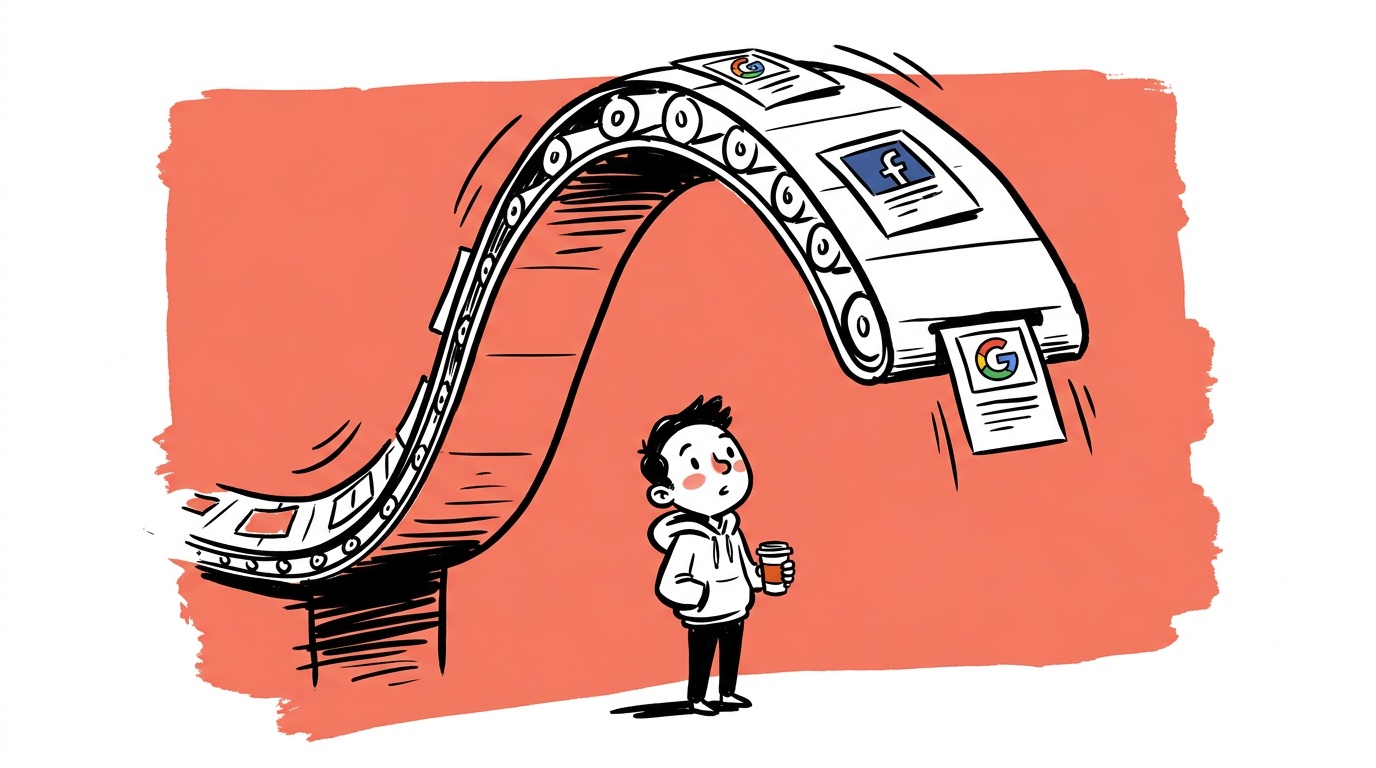
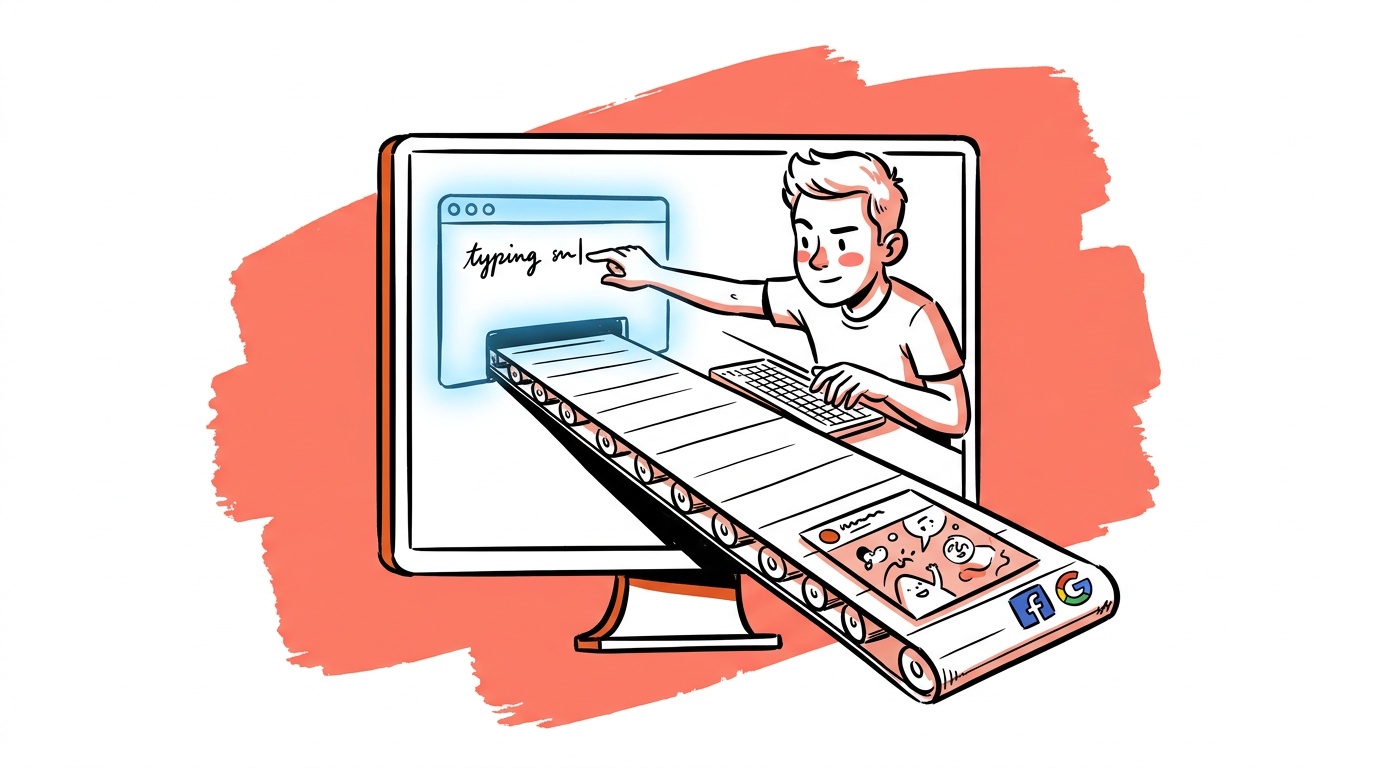

The most expensive part of your ad creative workflow probably isn't production—it's the gap between "we need to test something new" and "it's live." Most teams spend more time coordinating, reformatting, and waiting for approvals than they do on actual creative thinking. AI agents are closing that gap, and the mechanism is worth understanding precisely.
This isn't about AI writing a headline for you. It's about an orchestration layer—agents that hold context across tools, pass structured outputs into the next step automatically, and complete multi-step creative tasks without a human touching every handoff. When Meta's own team was asked directly whether their AI Business Assistant would extend beyond paid ads into organic content—a question that came up in a recent conversation with Meta HQ—the answer was careful but directional: yes, eventually. That tells you where the platform pressure is heading.
TL;DR — AI Agents and Ad Creative Workflows
- AI agents can now handle multi-step creative tasks—brief, copy, asset formatting, variant generation—without a human at every handoff.
- "Flows" are pre-defined agent sequences that match your creative process; they reduce decision fatigue and make output more consistent.
- Meta's own AI tooling is moving toward both paid and organic content management from a single assistant interface.
- The Model Context Protocol (MCP) is an emerging standard that lets agents carry creative context across tools, cutting rework dramatically.
- The real productivity gain isn't speed on a single task—it's eliminating the coordination overhead between tasks.
What "Agents" Actually Means in a Creative Context
People use "AI agent" to mean anything from a chatbot to a fully autonomous system, which makes the term nearly useless. For ad creative work, a useful definition is narrow: an agent is an AI system that can take an objective, break it into steps, execute those steps using available tools, and adjust its approach based on intermediate results—without requiring you to prompt each step manually.
A concrete example: you give the agent a product brief and a target audience. It writes three headline variants, pulls your brand voice guidelines from a connected doc, checks them against your historical high-performers, formats the output for Facebook, Instagram, and Google, and drops the package into your asset library. You review the output, not the process.
That's meaningfully different from asking ChatGPT to "write me a headline." The agent is doing work that previously required four separate tools and a project manager connecting them.
The reason early AI tools felt brittle for creative work is that they had no memory between steps. You'd generate copy in one tool, switch to an image tool, lose the original positioning, and end up with assets that didn't belong together. Agents with persistent context fix this—the brief you set at the start travels through the entire workflow.
Flows: Giving Agents a Track to Run On
An agent without a defined process is just a capable but directionless tool. "Flows" are the structure that makes agents useful at scale—they're pre-mapped sequences of steps that match how your creative team actually works.
Think of a flow as a reusable recipe. You define the inputs (product info, audience segment, campaign objective), the steps (research, copy generation, visual brief, formatting, review gate), and the outputs (a complete creative package). The agent runs the recipe. You intervene only at the gates you care about.
The conversation around agents, flows, and the Model Context Protocol frames this correctly: flows work best when they're designed to move with your creative instinct, not replace it. The goal is that the structured parts of creative work—the parts that are genuinely mechanical—get automated, and human judgment gets concentrated at the moments that actually need it.
A Flow Worth Building Has Three Non-Negotiables
The failure mode for most creative flows is front-loading. Teams spend time building elaborate automation and then discover the output is generic because the input brief was generic. The brief is the most important input in the whole system—garbage in, garbage out applies harder when the agent runs ten steps from a bad starting point.
A flow worth building has at minimum:
- A structured brief format (audience, pain point, offer, proof point, tone)
- A human review gate before final asset generation
- A feedback loop that stores successful variants for future reference
Without the feedback loop, you're generating content faster. With it, you're building a creative memory that makes each subsequent campaign cheaper to produce. That third element is also where creative roles shift: the person who used to do manual variant production is now the person maintaining the brief library and tagging what worked and why. That's a more strategic job. It compounds.
What Meta's AI Tooling Tells Us About Platform Direction
Meta's AI Business Assistant is currently positioned around paid campaign management—helping advertisers adjust budgets, identify underperformers, and draft ad copy inside Ads Manager. (We cover what it's actually good for in the best AI tools for turning content into ads.) But the question of whether it extends to organic content matters because it signals platform intent.
When that question came up directly with Meta's team (as captured in this discussion), the response suggested that a unified assistant handling both paid and organic is the direction, not a detour. For founders, that has a practical implication: the creative workflow you're building now should probably not treat paid and organic as separate pipelines with separate tools.
If Meta's assistant eventually sees both your ad creative and your organic posts, it will have more context for optimization recommendations. That's useful if your organic content is consistent with your brand positioning. It's a problem if your paid and organic teams have been running in different directions.

Live today.
The full campaign — copy, images, targeting — generated for your site and deployed paused for your approval.
MCP: The Infrastructure Layer Nobody's Talking About Yet
The Model Context Protocol is an open standard—developed initially by Anthropic and now gaining adoption across the industry—that defines how AI models share context with external tools and services. For ad creative workflows, it matters because it's what allows an agent to pull your brand guidelines from Notion, check your asset library in Figma, and push output to your ad platform without you building a custom integration for every connection.
Without MCP (or something like it), every tool-to-tool connection requires a bespoke integration that breaks when either tool updates its API. With a shared context protocol, agents can navigate a more stable interface layer.
This is early infrastructure. Most founders don't need to implement MCP directly—but they should be asking their AI tool vendors whether their products support it. For a worked example of MCP running a brief-to-asset pipeline from a chat thread, see AI ad workflows: from brief to creative. The tools that do will compose better with each other over the next two years. The tools that don't will become progressively harder to connect.
For a technical overview of the protocol itself, the MCP specification documentation is the right primary source. For how it connects to multi-agent systems, Anthropic's research on agent tool use is worth reading.
The Real Bottleneck Agents Don't Fix Automatically
Agents speed up production, but they don't fix the upstream problem of not knowing what to test.
Most ad accounts that underperform do so because they're testing the wrong variables—not because production is slow. If you automate a workflow that generates ten variants of a mediocre concept faster, you've scaled the wrong thing. The coordination overhead disappears, but so does the strategic forcing function of having to manually choose what to build next.
The teams getting real value from AI creative workflows pair agents with a clear testing hypothesis before the flow runs. The brief isn't "write ads for this product"—it's "test whether fear-of-loss framing outperforms aspiration framing for this audience segment, using these three proof points." The agent executes against that hypothesis. A human set the hypothesis.
This is where the Google Ads Creative Asset Library documentation is instructive even outside Google's ecosystem: it emphasizes tagging and categorizing assets by creative variable so you can read performance back against specific decisions. Apply that thinking to any platform—tag your agent-generated variants by hypothesis, not just by campaign.
If your current strategy is "let's see what works," agents will generate more things to see. If your strategy is "we believe X will outperform Y for reason Z," agents will test that faster and generate cleaner signal. The difference in learning velocity is significant.
How to Start Without Breaking What's Working
The wrong move is to automate your entire creative workflow at once. The right move is to find the one step that costs you the most time per week and requires the least original thought.
For most founder-led ad accounts, that step is variant generation—taking a winning concept and producing the required number of size and format variations for each platform. A node-based builder with a List input is the simplest way to automate it — see building scalable AI creative workflows. It's tedious, error-prone, and requires no creative judgment. That's the ideal first target for an agent or flow.
Start there. Get the output quality to the point where you're approving more than you're revising. Then extend the flow one step upstream (copy drafting) or one step downstream (performance tagging and archiving). Build incrementally. Each extension gives you data on where agent output needs human correction, and that data shapes a better flow.
The goal after six months isn't to have no humans in the creative process. It's to have humans doing only the work that requires human judgment—strategy, taste, hypothesis design, brand decisions—and agents handling everything that doesn't.
FAQ
What are AI agents for ad creatives? AI agents for ad creatives are systems that can execute multi-step creative tasks—drafting copy, generating variants, formatting assets for different platforms—without requiring a human to prompt every individual step. They're distinct from single-prompt AI tools because they hold context across the full workflow and can use multiple connected tools in sequence.
What is a creative flow in AI? A creative flow is a pre-defined sequence of steps that an AI agent follows to complete a creative task. It maps to your actual process—brief, research, copy generation, visual direction, asset formatting—and lets the agent run the mechanical parts automatically while humans review at defined checkpoints.
How is Meta using AI for ad creative? Meta's AI Business Assistant currently helps advertisers manage paid campaigns inside Ads Manager—suggesting budget adjustments, identifying underperforming ads, and drafting copy. The tooling is moving toward handling both paid and organic content from a single interface, though the full rollout timeline is not public.
What is Model Context Protocol and why does it matter for ads? Model Context Protocol (MCP) is an open standard that defines how AI models share context with external tools—design systems, asset libraries, ad platforms, brand guidelines. For ad creative workflows, it matters because it allows agents to pull and push information across tools without fragile custom integrations, making multi-step automation more stable over time.
Do AI creative tools replace human creative judgment? No, and the teams treating them that way are producing generic work faster. AI agents are most effective at eliminating mechanical coordination work—variant production, formatting, asset organization—so human judgment can concentrate on strategy, hypothesis-setting, and brand decisions. The quality of the brief a human provides determines the quality of what the agent produces.
What's the biggest mistake founders make with AI creative workflows? Automating before they have a clear testing hypothesis. Agents speed up production, which means a weak strategy produces more weak assets faster. The teams getting real signal pair agents with specific creative hypotheses—testing a specific framing against a specific audience for a specific reason—rather than using agents as a faster way to "see what works."
What should I automate first in my ad creative workflow? Start with the step that is most time-consuming and least strategic. For most founder-led accounts, that's format and size variant generation—taking one winning concept and producing the required dimensions for each platform and placement. Once that step is running cleanly, extend the flow one step at a time in either direction.
Live today.
The full campaign — copy, images, targeting — generated for your site and deployed paused for your approval.

We build AdControlCenter — AI-powered ad management for small businesses, online stores, SaaS companies and service providers. We write what we'd want to read: real numbers, no fluff, the things we wish we'd known when we started.
More from the team →