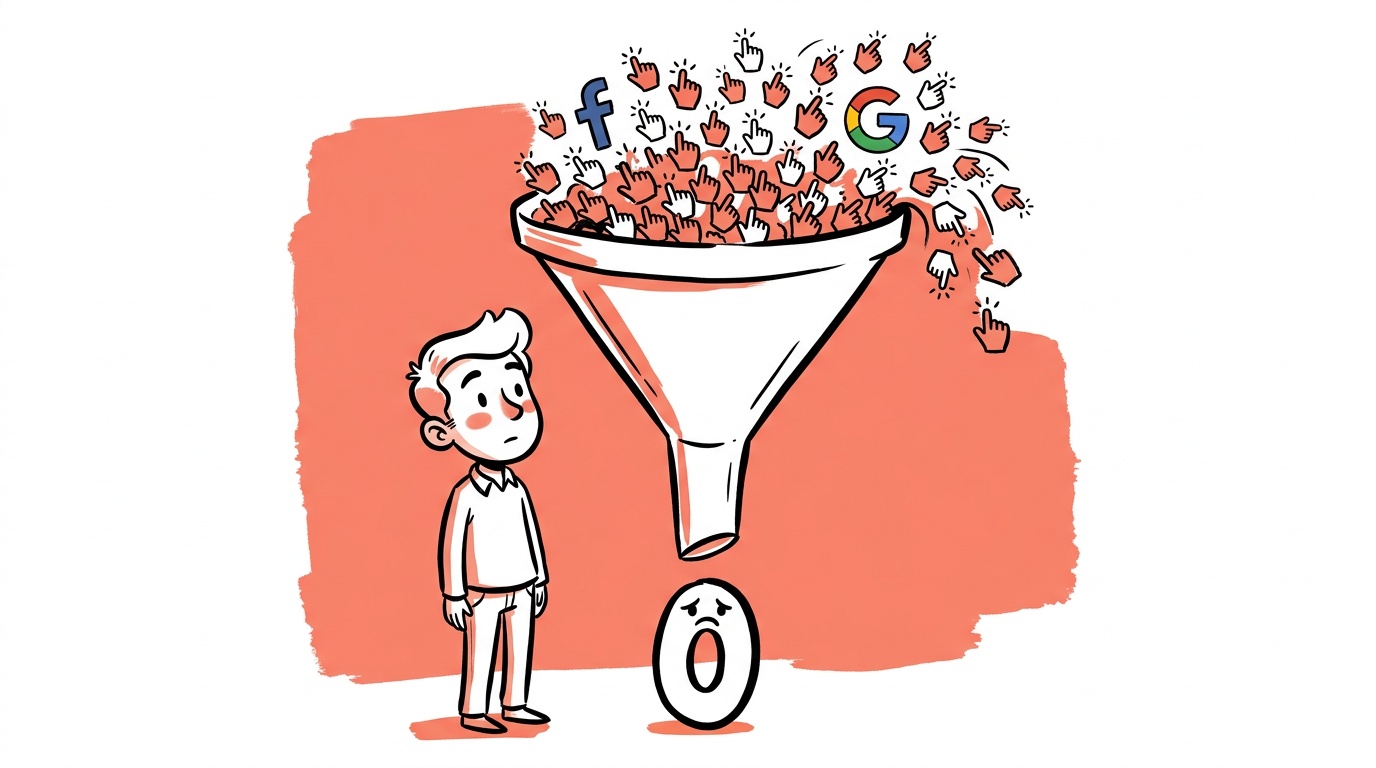

A high CTR with zero sales is not a good problem to have. It's a specific kind of expensive: you've already paid for curiosity. The platform delivered. Now something downstream broke, and you're burning real money to discover exactly where.
The hard part is that "high CTR" feels like proof the ad is working. It isn't. CTR measures the gap between impression and click. Everything that matters to your business happens after the click. Conflating the two is where most diagnostic conversations go wrong — and it's exactly the confusion we see repeated in practitioner forums, where advertisers burn through budgets trying to fix the wrong variable.
- A high CTR only proves the ad's promise was interesting. It says nothing about whether that promise matched what landed on the page.
- The three real suspects are intent mismatch (wrong audience), message mismatch (ad ≠ landing page), and friction (page speed, checkout flow, trust signals).
- Start diagnosis with your scroll depth and add-to-cart rate before you touch the ad creative.
- A sudden overnight performance cliff on Meta is most often audience fatigue or a signal shift — it needs a different fix than a slow-burn high-CTR/no-conversion pattern.
- You can isolate the bottleneck systematically in under a week without pausing spend, if you instrument the right events first.
Why High CTR Is a False Comfort
The click is the platform's success metric. It's how Meta and Google prove the ad unit is functioning. It's also the last moment the platform has any control. After the click, you own the experience entirely.
When someone in the r/PPC community posted about burning through budget on custom portrait painting ads — one sale, substantial spend — the underlying pattern was familiar: the ad creative was doing its job emotionally. People were curious. They clicked. Then they hit a landing page that didn't immediately justify the price point, had no visible social proof, and made a high-consideration purchase feel impulsive. The CTR looked fine. The funnel was broken at the trust layer.
That's a different problem than an ad that generates clicks from the wrong people entirely. And it requires a different fix.
Intent mismatch (wrong audience clicking) and message mismatch (right audience, broken page) both produce high CTR with low conversion. The metrics look the same. The treatments are opposite. Fixing your landing page when you have an intent problem wastes weeks. Tightening your audience when your page is broken wastes the same.
The Diagnostic Framework: Four Layers, One Bottleneck
Work from the outside in. Don't start at the ad. Start at the bottom of the funnel and move up.
Layer 1: Did They Actually Engage with the Page?
Before you assume the page converted badly, check whether people read it.
Pull scroll depth from your analytics tool. If your median user is scrolling less than 40% of the page, they are not being persuaded by below-the-fold copy — they're leaving before they see it. That's a headline or above-the-fold problem, not a product problem.
Check time on page. If average session duration is under 20 seconds for a product that requires any consideration, the page isn't holding attention. That's a structural content problem.
If you have heatmap data, look at where clicks are going. Rage clicks on non-interactive elements are a friction signal. Clicks on the primary CTA button that don't convert suggest a checkout or form problem downstream.
Layer 2: Is the Traffic Qualified?
A click from someone who was entertained by your ad is not the same as a click from someone who wants to buy your product.
The clearest signal of intent mismatch is an add-to-cart rate near zero. If people are landing, scrolling, and not adding to cart, the audience either can't afford the product, doesn't actually need it, or was promised something the page doesn't deliver.
Look at your click-through audience demographics if the platform exposes them. On Meta, check the breakdown of who is actually clicking versus who you targeted. Interest-based audiences in particular drift. The people Meta optimizes toward are the people who click on things, not necessarily people who buy things — especially early in campaign life before purchase signals accumulate.
One practitioner post in the r/PPC community framed this exactly right: high CTR but no purchases often means "Meta found people who like the content, not people who want the product." That's a targeting and signal problem, not a creative problem.
The Bottleneck by Metric: A Decision Table
If you have funnel events instrumented, this is the fastest way to read the drop-off map and know where to look first.
| Funnel Stage | Metric to Check | Low Rate Means | Most Likely Fix |
|---|---|---|---|
| Landing page | Scroll depth past 40% | Page lost them above the fold | Rewrite headline, tighten hero section |
| Landing page | Time on page under 20s | Content not holding attention | Structural content problem, not the ad |
| Product page | Add-to-cart rate near 0% | Intent or message mismatch | Audience targeting or page promise |
| Cart | Initiated checkout rate | Friction or price anchoring | Simplify cart, show total cost early |
| Checkout | Purchase completion rate | UX, payment options, trust | Remove required account creation, add payment methods, show security signals |
Read this top to bottom and stop at the first stage with a meaningful drop. That's your bottleneck. Fix it before touching anything else.
The Meta-Specific Version of This Problem
Meta has a particular failure mode worth calling out separately because it's structurally different from Google.
On Google Search, a click implies explicit intent. The person typed something. They wanted something specific. High CTR with no conversion on Search almost always points downstream — the page, the offer, or the checkout.
On Meta, a click implies only that the creative was interesting enough to tap. Intent is inferred by the algorithm based on behavioral signals. When those signals are fresh and sparse, Meta optimizes for engagement, not purchase. As a result, the early days of a new Meta campaign often look like high CTR with weak conversion. That's not a permanent state — it's the algorithm learning. The mistake is intervening too early.
The case of a Meta advertiser whose performance changed drastically overnight is the other end of this: the algorithm had been optimizing against a particular audience segment, that segment fatigued, and the system shifted to a new lookalike cluster that clicked but didn't convert. CTR stayed steady. Revenue dropped. The ad hadn't changed. The invisible audience had.
This is why looking only at CTR on Meta is structurally misleading. You need purchase conversion rate and cost per purchase as the primary signals, with CTR as a secondary diagnostic only.

Live today.
The full campaign — copy, images, targeting — generated for your site and deployed paused for your approval.
Message Match: The Gap Between the Ad and the Page
This is the most commonly broken layer and the easiest to fix once you see it. It is the same voice-shift problem we cover in why inconsistent messaging kills ad performance.
Your ad made a promise — explicit or implicit. The headline, the image, the offer, the tone. The landing page either continues that promise or it doesn't. When there's a gap, the user feels it immediately and leaves, even if they can't articulate why.
Concrete things to audit:
Headline continuity. Does the first line on your landing page echo the language from the ad? Not copy-paste — echo. If your ad said "custom oil portraits in 2 weeks" and your landing page opens with "Welcome to our studio," you've already lost the thread.
Offer consistency. If the ad promoted a discount, that discount must be visible above the fold. If it isn't, users assume they misread the ad or the offer expired. They leave.
Visual continuity. If your ad used a specific product image or color palette and the landing page looks visually disconnected, the user experiences a micro-moment of disorientation. On mobile, that's enough to drive a back-tap.
One of the most useful diagnostics here is to show the ad and the landing page to someone who has never seen your product. Ask them what they expect to be able to do on the page. If their answer doesn't match what the page is actually optimized for, you have a message match problem.
The Friction Audit: Speed, Trust, and Checkout
Assuming the message is right and the audience is qualified, friction is the remaining candidate.
Page speed. Google's own Core Web Vitals research documents the conversion impact of slow LCP (Largest Contentful Paint). A slow-loading hero image is a conversion killer that has nothing to do with your copy or offer. Check your LCP in PageSpeed Insights — if it's above 2.5 seconds on mobile, fix that before anything else.
Trust signals. For any product above roughly $50, visible social proof — reviews, user counts, recognizable press mentions — is functionally required. Their absence doesn't make people think "no proof yet." It makes people think "risk." Custom or high-consideration products are especially sensitive here. The portrait painting case is instructive: a $150+ custom product with no reviews visible above the fold is asking for a trust leap most users won't take.
Checkout friction. If you have add-to-cart data, compare it to initiated checkout and completed purchase. Drop-off between add-to-cart and checkout usually indicates a form, account creation, or payment options problem. Drop-off between initiated checkout and purchase is often a shipping cost surprise or a trust signal missing at the final confirmation step.
How to Isolate the Bottleneck in Practice
Here's the exact sequence we'd run if we inherited this problem today:
-
Instrument first. Before changing anything, make sure you have scroll depth, add-to-cart, initiated checkout, and purchase all firing as distinct events. If you're missing any of these, you're flying blind. (If GTM, GA4 and the ads tag each report a different number, start with getting conversion tracking to agree with itself.)
-
Read the drop-off map. Use the decision table above. Where does the funnel lose the most people? That single stage tells you what category of fix to run.
-
Segment by source. Split your data by traffic source. A landing page that converts well from email and poorly from Meta suggests an audience intent problem, not a page problem. A page that converts badly across all sources is a page problem.
-
Run a message-match audit before touching the ad. Write down the exact promise the ad makes. Then check whether the landing page fulfills it in the first screen. This takes 10 minutes and catches a large share of problems.
-
Test one variable. If you suspect the landing page, change the headline first. Not the layout, not the images — the headline. It has the highest leverage and the clearest signal.
Most advertisers jump to the ad when conversion breaks because the ad feels like the most controllable variable. It's usually the last thing that needs changing. The funnel reads back-to-front: start at the purchase, work upstream to the click.
When to Accept the Problem Is the Audience
Sometimes the landing page is fine. The offer is real. The checkout works. And the product genuinely doesn't suit the audience the platform found for you.
This is painful because the fix is expensive: you either wait for the algorithm to find better buyers (costly in time and budget), rebuild your targeting from scratch, or use first-party data signals to bias the audience toward people who behave like your actual customers.
On Meta, this means feeding purchase events back as the optimization signal as fast as possible — which is exactly what a correct Pixel and Conversions API setup exists to do. Meta's own conversion optimization guidance specifies a minimum purchase event volume per week before the algorithm can optimize reliably — until you hit that threshold, you're getting clicks from Meta's best guess, which skews toward engagement rather than purchase intent.
On Google Performance Max, the equivalent problem is asset group message mismatch combined with insufficient conversion data. PMax will find clicks. Whether those clicks convert depends entirely on the signal quality you've fed it.
The answer to "is it the audience or the page?" is almost always: instrument, read the scroll and add-to-cart data, check message match, then make the call. Most practitioners skip the first two steps and argue about the third indefinitely.
FAQ
Why does high CTR happen with low conversions? High CTR means the ad was interesting enough to click — it doesn't mean the traffic was qualified or that the landing page continued the ad's promise. The most common causes are intent mismatch (wrong audience), message mismatch (ad says one thing, page says another), or page friction (speed, trust signals, checkout problems).
How do I know if it's a landing page problem or an audience problem? Check your add-to-cart rate first. If it's near zero, compare conversion behavior across different traffic sources. Traffic that converts from one source but not another suggests an audience intent problem. Traffic that fails across all sources points to the page.
What's a normal conversion rate for a landing page from paid traffic? Benchmarks vary widely by product type, price point, and industry — which is why absolute numbers are less useful than directional analysis. Track whether your rate is improving or degrading week-over-week with controlled variables. WordStream's industry benchmark data is a reasonable starting reference, but treat any single number as a rough orientation, not a target.
Why did my Meta ads stop converting overnight without any changes? This is most often audience fatigue or a signal shift, not a platform glitch. Meta's algorithm moves between audience clusters as it optimizes. If the cluster it was using gets saturated, it shifts to a new one that may click differently but not buy. Check your frequency, audience overlap, and cost-per-purchase trend over the preceding two weeks before drawing conclusions.
Should I pause a high-CTR campaign that isn't converting? Not immediately. Pause only after you've checked message match, scroll depth, and checkout drop-off. If the page is clearly broken, pausing makes sense to avoid waste. If the diagnosis is unclear, reduce budget while you investigate rather than shutting off entirely — cold-starting a campaign carries its own costs.
How many conversions do I need before I can trust the data? For diagnostic purposes, you need enough events at each funnel stage to distinguish signal from noise — typically at least 30–50 events per stage before the pattern is readable. For Meta's algorithm to optimize toward purchase rather than engagement, the platform's guidance points to a minimum weekly purchase volume; check Meta's current Ads Manager help documentation for the exact threshold, since it has shifted across auction updates.
What's the fastest single thing to fix if I have high CTR and no sales? Check whether the headline on your landing page directly continues the specific promise made in the ad. That takes 10 minutes, it's free, and it's the highest-leverage single fix for message-match problems. If the headline already matches, check page load speed on mobile next using PageSpeed Insights.
The real takeaway: when CTR looks good and sales don't exist, you have localized information about one stage of a multi-stage system. Don't use it as a verdict on the whole funnel. Instrument every stage, read the drop-off map, and fix the biggest leak first. The answer is almost always visible in the data within a few days — if you're measuring the right things. The question is whether you set up the measurement before you started spending.
Live today.
The full campaign — copy, images, targeting — generated for your site and deployed paused for your approval.

We build AdControlCenter — AI-powered ad management for small businesses, online stores, SaaS companies and service providers. We write what we'd want to read: real numbers, no fluff, the things we wish we'd known when we started.
More from the team →