
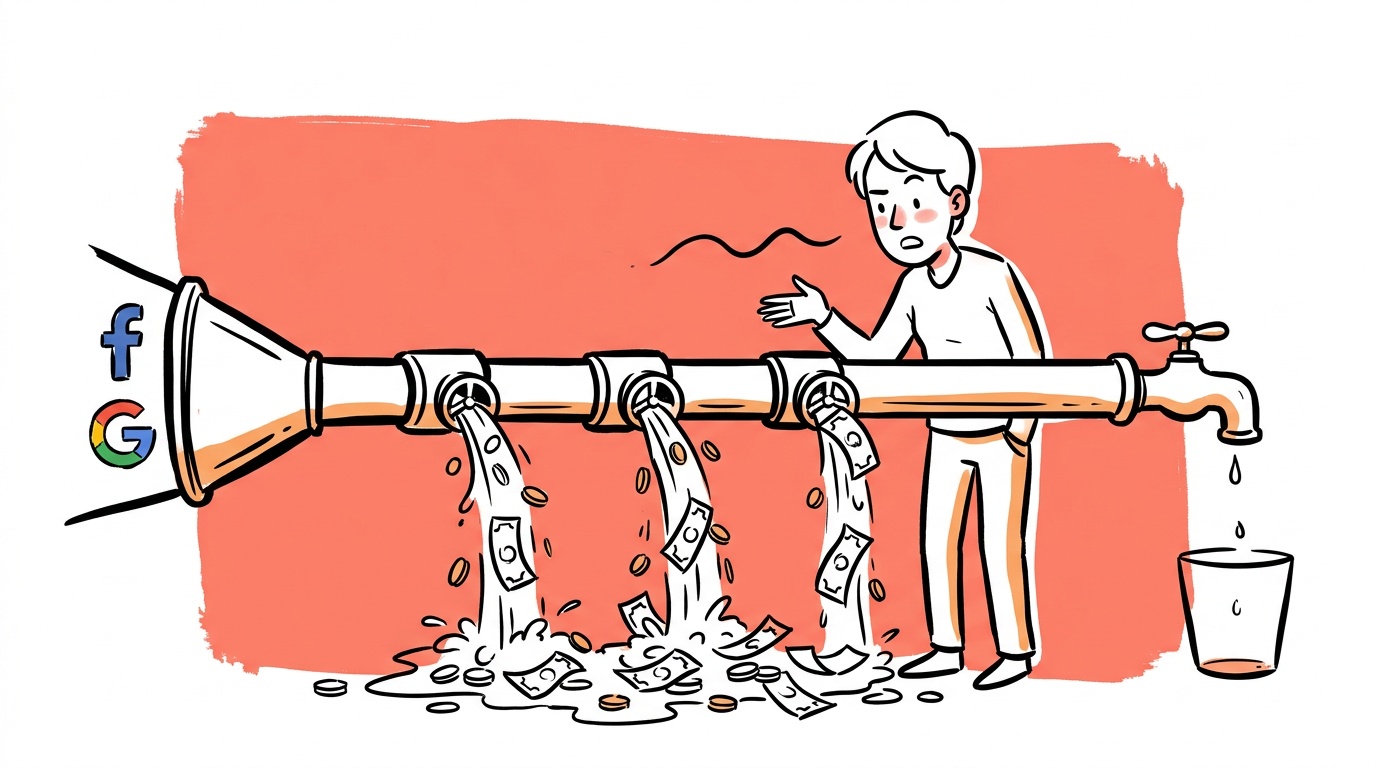

The most expensive part of your funnel is probably not your ad. It's the form you send people to, and the silence that follows after they submit it.
Founders spend hours testing headlines and creative, then paste in a seven-field form because the sales team "needs the info." Then a lead arrives and sits in an inbox until someone gets around to it. You paid for the click, earned the interest, and may have lost the deal in two places you never looked at.
The short answer to "how do I optimize a lead form and funnel?" Ask for only what you need to make the next contact, and make that contact fast. Every field you add gives some visitors a reason to leave. Every hour of delay gives the lead more time to talk to someone else. Check those two things before you touch another ad.
We're working from two short-form videos on exactly this: one on extra fields as leaks in your funnel, and one on how "let me get back to you" costs you deals. We don't have a controlled test of our own to quote here, so this post sticks to the reasoning and to how you can test it yourself.
- Every form field is a small cost the visitor pays; fields that don't change your next action are pure leak.
- Collect the minimum needed to contact and route the lead, then gather the rest after they've committed.
- Slow replies ("let me get back to you") can lose deals you already paid to win, especially on price questions.
- Check your form and your response time before you commission another round of ad creative.
- Test one change at a time and judge by cost per qualified lead, not raw form completions.
Why the form is a funnel leak, not a formality
Think of the form as a toll booth. The visitor has already clicked, read your page, and decided they're interested. Each field is another coin they must hand over, and some people will turn around at every booth.
The source video frames it the same way: every extra field is a leak in the funnel (watch). The framing is useful because leaks compound. You rarely lose one big chunk at one field. You lose a little at each, and the total is bigger than any single field suggests.
Fields cost differently. Name and email are cheap. A phone number feels invasive to many people. Company size, budget, and "how did you hear about us" ask the visitor to do work or reveal something before they've gotten anything back.
The field audit: keep, defer, or kill
Go through every field and ask one question: what will we do differently based on this answer in the first contact?
- Keep if you can't reach or route the lead without it (usually email, or phone if you call).
- Defer if it helps qualification but not first contact. Ask on the follow-up call, in a reply email, or on a second step after submission.
- Kill if nobody on your team has used the answer in the last quarter.
Be honest about the "defer" bucket. Sales teams often defend fields out of habit, and the real reason is rarely that the data drives a decision. It's that someone once wanted it.
What about qualification?
Fewer fields can mean more unqualified leads, and that's a real tradeoff. But a long form is a blunt filter: it screens out the impatient as well as the unserious. If low-quality leads are your concern, use one well-chosen qualifying question rather than five generic ones. A single "what are you trying to solve?" field often tells you more than a stack of dropdowns.
The second leak: "let me get back to you"
The other video makes a point that pairs neatly with the first: every "let me get back to you" can cost you a deal (watch). The form is only the front half of lead capture. If someone asks about price and you answer tomorrow, the shortened form bought you nothing.
The logic is simple. A person filling out a form is likely comparing options right now. The business that responds while attention is high is easier to say yes to. The one that replies later has to re-earn the interest, and may find the lead already talking to someone else.
Price questions are where this tends to hurt most. A deferral on "what does it cost?" can read as friction, and a competitor who answers plainly has an easy edge. We haven't measured this ourselves, so treat it as a hypothesis worth testing on your own leads.

Live today.
The full campaign — copy, images, targeting — generated for your site and deployed paused for your approval.
Fixing response time without hiring anyone
You don't need a sales floor. You need a short list of defaults:
- Send an instant confirmation that sets an expectation and answers the most common question, often pricing or a range.
- Publish a price or starting range where your model allows it, so the first reply isn't a stall.
- Route notifications to a phone, not an inbox someone checks twice a day.
- Use a booking link in the confirmation so interested leads can self-schedule.
- Write down your top five questions and keep ready answers for each.
If you can't give an exact price, give a range and what moves it. That's a real answer, and it beats "let me get back to you."
How to test this without fooling yourself
Form changes are easy to mismeasure. Three guardrails:
- Change one thing at a time. Cut fields in one test, change response time in another. Otherwise you won't know what worked.
- Judge by cost per qualified lead, not form completions. A shorter form will often raise completions. What matters is whether qualified leads and closed deals rise too.
- Segment by channel. Traffic from Meta lead forms behaves differently from Google search landing pages. Don't average them together.
Run each test long enough to see enough leads to trust the result, and track what happens after the submit, down to booked calls and closed deals, not just the form event.
Where this fits in your ad account
This is a funnel problem that shows up as an ad problem. When cost per lead looks high, founders cut budgets or rewrite creative. Often the click was fine and the conversion rate after it was the weak link. Before changing the ad, look at the landing page conversion rate and your median time to first reply. If either is poor, no creative change will fix the economics.
FAQ
How many fields should a lead form have?
As few as let you contact and route the lead. For many businesses that's name and email, or just email. Add a field only if you can name what you'll do differently because of it.
Do shorter forms always increase conversions?
They often increase completions, but not always qualified leads. Measure cost per qualified lead and closed deals, not submissions alone.
Should I ask for a phone number?
Only if you'll actually call. Many people hesitate to give a number, so if email follow-up works for your sales process, leave it off or make it optional.
What's the best way to qualify leads with a short form?
Use one open or multiple-choice question about their problem, then gather the rest in the follow-up conversation or on a second step after submission.
How fast should I respond to a new lead?
As fast as you can manage, ideally while they're still thinking about you. An instant automated confirmation plus a human reply soon after is a practical standard for a small team.
What should I say when someone asks about price?
Give a number or a range and explain what changes it. Deferring a price question is an easy way to lose a lead you already paid for.
Does this apply to Meta lead forms and Google landing pages?
Yes, though the tradeoffs differ. In-platform forms are already short and low-friction, so the bigger risk there is slow follow-up. On landing pages, field count matters more.
The takeaway
Open your form today and delete every field whose answer you wouldn't use in the first reply. Then check how long your last ten leads waited for a response. If you're not proud of that number, you've found your next test, and it's cheaper than any new creative.
Live today.
The full campaign — copy, images, targeting — generated for your site and deployed paused for your approval.

We build AdControlCenter — AI-powered ad management for small businesses, online stores, SaaS companies and service providers. We write what we'd want to read: real numbers, no fluff, the things we wish we'd known when we started.
More from the team →