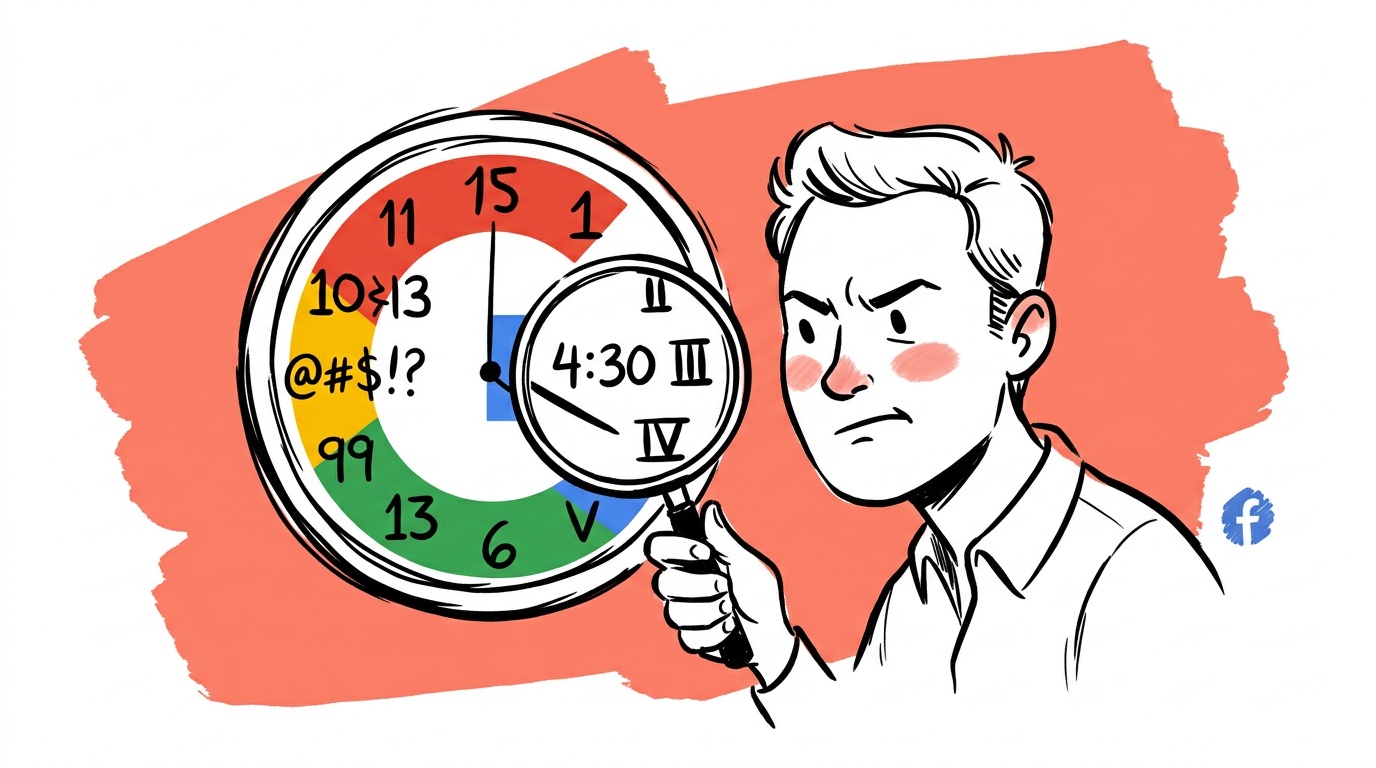



The most dangerous number in your Google Ads account isn't a high CPC or a low CTR. It's a conversion count that looks plausible but is structurally wrong — and the platform's reporting defaults are not designed to help you catch it.
Most founders discover this the hard way: they scale a campaign because the dashboard says it's working, revenue doesn't move, and they've burned months of budget trying to figure out why. The problem usually isn't the bidding strategy or the creative. It's that the platform is measuring something different from what you think it's measuring — and the gap between those two things is where money disappears.
TL;DR — Google Ads Reporting Accuracy
- Google's default attribution model (data-driven, previously last-click) assigns conversion credit in ways that routinely overstate paid ad contribution and understate organic, direct, and brand-channel assists.
- View-through conversions and cross-device attribution inflate reported results without reflecting actual incremental revenue.
- Conversion windows set to 30, 60, or 90 days mean campaigns get credited for purchases that happened long after the ad's real influence expired.
- Google Tag Manager misconfigurations — duplicate tags, misfiring triggers — are one of the most common causes of inflated conversion counts, and Google's interface gives you almost no warning when it happens.
- The fix is a three-layer audit: verify raw tag firing, reconcile platform conversions against your CRM or backend, and run a holdout test before trusting any optimization decision.
Google's Incentive Problem Is Baked In
Google Ads is an auction business. The more confident you are in your ROAS, the more you spend. That's not a conspiracy — it's the structure of the business. But it means the platform's reporting defaults are not designed for your benefit; they're designed to make results look attributable to Google.
This shows up in subtle ways. The default conversion window for purchase events is often set to 30 days, which means if someone clicks your ad today, doesn't buy, searches your brand name three weeks later, and converts, Google claims that conversion. Your ad was an assist at best. The platform calls it a win.
The default attribution model has also shifted across accounts over time — from last-click to data-driven — often without a prominent opt-in or a clear explanation of what changed in your specific account. Data-driven attribution distributes credit across touchpoints using a model Google trains on your account's data. The model is a black box. You cannot audit it. You are trusting Google's algorithm to fairly divide credit between Google's own channels and everything else.
When Google's data-driven model decides how much credit Google Ads gets versus organic search, email, or direct traffic, it is making a judgment call about its own channel. There is no neutral arbiter here. Default to external validation.
The Conversion Tracking Bugs Nobody Warns You About
Before you even get to attribution philosophy, there's a more immediate problem: many accounts have broken or doubled-up conversion tracking and don't know it.
The most common scenario goes like this. You set up a conversion tag in Google Tag Manager. A developer later adds a site-wide Google Ads tag directly in the codebase. Now the same purchase event fires twice. Google reports two conversions per transaction. Your cost-per-conversion looks half as expensive as it really is. You scale. You wonder why revenue growth doesn't match conversion growth.
Google's interface will sometimes flag this with a "Conversion action optimized for" warning or a "Tag inactive" notice, but it will not reliably warn you about duplicate firing. The Tag Assistant Chrome extension can catch it — but only if you think to look.
Other common misfires:
- Page-load triggers instead of event triggers. A "thank you" page conversion fires on every visit to that URL, including internal QA visits and return visits by the same user.
- Form submission triggers without success confirmation. The tag fires when someone clicks "Submit," not when the form actually succeeds. Failed submissions get counted as conversions.
- Micro-conversions promoted to primary conversions. If a scroll-depth or time-on-page event gets flagged as a primary conversion, Smart Bidding optimizes for that signal. Actual signups or purchases drop while the dashboard looks healthy.
These aren't hypotheticals. They surface when you do the unglamorous work of pulling raw tag firing logs and comparing them against backend order records.
What a Mismatch Actually Looks Like
When we've run transaction-level reconciliations for accounts — pulling the Transaction ID dimension from Google Ads exports and matching against CRM or Shopify records — the pattern is consistent: duplicate IDs in the Google export that map to single orders in the backend. Sometimes a handful. Sometimes a large share of total reported conversions. The ratio tells you how badly the tracking is broken and how much your apparent CPA is understated.
If your Google Ads export shows a transaction ID appearing more than once, that conversion has been double-counted. There's no ambiguity. It's a clean, auditable signal that doesn't require statistical inference.
View-Through Conversions: A Number That Means Almost Nothing
If you run display or YouTube campaigns, open your campaign report and look for the "View-through conv." column. This is the count of people who saw your ad (but did not click) and then converted within a set window — often 24 hours, sometimes longer.
The problem is that "saw your ad" means Google's ad server recorded an impression. It does not mean the user noticed the ad, read it, remembered it, or was influenced by it in any measurable way. An ad can be served in a browser tab the user never looked at, and if they convert the next day, Google counts it.
View-through conversions are not inherently worthless as a directional signal — high view-through rates relative to a strong creative can suggest brand awareness is building. But they should never be folded into the ROAS or CPA calculations you use to make scaling decisions. By default, many campaign types include them in total reported conversions. If you haven't explicitly excluded them, check whether they're inflating your numbers right now.

Live today.
The full campaign — copy, images, targeting — generated for your site and deployed paused for your approval.
The Brand-vs-Non-Brand Blind Spot
Here's a test worth running: pause your branded keyword campaigns for two weeks and watch what happens to conversions in your non-brand campaigns.
In many accounts, a meaningful share of "non-brand" conversions are coming from users who were already going to search your brand name — they just happened to click a non-brand ad somewhere earlier in their journey, so the platform credits that campaign. When you pause brand campaigns, some of those users find a competitor instead of typing your brand name directly. Conversions drop. But not because the non-brand campaign was doing the work you thought — because the brand campaign was doing it, and the non-brand campaign was an expensive middleman.
This is not an argument against non-brand advertising. Non-brand campaigns drive real new demand. The problem is treating platform-reported conversions as proof that a specific campaign caused a specific sale, when the actual customer journey is nonlinear and multi-touch.
The practical fix is incrementality testing — running geographic or audience holdouts to measure the lift a campaign actually creates versus what would have happened without it. Google has built holdout experiments into the Experiments tab, and they are genuinely useful. Most accounts never use them.
How to Actually Verify Your Numbers
Stop trusting the dashboard in isolation. Here's the audit sequence we recommend, in order:
Step 1: Raw tag verification. Use Google Tag Manager's Preview mode and the Tag Assistant extension to walk through a complete purchase flow on your live site. Confirm exactly one conversion tag fires, on the correct event (payment confirmation, not page load), with the correct transaction ID and revenue value being passed.
Step 2: Transaction-level reconciliation. Pull a date range of conversions from Google Ads with the "Transaction ID" dimension enabled. Export it. Match it against your CRM, Shopify order list, or backend database. Any transaction ID that appears more than once in the Google export is a confirmed double-count. Any Google conversion without a matching backend order is phantom data. Both categories inflate your apparent performance.
Step 3: Compare attribution models. Google Ads lets you run attribution model comparisons inside the reporting interface. Switch between data-driven, last-click, linear, and time-decay and look at how conversion credit shifts. A large divergence between data-driven and last-click — where data-driven assigns dramatically more credit to Google campaigns — is worth understanding before you trust it. It may be accurate. It may not be. You need a reason to believe it, not just a default.
Step 4: Validate against an independent source. Google Analytics 4 uses a different attribution model. Neither GA4 nor Google Ads is ground truth, but if your Google Ads dashboard shows a conversion count significantly higher than GA4 for the same campaigns and date range, you have a measurement problem that needs to be solved before you touch the bids. The gap is the signal.
Step 5: Run an incrementality test. For any campaign you're considering scaling, run a geo holdout or audience holdout experiment for at least two weeks. Measure the difference in conversion rate between exposed and unexposed groups. That delta is the campaign's real contribution. Everything else is correlation wearing a causal mask.
Passing a unique transaction ID into every conversion event is the single highest-leverage thing you can do to make Google Ads data auditable. Without it, you cannot deduplicate, you cannot reconcile, and you cannot catch doubles. It costs one engineering hour to implement and pays for itself the first time you find a mismatch.
What Smart Bidding Does When Your Data Is Wrong
Smart Bidding — Target ROAS, Target CPA, Maximize Conversions — is a feedback loop. It watches which auctions lead to conversions and bids more aggressively in similar future auctions. When your conversion data is inflated or miscategorized, you're training that feedback loop on the wrong signal.
The algorithm will optimize confidently toward whatever you give it. If your conversion tracking fires on every visit to the order-confirmation URL — including repeat visits by the same user — Smart Bidding learns to show ads to people who visit that URL frequently. That's often existing customers who already bought. You end up spending money to reach people who weren't lost.
This is why fixing the measurement layer is not a nice-to-have before scaling. It is the prerequisite. A well-structured campaign with broken tracking will degrade over time as Smart Bidding learns the wrong patterns. A less sophisticated campaign with clean, verified tracking will usually outperform it because the algorithm is steering toward the right outcome.
FAQ
What is Google Ads reporting accuracy, and why does it matter? Google Ads reporting accuracy refers to how closely the conversions, revenue, and ROAS figures in your dashboard reflect what actually happened in your business. It matters because Smart Bidding, budget allocation, and scaling decisions all depend on those numbers being trustworthy. When they're not, you optimize for a metric that doesn't connect to real revenue.
Why does Google Ads show more conversions than my CRM does? The most common causes are duplicate conversion tags firing on the same event, view-through conversions being folded into your totals, conversion windows that are longer than the ad's real influence, and cross-device attribution crediting the same purchase to multiple sessions. Exporting conversions with transaction IDs and reconciling them against your backend is the fastest way to diagnose which issue you have.
What is a view-through conversion in Google Ads? A view-through conversion is recorded when a user sees — but does not click — one of your ads, and then converts within a set window, often 24 hours. The user's actual awareness of or engagement with the ad is not verified; only that an impression was served by Google's ad server. These conversions are frequently included in total reported numbers but should be segmented out for any efficiency analysis.
How do I know if my Google Ads conversion tracking is accurate? Run the following checks: (1) Use GTM Preview mode to confirm exactly one conversion tag fires per transaction. (2) Enable the Transaction ID dimension in Google Ads reports and match exported conversions against your backend order records — any ID appearing more than once is a confirmed double-count. (3) Compare your Google Ads conversion count against GA4's conversion count for the same period. Large discrepancies indicate a tracking problem that needs to be fixed before you adjust bids or budgets.
What is incrementality testing in Google Ads? Incrementality testing measures the actual lift a campaign creates by comparing a group exposed to the ads against a holdout group that wasn't. The difference in conversion rate between the two groups is the campaign's true contribution. Google's Experiments tool supports geo-based holdout tests natively, and it's the closest you can get to ground truth on whether a campaign is driving new demand or just claiming credit for existing demand.
Does Google's data-driven attribution model favor Google channels? Data-driven attribution assigns fractional credit to touchpoints based on a proprietary model trained on your account's conversion data. Because the model isn't auditable, it's structurally difficult to verify whether it's neutral across channels. Independent tools — GA4, Northbeam, Triple Whale, or a last-click analysis in your CRM — give you an outside perspective to check the model's outputs against. Use them as a sanity check, not a replacement.
Should I trust Google Ads ROAS as my primary success metric? No. Platform-reported ROAS is a useful directional signal within the platform, but it's not a substitute for business-level measurement. The right primary metric is one your accounting system can verify: revenue per dollar spent, blended CAC, or contribution margin per acquisition. Use Google's ROAS as a relative comparison tool across campaigns, not as the number you use to justify budget increases or report to stakeholders.
The specific thing to do this week: pull your conversion report, add the Transaction ID column, export it, and count how many transaction IDs appear more than once. If you find duplicates, you have been training Smart Bidding on inflated data — and now you know exactly where to start fixing it.
Live today.
The full campaign — copy, images, targeting — generated for your site and deployed paused for your approval.

We build AdControlCenter — AI-powered ad management for small businesses, online stores, SaaS companies and service providers. We write what we'd want to read: real numbers, no fluff, the things we wish we'd known when we started.
More from the team →