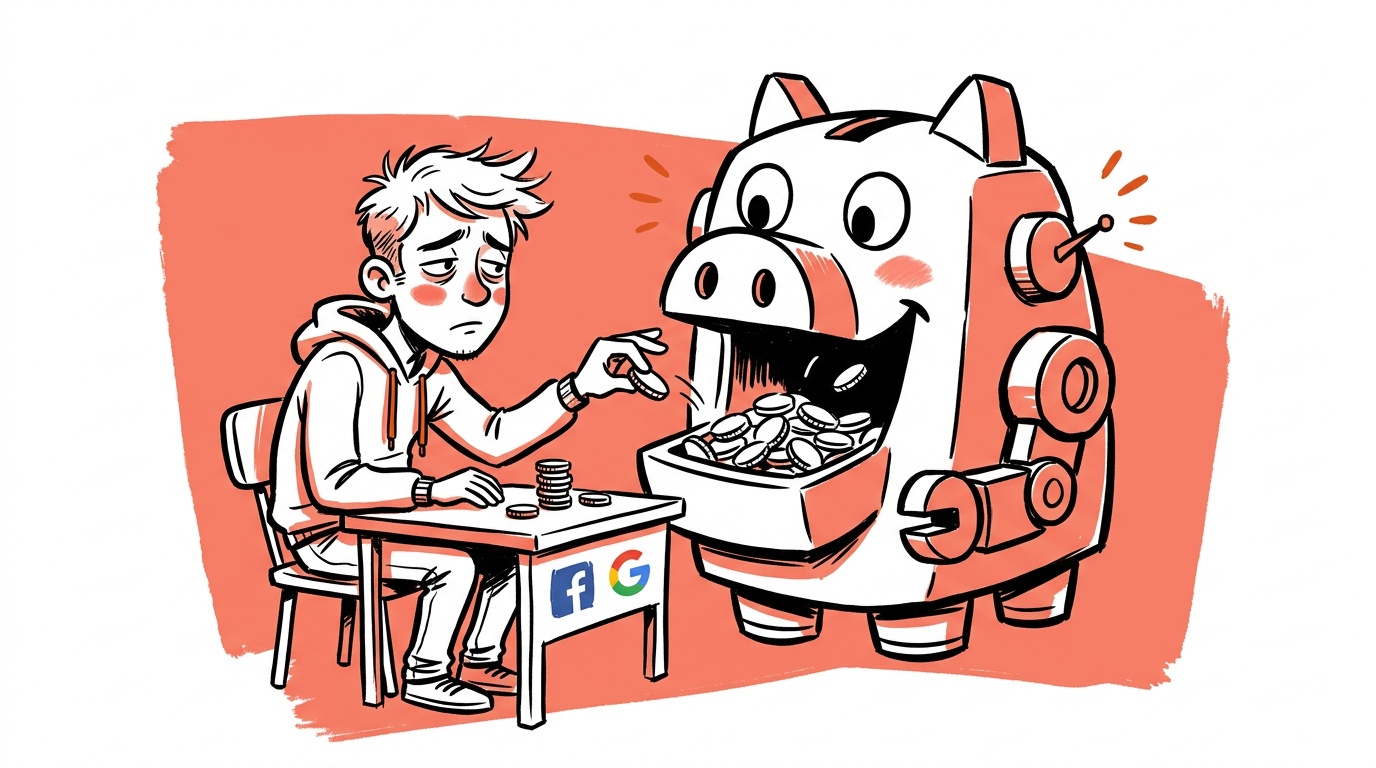
The most expensive bot in your account is not the one that clicks your ad. It's the one that fills out your form, fires your conversion pixel, and teaches your bidding algorithm that more traffic like it is exactly what you want.
Invalid clicks get the attention because platforms refund some of them. The bigger cost is quieter: once fake or low-quality traffic leaks into your conversion signals, you stop merely wasting spend and start optimizing toward the wrong audience. A wasted click costs you once. A contaminated conversion signal keeps costing you every day the algorithm acts on it.
The short answer to "what are bot traffic and invalid clicks?" Invalid clicks are clicks that can't represent real buyer interest: automated scripts, repeat accidental clicks, competitor or fraud-farm clicks, and non-human crawlers. Bot traffic is the broader category, covering any non-human visits to your site, paid or not. You stop the damage by filtering at the click, validating at the conversion, and refusing to feed unverified events back into your bidding.
- Invalid clicks are a spend problem. Bot-contaminated conversion data is a learning problem, and it costs more over time.
- Platforms filter some invalid traffic and credit some back, but they don't see your post-click behavior the way you do.
- Fake leads and fake conversions are the dangerous kind, because smart bidding treats them as success.
- The fix is layered: exclusions at the click, behavioral checks on-site, and qualified conversions sent back to the platform.
- Judge channels by downstream outcomes (qualified leads, revenue), not by clicks, sessions, or form fills.
Why fake traffic is an optimization problem, not just a waste problem
Treat a bad click as a one-time loss and you cap the damage at that click's cost. But automated bidding systems learn from outcomes. If a placement, audience, or geography produces a steady stream of cheap "conversions" that are really bots, the system correctly concludes that this inventory is efficient and buys more of it.
This is why accounts with falling cost per lead and flat sales are suspicious. A metric that improves while the business doesn't is a sign your optimizer found a loophole. It isn't a sign you got better at advertising.
When cost per conversion drops sharply but pipeline, revenue, or sales-accepted leads don't move, check the traffic before you celebrate the creative.
Where bots actually show up in paid accounts
Risk varies by channel. Here is where we look first.
Display and partner networks. Broad placement inventory, especially across low-quality apps and sites, is where accidental and automated clicks tend to concentrate. Reviewing placement reports and excluding obvious junk is the standard first move.
Lead forms. Native in-platform lead forms are easy to complete and easy to automate. Low friction is good for humans and for scripts alike.
Search with broad expansion. Looser matching and automated expansion can pull you into queries and surfaces you never chose. This isn't inherently bot traffic, but it widens the surface where low-quality traffic can slip in.
Your own site. Crawlers, scrapers, and automated agents hit landing pages constantly. Some are harmless, some distort your analytics, and some trigger tags that you then count as events.
Machine-mediated visits
More visits now come through software acting on a person's behalf: assistants that research, summarize, or browse. That makes attribution harder. Your measurement has to separate a human decision from an automated visit, and the cleanest way to do that is to anchor your conversion definition to something a script can't easily fake, like a verified email, a booked call, or a payment.
How to detect it without a fraud-detection budget
You don't need an enterprise vendor to find the first layer of problems. Look for patterns that real people rarely produce.
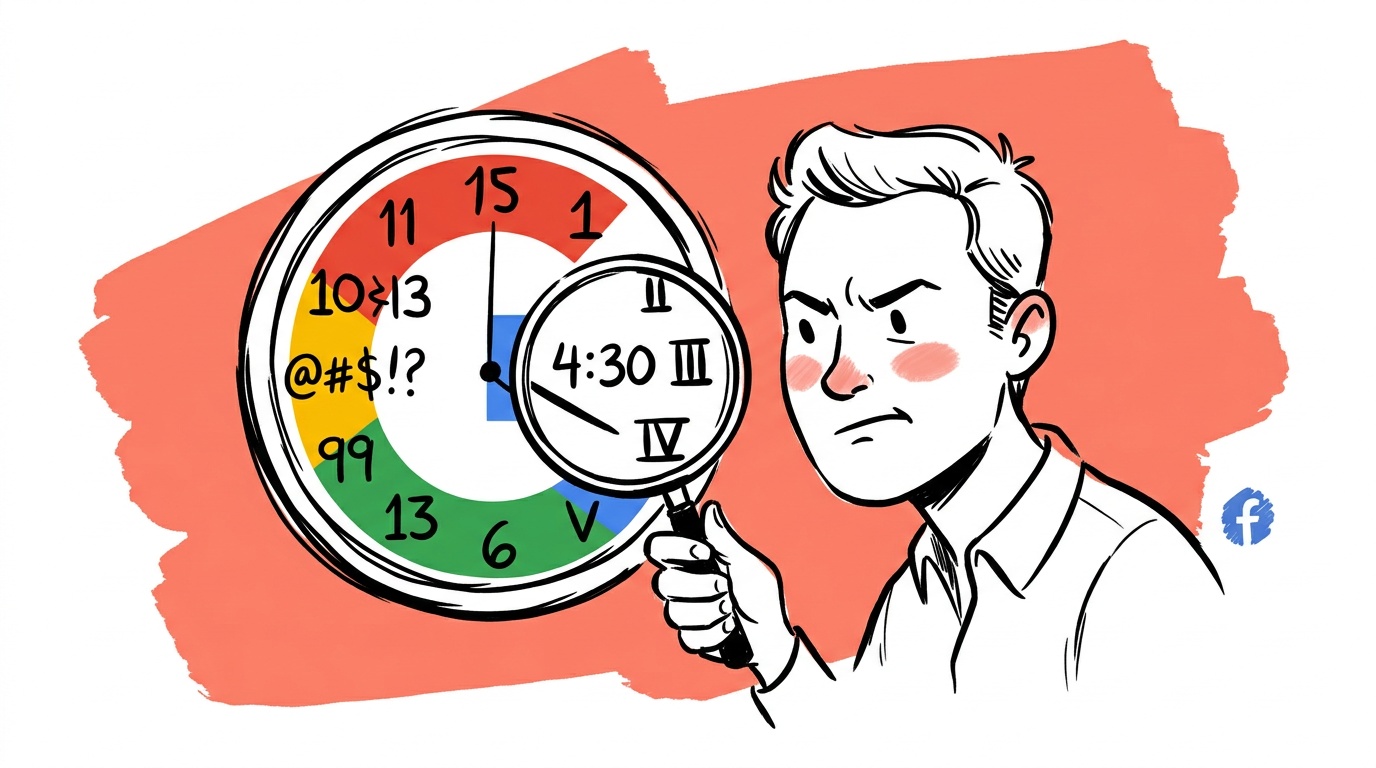
- Impossible engagement. Sessions lasting near zero seconds with a conversion attached, or conversions that fire faster than a person could read the page.
- Geography mismatches. Clicks and leads from regions you don't serve or target.
- Device and browser oddities. A sudden spike from one outdated browser version, one operating system, or one data-center-style network.
- Lead quality cliffs. Leads with gibberish names, disposable email domains, or phone numbers that fail basic validation.
- Click-to-session gaps. Many more ad clicks reported than sessions recorded. Some gap is normal (slow loads, blocked scripts), but a large and growing one deserves investigation.
- Placement concentration. A few obscure placements generating a disproportionate share of cheap conversions.
Segment first, then judge. Averages hide bots well, because a small contaminated slice can look like a healthy blend.

Live today.
The full campaign — copy, images, targeting — generated for your site and deployed paused for your approval.
What to do about it: three layers
Layer 1: Block at the source. Use platform exclusions for bad placements, apps, and geographies. Report suspicious activity through each platform's invalid-activity channels so credits can be considered. Google documents how it handles this in its invalid traffic help pages, and the Interactive Advertising Bureau publishes guidance on invalid traffic detection and filtration that is worth reading if you want the industry's own definitions.
Layer 2: Validate on the site. Add friction where it protects you. Use server-side validation on forms, honeypot fields, email and phone verification, and rate limiting. A bot-resistant form that costs you a sliver of human completions is usually a good trade if the leads that remain are real.
Layer 3: Feed the platform better signals. This is the step most founders skip. Rather than reporting every form submission as a conversion, send an offline or enhanced conversion only when a lead qualifies: answered the call, booked the meeting, or paid. Google describes the mechanics in its offline conversion import documentation, and Meta offers a similar route through its Conversions API. Once the optimizer is trained on qualified outcomes, junk traffic stops looking like success.
Don't overcorrect
Aggressive blocking has its own cost. Over-filtering can throw out real customers on VPNs, shared networks, or privacy-focused browsers. And weak targeting, a mismatched offer, or a bad landing page can look a lot like bot traffic. Before assuming fraud, confirm the pattern repeats across time and segments.
A sensible sequence:
- Segment by placement, geography, device, and campaign type.
- Compare click-to-session ratios and conversion-to-qualified-lead ratios across segments.
- Exclude the clear offenders and watch for a few weeks.
- Move your primary conversion goal downstream.
- Revisit quarterly, because bot behavior shifts.
Measure ownership, not just traffic
You can't fully trust where all your traffic comes from, and you can't fix the whole internet. You can build a first-party record of who your real customers are: verified emails, qualified leads, and closed revenue tied back to the click that started it.
That record is also your best defense. Platforms optimize toward whatever you tell them is valuable. If your definition of "valuable" is a verified human who bought, bots have a much harder time shaping your spend.
FAQ
What is the difference between bot traffic and invalid clicks? Invalid clicks are paid ad clicks that can't reflect genuine interest, including automated, accidental, and fraudulent ones. Bot traffic is any non-human visit to your site, whether it arrived through ads or not. Invalid clicks cost you media spend; bot traffic can also distort analytics and conversion data.
Do Google and Meta refund invalid clicks? Platforms filter a portion of invalid activity automatically and may issue credits for some of what they detect later. They don't catch everything, and low-quality traffic that simply fails to convert is generally not refundable. Check each platform's policy for specifics, starting with Google's invalid traffic help pages linked above.
How do I know if bots are hitting my ads? Look for near-zero session durations, traffic from regions you don't target, clusters of conversions from a single obscure placement or browser version, and leads with fake-looking contact details. Segment your data, because blended averages hide small contaminated slices.
Can bots make my smart bidding worse? Yes. If bots or junk leads trigger your conversion events, the algorithm treats them as successes and seeks more similar traffic. This is why optimizing toward qualified, downstream conversions matters more than blocking individual clicks.
Should I use a click fraud tool? It depends on spend and exposure. Accounts heavy on display, partner networks, or lead forms may benefit most. Start with free steps: placement exclusions, form validation, and qualified conversion imports. Add a third-party tool if you still see contamination you can't explain.
Are lead-gen campaigns more vulnerable than ecommerce? Often, yes. A form can be submitted by a script at almost no cost, while a purchase requires payment. That makes lead-gen conversions easier to fake, so qualification steps carry more weight.
How often should I audit traffic quality? At minimum quarterly, and immediately after any sudden improvement in cost per conversion that isn't matched by revenue.
The takeaway
Pull your last 30 days of conversions and sort them by whether a human ever followed up. If you can't answer that for a large share of them, your first fix isn't a bot filter. It's changing what you tell the algorithm counts.
Live today.
The full campaign — copy, images, targeting — generated for your site and deployed paused for your approval.

We build AdControlCenter — AI-powered ad management for small businesses, online stores, SaaS companies and service providers. We write what we'd want to read: real numbers, no fluff, the things we wish we'd known when we started.
More from the team →