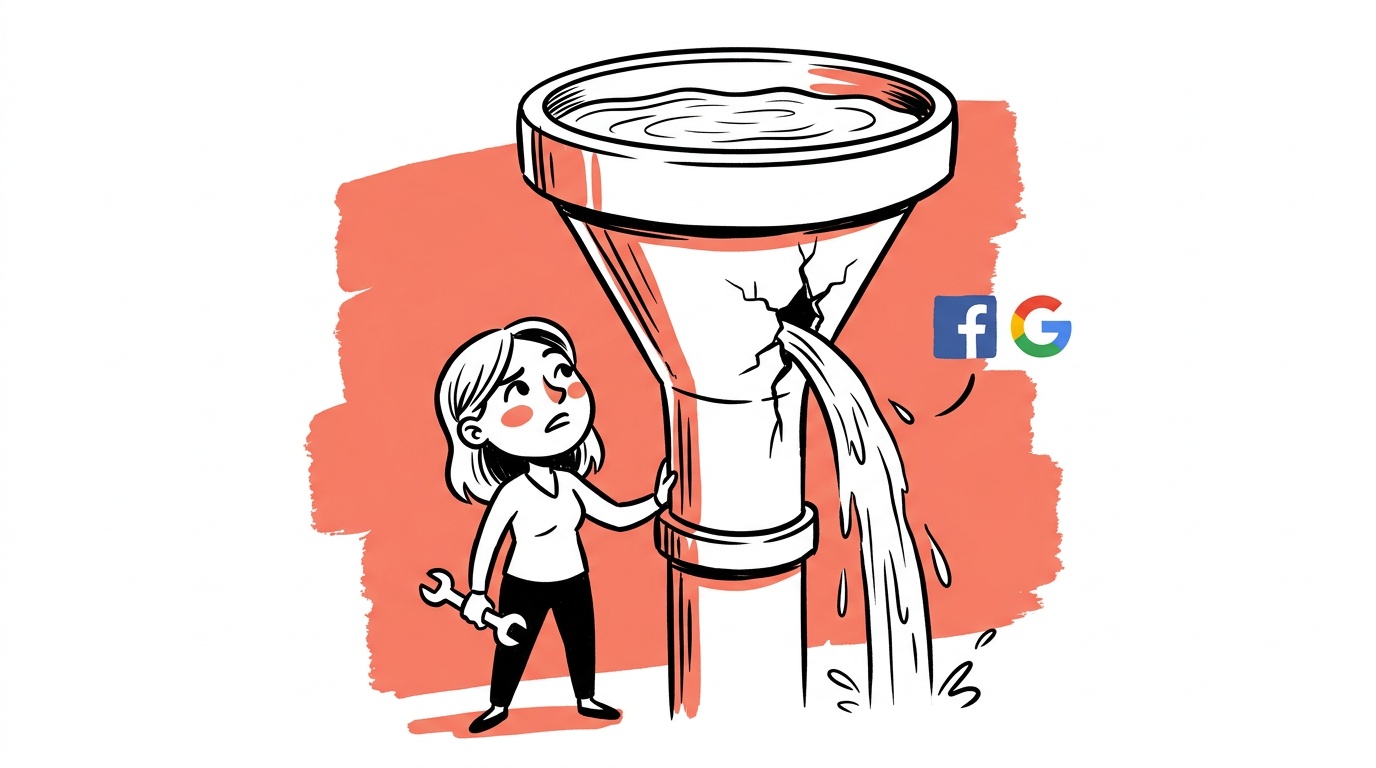
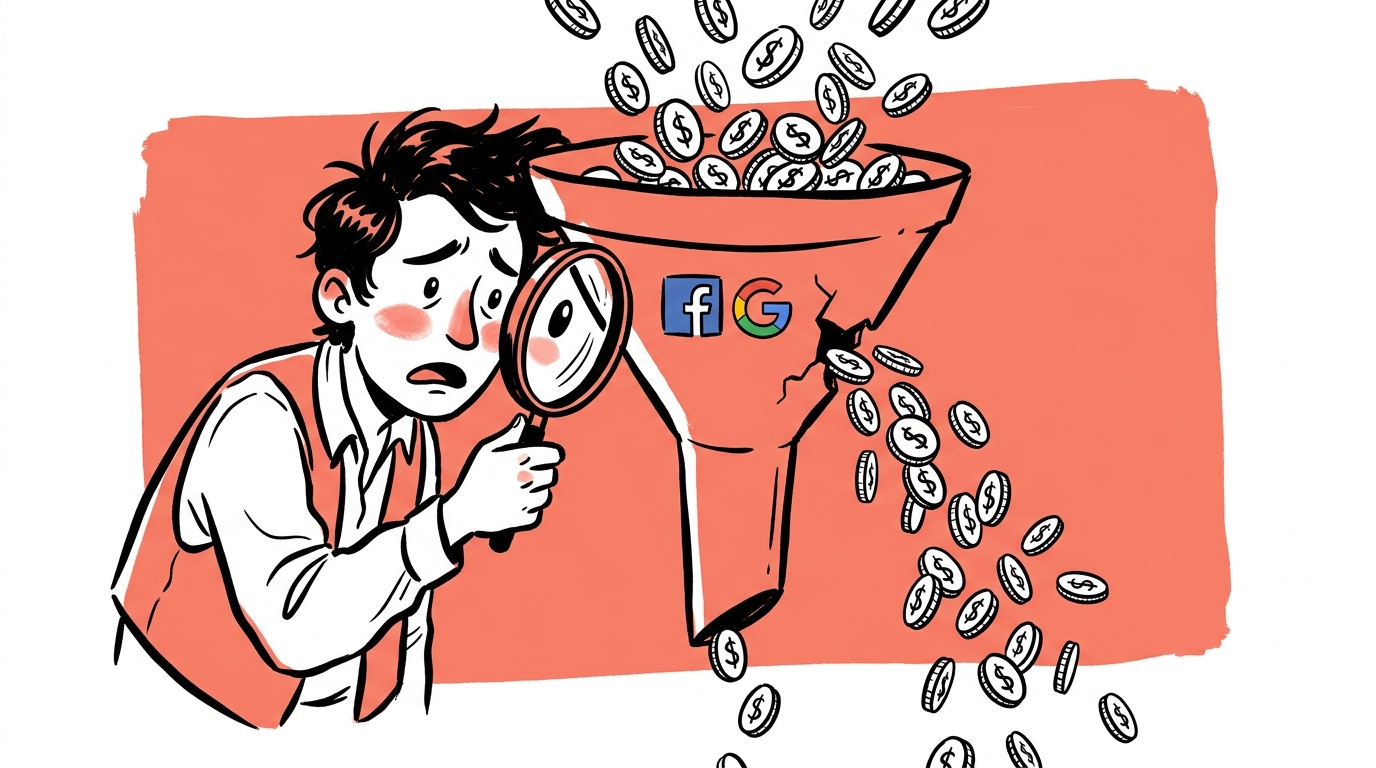
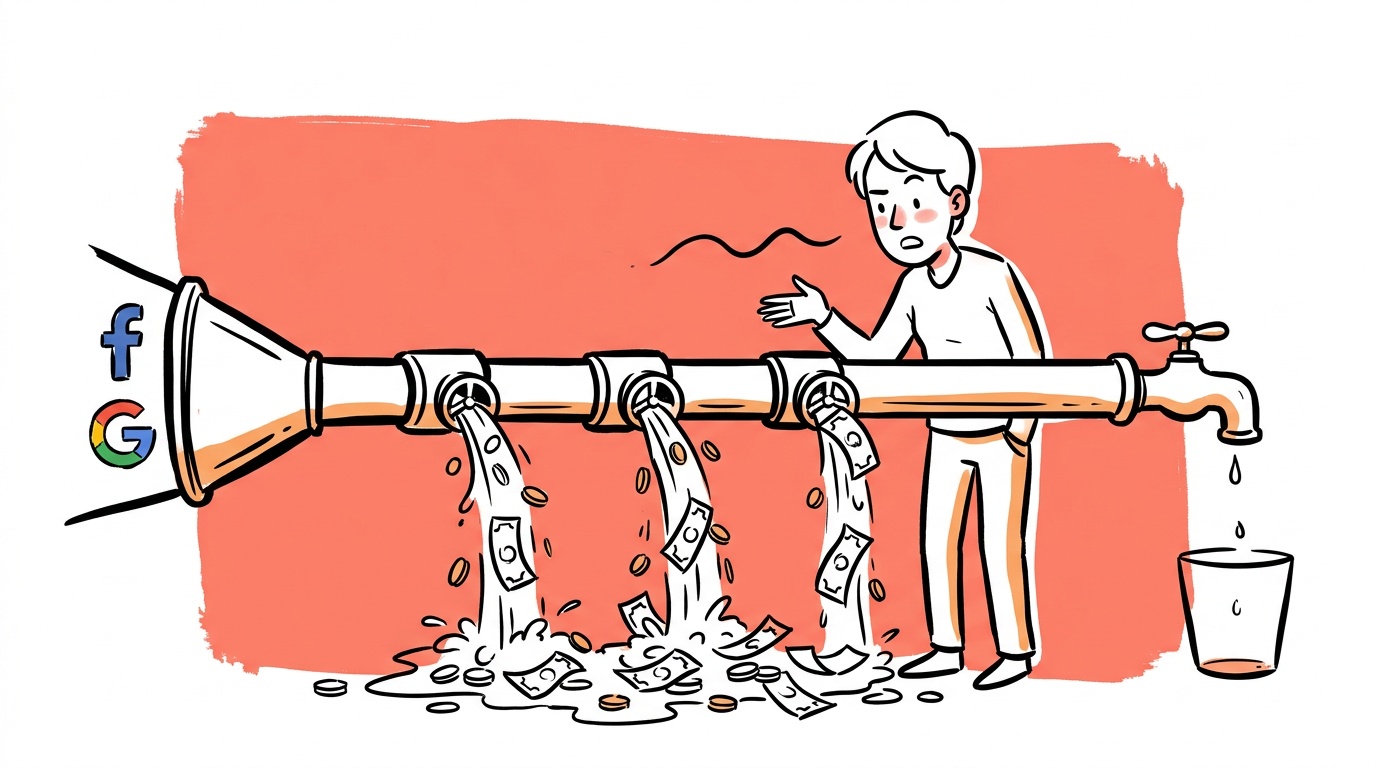
Most founders spend the morning adjusting bids and writing new ad copy. They rarely look at what happens after the click. That's the expensive mistake. You can run textbook-perfect paid campaigns and still bleed revenue if your checkout flow is broken — and "broken" rarely means a 404 error. It means friction so subtle you've stopped seeing it.
The painful part: your ad platform reports a click. Your analytics reports a session. Nobody reports the person who got to the payment screen, saw an unexpected shipping cost, and quietly left.
TL;DR — Checkout Conversion Leaks
- Unexpected costs at payment — shipping, taxes, fees — are the single most common abandonment trigger.
- Forcing account creation before purchase is a fast way to lose buyers who were ready to pay.
- Form length and mobile UX are underaudited; most founders test ad copy before they test their own checkout on a phone.
- Fixing checkout leaks compounds paid ad ROI: the same ad spend converts more without touching a single campaign setting.
- Before you diagnose anything, pull step-level funnel data — cart to address entry, address to payment, payment to confirm — and find which step loses the most buyers.
The Checkout Nobody Audited
Here's a question worth sitting with: when did you last complete a purchase on your own site, on a phone you've never used before, on a slow connection?
Most founders haven't done this recently. They set up the checkout once — or inherited it from a theme — and moved on to the more visible work of running ads. Meanwhile, the checkout quietly accumulated friction: an extra form field added during a tax compliance update, a shipping calculator that stopped working on mobile after a plugin update, a trust badge that now links to a broken page.
Paid traffic is expensive. Organic takes time. Either way, you are paying — in money or months — to get someone to that checkout page. Letting them leave because of a fixable UX problem is a cost with no upside, and it's usually not a decision at all. It's an omission.
Your ad dashboard shows cost-per-click and cost-per-add-to-cart. It almost never surfaces cost-per-abandoned-checkout as a first-class metric. That gap in visibility is exactly why the problem persists.
The Six Places Checkouts Break
Not all leaks are equal. Some are catastrophic and obvious once you look. Others are chronic and quiet. Here are the six spots that account for most of the damage.
1. Surprise Costs at Payment
This is the most documented abandonment trigger across the industry. A buyer sees a product price, commits mentally to that number, adds to cart — and then at the final step discovers the real price is meaningfully higher because of shipping, taxes, or processing fees. The psychological effect isn't just disappointment. It feels like a bait-and-switch, even when it isn't intentional.
The fix is blunt: show the full landed cost as early as possible. If you can display a shipping estimate on the product page, do it. If your margin allows free shipping above a threshold, make that threshold visible before the buyer starts checkout. Transparency here isn't a nicety — it's a conversion lever.
2. Forced Account Creation
Requiring someone to create an account before they can buy benefits the merchant — email capture, repeat purchase data — while costing the buyer time and cognitive load. Many buyers will not create an account for a brand they haven't purchased from yet. They have no reason to trust that you'll handle their credentials well, and they're not sure they'll ever come back.
Guest checkout should be the default path, not a secondary option buried below a large "Create Account" form. Offer account creation after the purchase confirms — at that point the buyer is a customer, they're happy, and the ask lands very differently.
3. Form Friction
Count the fields in your checkout form. Now ask: which of these are actually required to process the payment and ship the order? Often there are extras — a phone number field that isn't used for order updates, a "Company name" field that made sense for a B2B pivot three years ago, an optional "How did you hear about us?" dropdown that breaks the flow.
Every unnecessary field is a small chance to lose the buyer. On mobile, it's a larger chance because typing is slower and autocomplete behavior is less predictable across browsers.
4. Mobile UX That Nobody Tested on Mobile
A large share of paid traffic — especially from Meta and TikTok — arrives on phones. If your checkout was designed on a desktop and tested on a desktop, you may have a gap between the experience you think you're delivering and what a mobile buyer actually encounters.
Things that break on mobile that look fine on desktop: buttons too close together to tap accurately, card input fields that don't trigger the numeric keyboard, shipping address autocomplete that fights with the browser's native autofill, and progress indicators that fall off the screen edge.
The test here is manual and takes about ten minutes: put your URL in a browser on your actual phone — not Chrome DevTools preview mode — and complete a real purchase using a test discount code. Record your screen. Watch it back.
5. Slow Page Load at Payment
Speed problems during checkout are categorically worse than speed problems on a landing page. On a landing page, a slow load is annoying. On the payment screen, it creates genuine doubt: Did my card get charged? Is something wrong? Should I refresh? Buyer anxiety spikes, and anxious buyers abandon.
Google's research on page speed and conversion is extensive. The practical rule: if your payment page takes more than three seconds to load on a mid-range mobile device, you have a measurable problem worth fixing before you increase ad spend.
6. Trust Signals That Don't Land
Security badges, SSL indicators, money-back guarantee copy, and review counts all help at checkout — but only if they're credible and correctly placed. A trust badge that links to a broken certification page introduces doubt at the worst possible moment. Outdated review counts on a site that's been running for years read as neglect.
Audit your trust signals as you would audit an ad. Are they current? Do the links work? Are they positioned near the payment button, where anxiety peaks — or are they in the footer where nobody looks?
Do You Actually Have a Problem? A Quick Benchmark
Before you start changing things, establish whether your numbers are out of range.
Checkout conversion varies by industry, price point, and traffic source, so there's no single "correct" number. That said, the Baymard Institute's research on cart abandonment puts average documented abandonment rates in e-commerce well above half of all initiated checkouts — meaning most stores lose the majority of people who start the process. If your step-level funnel shows a large drop between payment details entry and order confirmation, that's a payment-stage problem. A large drop between cart and address entry points to something earlier — often account creation friction or sticker shock from a shipping estimate appearing for the first time.
The useful diagnostic isn't your overall checkout conversion rate in isolation. It's the conversion rate at each individual step, segmented by device and traffic source. That's where the specific leak shows up.

Live today.
The full campaign — copy, images, targeting — generated for your site and deployed paused for your approval.
The Paid Ads Multiplier Effect
Here's the case for fixing checkout before scaling ad spend: every improvement in checkout conversion rate applies to all your traffic, not just the marginal traffic from your next campaign.
If you double your ad budget, you get roughly twice the revenue at twice the cost. If you fix a checkout leak and improve conversion rate meaningfully, that improvement applies to your existing traffic and your scaled traffic. The economics compound in a way that ad optimizations alone don't.
How to Find Your Specific Leaks
Knowing the common failure modes is useful. Finding your specific leak requires data.
Session recordings (tools like Hotjar or Microsoft Clarity) show you exactly where people stop engaging. Watch recordings filtered to "sessions that reached checkout but did not purchase." Look for rage clicks, scroll hesitations, and form abandonment patterns. This is not a statistical exercise — you're looking for a qualitative pattern that repeats.
Funnel analytics at the step level are essential. You need to see, for each checkout step, how many people entered and how many proceeded. A drop from cart to shipping address entry is a different problem than a drop from shipping to payment. Most e-commerce platforms expose this natively; if yours doesn't, it's worth instrumenting.
Heatmaps on mobile are underused. Desktop heatmaps look fine. Mobile heatmaps frequently show that buttons are being tapped in the wrong place, which means they're sized or positioned incorrectly.
Abandoned cart emails give you a natural experiment. If a large share of your abandonment recoveries happen when you include a discount in the first email, that's evidence the original price — including shipping — was the barrier. If recoveries happen even without a discount, the barrier was more likely friction than price.
The Traffic Source Matters for Checkout Design
Not all traffic arrives with the same intent or patience level.
Someone who found you through a detailed organic search query has done research. They've self-qualified. They're likely to tolerate a slightly longer checkout because they're committed to solving a specific problem.
Someone who tapped a Meta ad because a product looked interesting is in a different headspace. They're browsing. Their checkout needs to be faster, clearer, and more trust-forward — because they don't have the same pre-built confidence in your brand.
This matters for checkout design because the same flow may convert differently across channels. If you're running significant paid social spend, benchmark your checkout conversion rate specifically for that traffic segment, not blended across all sources. A checkout that works well for search traffic can underperform badly for paid social traffic and vice versa.
Blended checkout conversion rates hide channel-specific problems. A drop in paid social conversion after adding a form field may not appear in your overall numbers if search traffic is growing at the same time.
What to Actually Fix First
If you're time-poor and want a prioritized list:
- Pull step-level funnel data. Find which exact step loses the most buyers before you change anything.
- Audit your shipping and fee disclosure. Move cost transparency as early in the funnel as possible.
- Enable guest checkout as the primary path. Move account creation post-purchase.
- Complete a real purchase on your phone. Record it. Fix what you see.
- Check your payment page load time using PageSpeed Insights. Poor mobile scores cost you money.
- Watch ten session recordings of people who abandoned at checkout — not random sessions, specifically people who reached checkout and left.
- Verify every trust signal links correctly and that the content behind it is current.
FAQ
What is a checkout conversion leak? A checkout conversion leak is any point in your payment flow where potential buyers exit without completing a purchase. Common causes include unexpected costs, required account creation, slow page loads, and poor mobile UX. The term "leak" reflects the fact that you've already paid to acquire the visitor — the revenue is lost after the click.
What is the most common reason people abandon checkout? Unexpected costs at payment — shipping fees, taxes, and processing charges that weren't visible earlier in the browsing experience — are consistently the most cited abandonment trigger. Showing full landed costs earlier in the funnel reduces this drop-off.
How do I find where my checkout is leaking? Use step-level funnel analytics to see where drop-off happens, then use session recordings (Hotjar, Clarity, or similar) filtered to abandoned checkout sessions to understand why. Watching ten to twenty recordings is usually enough to identify the most common failure pattern.
Should I fix checkout before scaling paid ads? Yes, in almost every case. Improving checkout conversion applies to all your traffic — existing and future. Scaling ad spend into a leaking checkout multiplies your costs without proportionally multiplying revenue. Fix the checkout first, establish your real unit economics, then scale.
Does forced account creation really hurt conversions? Yes. Many buyers will not create an account for a brand they're purchasing from for the first time. Guest checkout should be the default. You can offer account creation after the order confirms, when the buyer is already happy and has reason to trust you.
How important is mobile checkout optimization if most of my traffic is desktop? Check your actual traffic split before assuming. Paid social traffic skews heavily mobile, often more than founders expect. Even if desktop is your majority, a mobile conversion rate that's significantly lower than desktop represents a real revenue opportunity worth investigating.
What's the fastest way to test my own checkout for problems? Complete a real purchase on your phone using a test discount code that brings the total to a small amount. Record your screen. Watch it back. This takes under twenty minutes and surfaces problems that weeks of analytics review can miss.
The honest question to end on: if you pulled up your checkout funnel drop-off data right now, would you know which step loses the most buyers? If the answer is no — or if you'd have to ask someone to pull that for you — that's the first thing worth fixing, before the next campaign launches.
Live today.
The full campaign — copy, images, targeting — generated for your site and deployed paused for your approval.

We build AdControlCenter — AI-powered ad management for small businesses, online stores, SaaS companies and service providers. We write what we'd want to read: real numbers, no fluff, the things we wish we'd known when we started.
More from the team →