
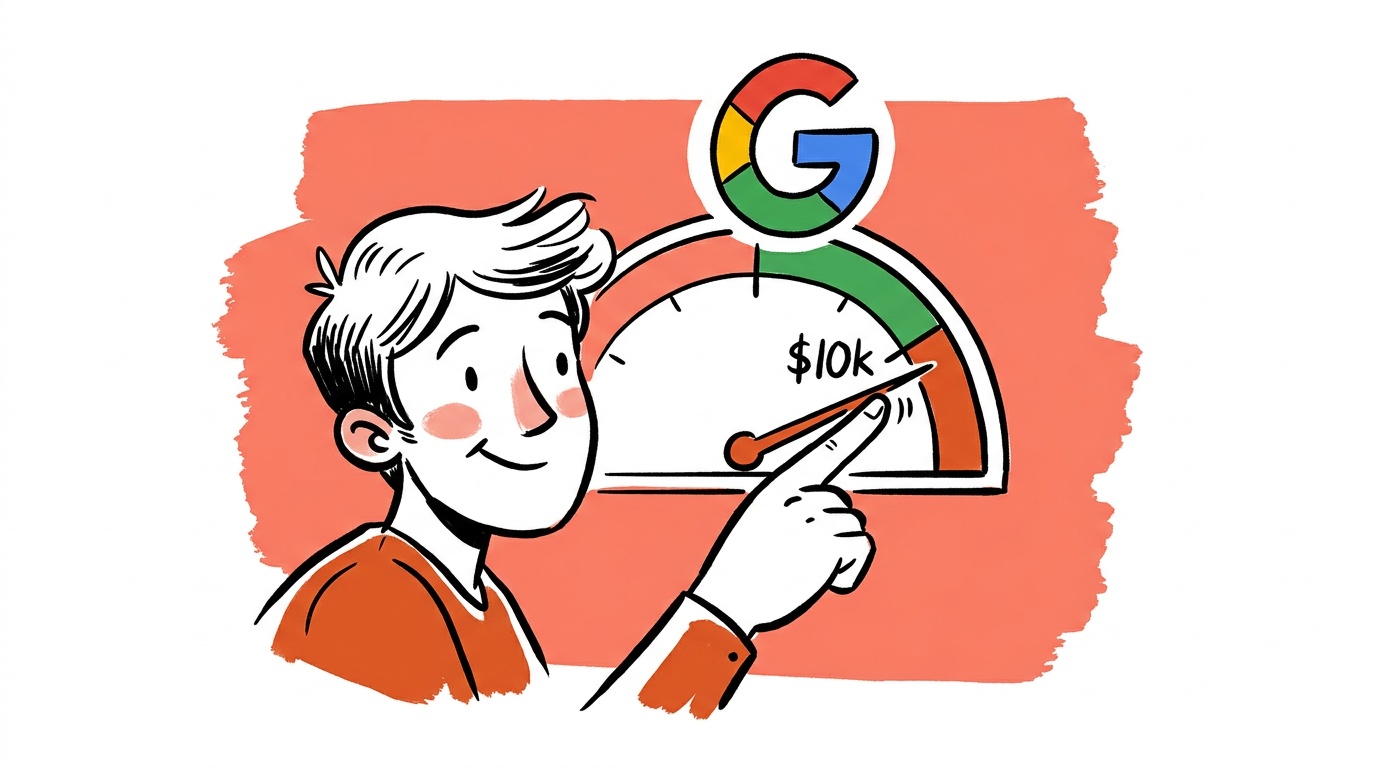


Most Google Ads lead-gen accounts are optimizing for the wrong thing. They're chasing form fills. Sales gets a list of names, works through it, closes almost nothing, and blames the channel. The channel isn't broken — the feedback loop is.
The fix isn't a new campaign type or a smarter audience. It's a measurement change that makes Google's algorithm bid toward the leads your sales team actually wants, not just the ones who clicked a button. Once that signal is in place, Smart Bidding has something real to optimize toward. Until it is, you're paying full price for noise.
TL;DR — Google Ads Lead Quality: 5 Things That Actually Matter
- Optimizing for form fills without tying conversion data back to CRM outcomes teaches Smart Bidding to find more bad leads, not better ones.
- Qualified lead rate — not total lead volume — is the metric that predicts revenue. Track it, import it, bid to it.
- Negative keyword maintenance is not a one-time setup task. It is a recurring cost-of-doing-business that many accounts abandon after month one.
- Ad copy that pre-qualifies (price anchors, job titles, industry specificity) improves lead quality before the click, which lowers CPL for the leads that matter.
- Offline conversion imports and Google's Enhanced Conversions give the algorithm a downstream signal; without them, Smart Bidding is flying blind on quality.
Why "Cost Per Lead" Is the Wrong North Star
CPL is seductive because it's easy to calculate and drops satisfyingly when you expand match types or lower bids. The problem: it measures efficiency at acquiring conversions, not at acquiring revenue-generating humans.
When we look at accounts that report high frustration with Google Ads, the pattern is almost always the same. CPL is tracked carefully. Qualified lead rate — the share of leads that a salesperson would actually call back — is not tracked at all. The campaign is hitting its cost targets, generating plenty of leads, and delivering almost no pipeline.
The swap: define what a qualified lead means in your business (job title, company size, service area, whatever the gate is), track that status in your CRM, and build an import pipeline that sends that signal back to Google. That's the foundation. Everything else is secondary.
The Offline Conversion Import Stack (And Why Most Teams Skip It)
Google's offline conversion import lets you send CRM outcomes — qualified, opportunity, closed-won — back to the platform tagged to the original click. Smart Bidding ingests these signals and shifts spend toward the users, keywords, and times of day that produce downstream value, not just form completions.
The reason most teams skip it: it requires coordination between marketing and whoever owns the CRM, usually sales ops or RevOps. That handoff is slow and politically awkward. Marketing doesn't want to wait. So they ship the campaign with "lead form submitted" as the primary conversion and never revisit it.
The setup isn't technically hard. You export a CSV or use a webhook from your CRM (Salesforce, HubSpot, and most mid-market tools support this natively), match on Google Click ID (GCLID), and import the qualified-lead event back into Google Ads with a delay that reflects your actual sales cycle. Google recommends importing conversions within 90 days of the click; the sooner the data arrives, the more useful it is for bidding.
Implementation: What the Import Actually Requires
Getting this working cleanly is mostly a data-plumbing problem. Here's what you need at each step:
Required fields for the import file: GCLID (captured at form submission and stored in your CRM), conversion name (must match exactly what's defined in your Google Ads account), conversion time (ISO 8601 format, reflecting when the lead hit the qualified stage), and conversion value (optional but useful if deals have different sizes).
Common failure modes: The most frequent is GCLID not being captured at all — this happens when the landing page doesn't pass the parameter through to a hidden form field, or when a redirect strips it. Verify capture is working before you build the rest of the pipeline. The second most common failure is a mismatch between the conversion name in the import file and the name in Google Ads. That mismatch causes the import to silently fail.
Validation: After your first import batch, check the import history inside Google Ads under Tools and Settings — Conversions — Uploads. Rows with errors are listed there with reasons. Don't assume success; confirm it.
Enhanced Conversions as a Complement
Enhanced Conversions for Leads is a separate mechanism that hashes first-party data — email address, phone number — collected at the point of form submission and sends it to Google for match-back. This helps recover attribution on conversions where the GCLID was lost (cross-device journeys, browser restrictions, delayed form fills). It's not a replacement for offline conversion import; it's a signal booster that runs in parallel. Both should be on.
Negative Keywords: The Work That Never Ends
A large share of wasted lead-gen budget lands on search terms that were never going to convert into real customers. Informational queries, competitor brand names you can't afford, job seekers, students, and people in the wrong geography all click ads and fill out forms.
The standard advice — build a negative keyword list before launch — is necessary but not sufficient. Search term reports surface new junk every week, especially as match types have broadened. Broad match in particular will chase queries you'd never consciously target.
What the accounts that get this right do differently:
- Weekly search term review for the first 90 days, shifting to bi-weekly once the account matures. Not monthly. Not "when I remember."
- Shared negative keyword lists applied at the account level, so a bad term blocked in one campaign is blocked everywhere.
- Intent filtering at the query level: terms containing "free," "DIY," "course," "job," "template," and similar modifiers often signal the wrong buyer. Test, don't assume — some businesses sell to exactly those people.
The Google Ads Search Terms report is the primary tool here. Pull it, sort by cost, and work down the list. It's not glamorous. It works.

Live today.
The full campaign — copy, images, targeting — generated for your site and deployed paused for your approval.
Ad Copy That Does the Qualifying for You
The cheapest way to improve lead quality is to write ads that discourage the wrong people from clicking. Every irrelevant click you prevent is money you keep — and a conversation your sales team doesn't have to waste time on.
Specific tactics that work:
Price anchors. If your service starts at a minimum engagement size that filters out small accounts, say so. "Enterprise plans from $X/month" will cut click-through rate from budget shoppers and increase the qualified rate of what remains. You will pay less in absolute terms for better leads.
Job title and role signals. "Built for operations managers" or "for CFOs managing multi-entity books" tells the audience whether the ad is for them. The right person self-selects in. The wrong person self-selects out.
Specificity over cleverness. Vague benefit headlines ("Grow Your Business") attract everyone and qualify no one. Specific outcome headlines ("Cut AP processing time by eliminating manual invoice entry") attract fewer people and convert a higher share of them.
This isn't about making the ad less appealing. It's about making it appealing to exactly the right person and actively unappealing to everyone else.
Every dollar of wasted click spend you prevent through tighter copy is a dollar you don't need to recover through downstream qualification. Most teams spend far more time optimizing landing pages than they do on ad-level filtering — and that ratio is usually backwards.
Landing Page Alignment: The Gap That Kills Conversion Quality
Even when the keyword targeting is right and the ad copy is filtering correctly, the landing page can undo everything. A generic homepage or a form that asks for no qualifying information will produce a generic, unqualified lead pool.
Two things to get right:
Message match. The headline and primary value proposition on the landing page should mirror the specific promise in the ad. If the ad says "Enterprise compliance software for healthcare," the landing page should not open with "The all-in-one business platform." The cognitive dissonance increases bounce rate and degrades the quality of who completes the form.
Form field qualification. The form itself can ask one or two questions that filter intent — company size, current tool, use case — without so much friction that conversion rate collapses. Test this. The optimum varies by business. But a form that asks nothing except name, email, and phone will collect a lot of names, email addresses, and phone numbers from people who are browsing, not buying.
Some teams add a qualifying question with a dropdown ("How many employees does your company have?") and route responses below a threshold to a lower-touch nurture sequence instead of direct sales. That's a workflow decision, but structurally it's the right one.
Smart Bidding Without Downstream Signal Is a Trap
Target CPA and Target ROAS bidding strategies work well when the conversion signal they're optimizing toward is tied to real business outcomes. When the signal is "clicked submit on a form," they optimize to produce more form clicks — and they're very efficient at it.
That efficiency is the trap. The algorithm has no way to distinguish a high-intent buyer from a curious browser without downstream data. Feed it form fills, and it finds people who fill out forms. Feed it qualified leads, and it shifts toward people who become qualified leads.
The practical sequence:
- Start with manual or enhanced CPC while you collect initial conversion data.
- Run the offline conversion import and Enhanced Conversions for Leads from day one, even if volume is low.
- Once you have meaningful qualified-lead signal — Google recommends at least 30 conversions per month on the optimization event — switch the bid strategy to Target CPA against the qualified-lead conversion action, not the raw form fill.
- Give the algorithm two to four weeks of learning time after the switch before drawing conclusions.
This is slower than launching Smart Bidding on day one against form fills. It produces materially better outcomes over a three-to-six month window.
Campaign Structure: When Segmentation Helps and When It Hurts
A common mistake in lead-gen accounts is over-segmentation — dozens of tightly themed ad groups that fragment signal and prevent Smart Bidding from having enough data to function in any single unit.
The counter-intuitive direction: consolidate. Fewer campaigns with broader, well-monitored keyword sets will often outperform a sprawling account structure where each ad group gets a trickle of impressions. Google's own guidance has moved in this direction over the past several years, toward Performance Max and broad match with strong negative lists, precisely because consolidated signal feeds better optimization.
That said, segment when audience intent genuinely differs. A campaign targeting "payroll software for startups" and one targeting "payroll software for enterprises" should probably be separate — the landing page, the qualifying criteria, and the sales motion are different. Segment on real business differences, not keyword taxonomy.
FAQ
What is Google Ads lead quality and why does it matter? Google Ads lead quality refers to how likely a lead generated through your paid search campaigns is to become an actual customer. Volume metrics like CPL or total leads can look healthy while pipeline and revenue stay flat if the leads themselves aren't from the right people. Lead quality matters because it determines whether your ad spend produces revenue or just activity.
How do I improve lead quality in Google Ads without increasing budget? The highest-impact moves that don't require more budget: tighten your negative keyword lists to exclude irrelevant search terms, rewrite ad copy to include qualifying signals (price anchors, industry-specific language, role callouts), add qualifying questions to your lead form, and import qualified-lead outcomes from your CRM back into Google as a conversion event so Smart Bidding targets the right profile.
What is offline conversion import in Google Ads and how does it help lead quality? Offline conversion import lets you send CRM data — like "this lead became a qualified opportunity" or "this lead closed" — back to Google tagged to the original ad click. Smart Bidding uses this to understand which keywords, audiences, times, and ad creatives produce downstream value, not just form fills. It's the most direct way to train the algorithm toward lead quality rather than lead volume.
What fields do I need for a Google Ads offline conversion import? At minimum: the Google Click ID (GCLID) captured at form submission and stored in your CRM, the exact conversion name as it appears in your Google Ads account, and the conversion time in ISO 8601 format. Conversion value is optional but useful for Target ROAS bidding. The most common failure is either the GCLID not being captured at all or a name mismatch between the import file and the Google Ads account — both cause silent failures, so validate your first upload in the import history tab.
Should I use Smart Bidding for lead generation campaigns? Smart Bidding works well for lead gen when it has a downstream signal to optimize toward. If you feed it only form-fill conversions, it will optimize for form fills. If you import qualified-lead or opportunity data from your CRM, it will optimize toward those. Run Smart Bidding against a meaningful conversion event, not the first available one.
How many conversions do I need before switching to Target CPA bidding? Google recommends a minimum of 30 conversions per month on the event you're optimizing toward before relying on Target CPA. If your qualified-lead volume is lower than that, consider optimizing to an earlier funnel event (like all form fills) while the offline import runs in the background, then shift the bid strategy once you have enough qualified-lead data.
What's the difference between Enhanced Conversions and offline conversion import? Offline conversion import sends CRM outcomes (qualified lead, opportunity, closed-won) back to Google matched to the original click. Enhanced Conversions for Leads hashes first-party contact data collected at form submission and sends it to Google for match-back, recovering attribution that would otherwise be lost to cross-device journeys or browser restrictions. They solve different problems and both should be running simultaneously in a serious lead-gen account.
The single change that moves the needle fastest in most accounts: define what "qualified" means in your CRM, confirm GCLID capture is working on your landing pages, set up the import to send that qualified-lead event back to Google, and change your primary bid conversion action to that event instead of the raw form fill. Do that before you touch bids, budgets, or creative. The algorithm can only optimize to what you tell it matters.
Live today.
The full campaign — copy, images, targeting — generated for your site and deployed paused for your approval.
We build AdControlCenter — AI-powered ad management for small businesses, online stores, SaaS companies and service providers. We write what we'd want to read: real numbers, no fluff, the things we wish we'd known when we started.
More from the team →