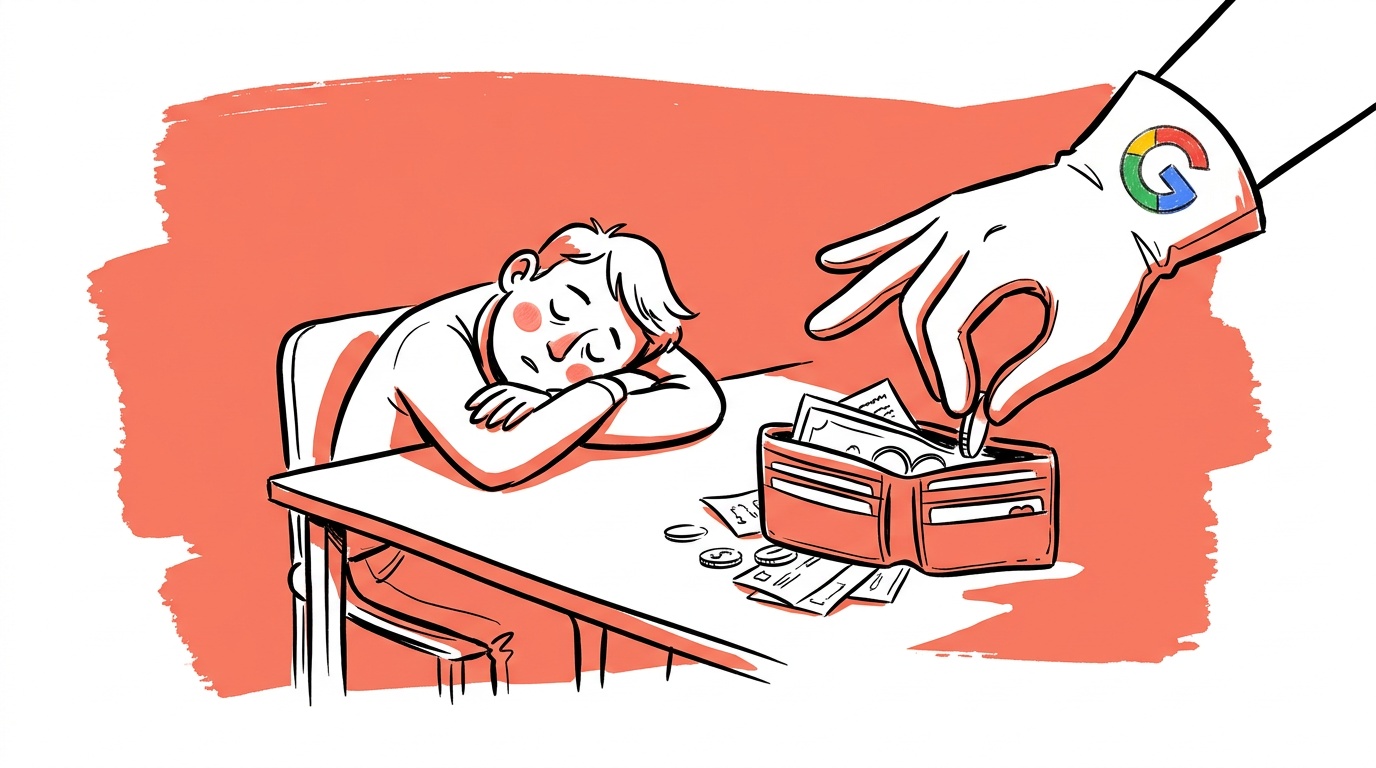

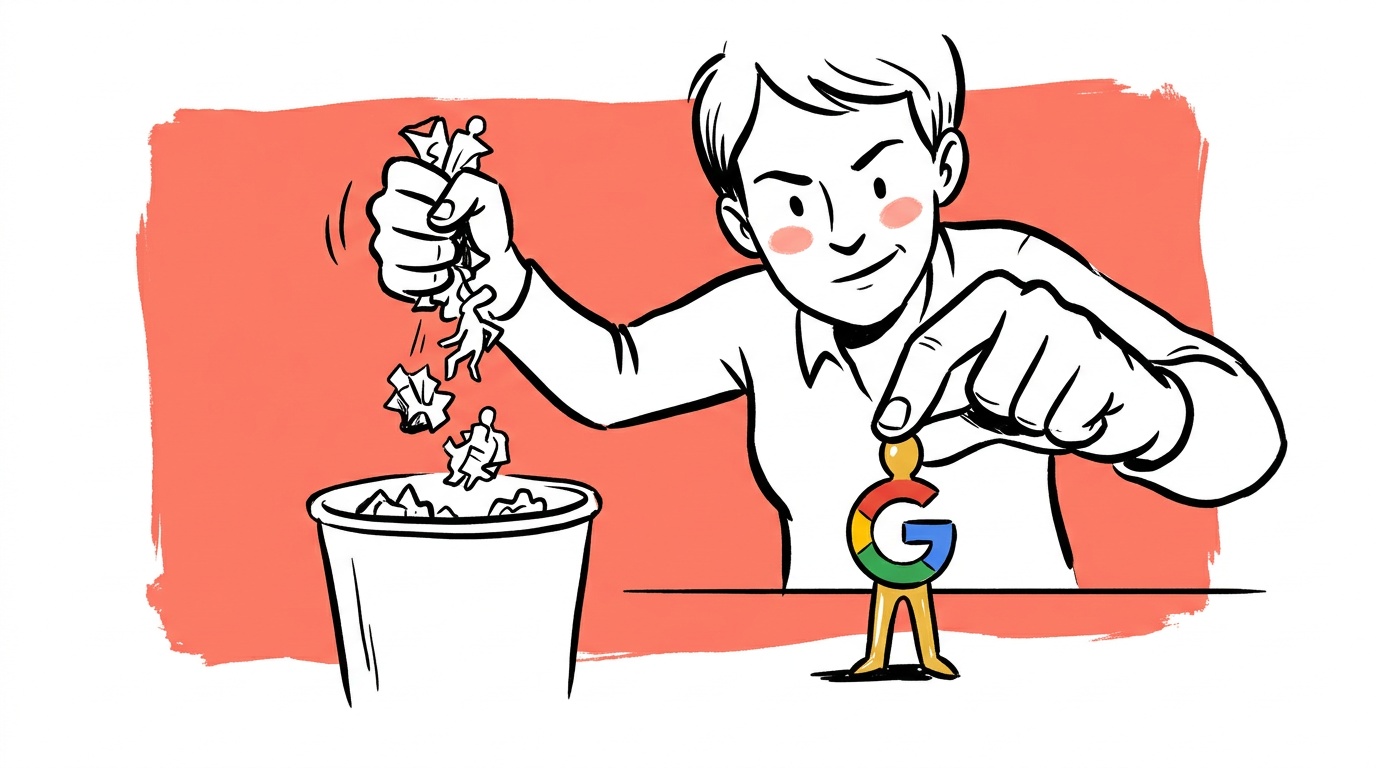
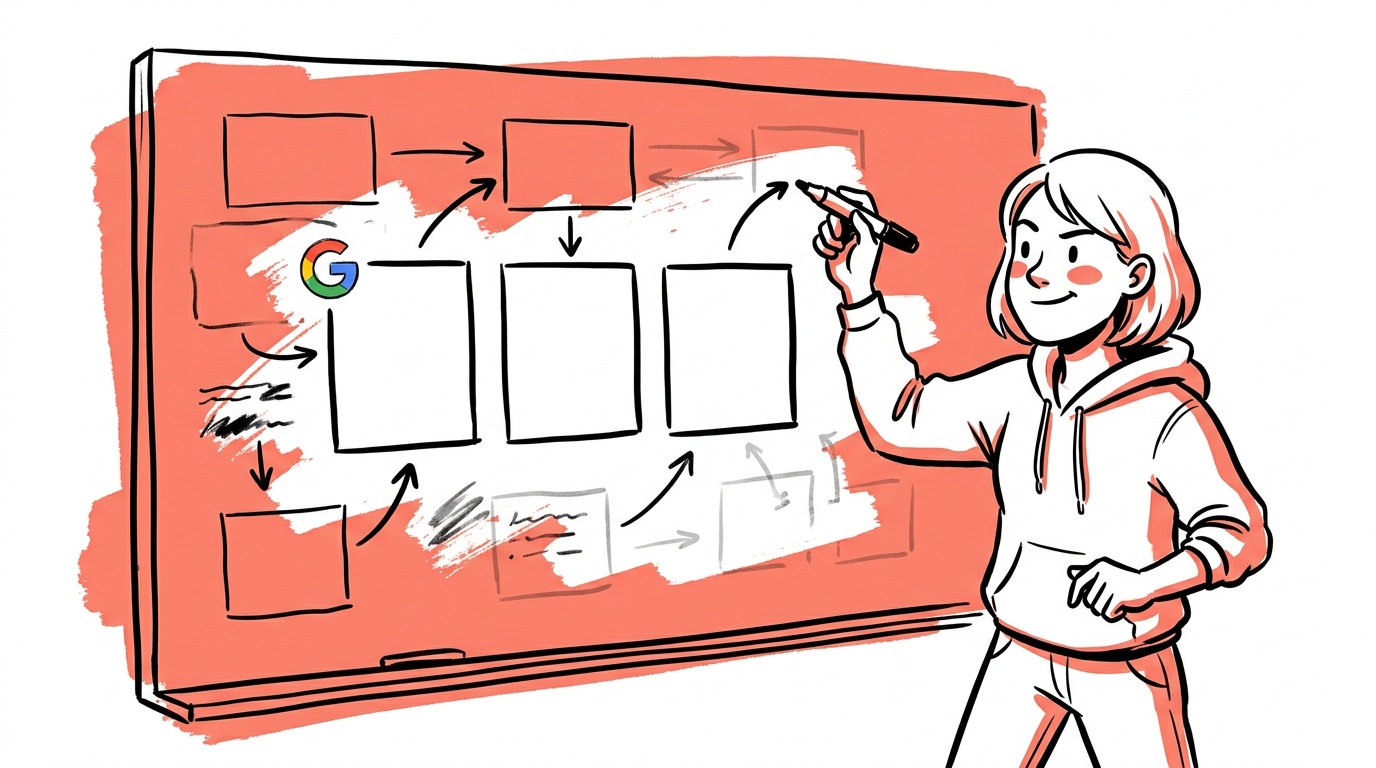
Google's AI recommended a competitor's brand name in one of our test accounts. Not as a negative keyword suggestion. As a positive keyword recommendation — something it wanted us to bid on, framed as a growth opportunity. The notification was buried inside the Recommendations tab. If we hadn't been checking manually, we would have approved it in a batch click.
The mechanism is not broken. It is working exactly as designed, just not in your interest.
TL;DR — AI ad management risks in Google Ads
- Google's AI can and does recommend competitor brand terms without flagging the conflict of interest
- Performance Max campaigns operate as near-black-boxes: the algorithm controls placements, audiences, creative combinations, and bidding simultaneously
- Auto-apply recommendations can execute budget-expanding or targeting-broadening changes before you see them
- Smart Bidding optimizes for the signal Google can measure, not necessarily the outcome your business needs
- Founder-run accounts suffer the most because there is no dedicated watcher — the AI makes decisions in the gap between your last login and your next one
The Automation Gradient Nobody Explains to You
Google Ads automation is not a single on/off switch. It is a gradient, and the platform nudges you toward the fully automated end at every step.
At one end: manual CPC, exact match keywords, hand-picked placements. At the other: Performance Max with Smart Bidding, auto-applied recommendations, and broad match everywhere. Most founders land somewhere in the middle, often without understanding how far they have drifted.
The problem is that Google's interface is designed to make automation feel safe. Every recommendation comes with a projected improvement number. Every Smart Bidding option promises to "optimize toward your goal." The language is confident. The confidence is not always warranted.
When you enable auto-apply recommendations, you are giving Google permission to modify your account between your logins. That includes pausing keywords, changing bids, adding search term categories, and adjusting budgets. These are not minor tweaks. Some of them would require a signed change order if a human agency made them.
What "AI Recommends Brands Without Telling You" Actually Means
Google's recommendation engine looks at your account's search impression share, identifies queries where you are losing auctions, and suggests you bid on those terms to "capture more demand." If a competitor's brand name appears frequently in your category, it will surface as a candidate. The algorithm does not apply a business-ethics filter. It applies a performance-signal filter.
The downstream risk for founders is real. If you are running a small DTC brand and you start bidding on a large competitor's brand name, you might win some cheap clicks in the short term. You will also invite retaliation, inflate your CPCs on branded terms, and potentially undermine your own brand positioning. The AI does not know any of that. It knows CTR and conversion rate.
Google's recommendations are generated by an algorithm that benefits from increased spend. More auctions entered means more revenue for Google. That does not make every recommendation wrong, but it does mean you should treat them the way you treat a contractor's change-order suggestions — with professional skepticism.
The fix is not to avoid recommendations entirely. It is to review them individually, never in batch, and to run a competitor-brand audit before approving any keyword suggestion. If you see a brand name in a recommendation that is not yours, reject it.
Performance Max Is a Budget Disposal Unit Without a Receipt
Performance Max (PMax) is the most automated campaign type Google offers. It runs across Search, Shopping, Display, YouTube, Gmail, and Maps simultaneously. You provide assets — headlines, descriptions, images, videos — and the algorithm decides everything else: where to show the ad, to whom, at what bid, in what combination.
The promise is efficiency through machine learning at scale. For most founder-run accounts, PMax functions as a budget disposal unit without a receipt.
You cannot see which placements drove conversions. The search terms report for PMax is heavily sampled and filtered — you are not seeing the full picture of what triggered your ads. You cannot A/B test individual asset combinations directly. You cannot exclude specific placements the way you can in a standard Display campaign.
Aggregate performance can look fine while individual channels inside PMax drain money on irrelevant inventory. That is the exact scenario that makes PMax dangerous for accounts without a dedicated watcher.
What you can actually control inside PMax
The controls that do exist matter, and most founders underuse them:
- Asset groups: Separate your products or offers into distinct asset groups with tightly themed creative. This is the closest thing to campaign segmentation inside PMax.
- Audience signals: These do not restrict who sees your ads, but they tell the algorithm where to start looking. Strong audience signals — customer lists, website visitors — meaningfully shape early behavior.
- Brand exclusions: You can exclude your own brand terms from PMax to avoid cannibalizing your branded search campaigns, and exclude competitor brands from triggering your ads. These are not automatic. You have to set them manually.
- Placement exclusions at the account level: You can exclude specific placements (sites, apps, YouTube channels) at the account level, which carries into PMax. Build this list and maintain it.
None of this substitutes for campaign-level transparency. But it is the difference between a PMax campaign that slowly drains budget on irrelevant inventory and one that does useful work. The complete lever list is in the PMax control matrix.

Live today.
The full campaign — copy, images, targeting — generated for your site and deployed paused for your approval.
Smart Bidding Optimizes for What Google Can Measure
Target CPA and Target ROAS are the dominant Smart Bidding strategies. They work by training a model on your conversion data and then adjusting bids at auction time to hit your target. In theory, elegant. In practice, there are three failure modes founders consistently hit.
First: the model trains on the wrong signal. If your conversion event is "add to cart" rather than "purchase," the algorithm optimizes for cart additions. High cart-addition rate, low purchase rate. You spend more, you convert less. Google's system did exactly what you told it to do.
Second: the model needs volume to work. Smart Bidding requires a minimum number of conversions per month to avoid entering "learning" mode perpetually. Accounts with low conversion volume — which describes most early-stage founder accounts — spend a disproportionate share of their budget in an unstable learning phase where bids are erratic.
Third: the target is a suggestion, not a constraint. Google is explicit in its documentation that Smart Bidding targets are averages, not per-auction caps. The algorithm will significantly overbid on individual auctions when it believes conversion probability is high. On low-volume accounts, a handful of expensive auctions can exhaust a daily budget before you have enough data to know whether those clicks actually converted.
The mitigation is not to avoid Smart Bidding. It is to set it up correctly: use your most downstream, highest-intent conversion event; give it time to stabilize before judging performance; and set targets conservatively at first, then tighten. The progression that avoids the learning-phase trap is in how to pick a bidding strategy without killing your account.
The Change History Tab Is the Most Important Tab You Are Not Checking
Every change made to your Google Ads account — by you, by a team member, or by auto-apply — is logged in the change history. You can find it under Tools and Settings → Change History in the top navigation. Most founders open the Campaigns tab first. That is the wrong reflex.
Change history tells you what happened to the account. Campaign performance tells you what the outcome was. Without knowing what changed, you cannot diagnose why performance moved.
Here is exactly what to look for and where to act on it:
- Bid strategy switches: Filter change history by "Bid strategy" to surface these. If you see a migration you did not approve, revert it and disable auto-apply immediately.
- Budget changes: Filter by "Budget." Auto-apply can increase budgets without your input — this is not a gift, it is a spend increase. Check whether your actual daily spend jumped around the same date.
- New keyword additions: Filter by "Keyword." Look specifically for broad match additions and any term that resembles a brand name — yours or anyone else's.
- Audience expansion toggles: These are harder to spot in change history but show up under campaign-level setting changes. Cross-reference with your Audiences tab to see whether "Optimized targeting" is enabled on campaigns where you did not set it.
To disable auto-apply: go to Recommendations → Auto-apply (the tab sits inside the Recommendations page), and switch off every category you have not explicitly chosen to trust. Review each toggle individually — Google groups them into categories like "Bidding and budgets" and "Keywords and targeting," and the defaults are set in Google's favor.
If you find changes you did not make and auto-apply was the source, audit the last 30 days of change history in full before touching anything else. Understand what shifted before you try to fix it.
Accounts with auto-apply enabled tend to drift toward higher spend and broader targeting over time. The individual changes are each framed as beneficial. The cumulative effect is an account that no longer resembles what you built.
What Responsible AI Use in Ads Actually Looks Like
None of this means AI in advertising is useless. It means the useful version requires a human in the loop who understands what the AI is optimizing for, what it cannot see, and where it will break.
The practical division of labor that works:
Let the AI handle: bid adjustments at auction time on a well-configured account, ad rotation testing within a constrained asset set, search query expansion within tight match type controls.
Keep humans in charge of: campaign structure decisions, budget allocation across campaigns, conversion event selection, negative keyword management, creative strategy, and any recommendation that touches brand terms or budget levels.
The founders who get burned are almost never the ones who said "no" to automation entirely. They are the ones who said "yes" and then stopped watching. Google's AI will always optimize for the signal it has. Your job is to make sure that signal is pointed at the right target — and to check the change history often enough to know what the algorithm did when you were not looking.
FAQ
What are the biggest risks of AI ad management in Google Ads?
The main risks are: the algorithm optimizing for a proxy metric instead of your actual business goal, budget expansion through auto-apply without your explicit approval, targeting drift as broad match and audience expansion quietly widen your reach, and lack of visibility into where spend is going inside automated campaign types like Performance Max.
Can Google's AI recommend competitor brand keywords?
Yes. Google's recommendation engine surfaces keyword opportunities based on auction data and impression share gaps. It does not automatically filter out competitor brand terms. If those terms appear frequently in your category, they can surface as recommendations. You need to review them individually before approving — batch-approving recommendations is where this gets expensive fast.
Is Performance Max worth it for small advertisers?
For most early-stage accounts with limited conversion data and limited creative assets, Performance Max adds complexity without proportional control. It works best when you have a large asset library, strong audience signals (existing customer lists, warm retargeting audiences), and enough conversion volume for the algorithm to train on. Below that threshold, standard Shopping and Search campaigns give you more legible data.
What is auto-apply recommendations and should I turn it off?
Auto-apply is a Google Ads setting that allows the platform to automatically implement its own recommendations — including budget changes, bid strategy changes, and keyword additions — without your manual approval. You can find and disable it under the Recommendations tab. For most founder-run accounts, it should be off. The changes are logged in change history, but they happen before you review them.
How do I know if Smart Bidding is working in my account?
Check whether your account is out of the learning phase — the Campaigns tab shows a "Learning" status if it is still training. Confirm that your conversion event is the most downstream, highest-intent action available. Then compare your actual CPA or ROAS against your target over a rolling 30-day window, not day by day. Smart Bidding is designed to hit targets on average, and short windows produce misleading reads.
What should I check in Google Ads change history, and how often?
Look for bid strategy changes, budget increases, new broad match keyword additions, audience expansion setting changes, and any modification you do not recognize. Filter by category to isolate each type. If auto-apply is enabled, all of these can happen without manual input. Check change history weekly at minimum — before you look at performance numbers.
What is the alternative to fully automated Google Ads management?
A structured approach where humans set campaign architecture, budget allocation, and conversion tracking — and automation handles real-time bid adjustments within those constraints. This means using Smart Bidding on well-configured conversion events, using broad match sparingly with strong negative keyword lists, and reviewing recommendations manually rather than approving them in bulk.
When did you last open your change history tab? If the answer is "never" or "I don't remember," something in your account has changed without your knowledge. That is worth establishing before you draw any conclusions about whether your campaigns are working.
Live today.
The full campaign — copy, images, targeting — generated for your site and deployed paused for your approval.
We build AdControlCenter — AI-powered ad management for small businesses, online stores, SaaS companies and service providers. We write what we'd want to read: real numbers, no fluff, the things we wish we'd known when we started.
More from the team →