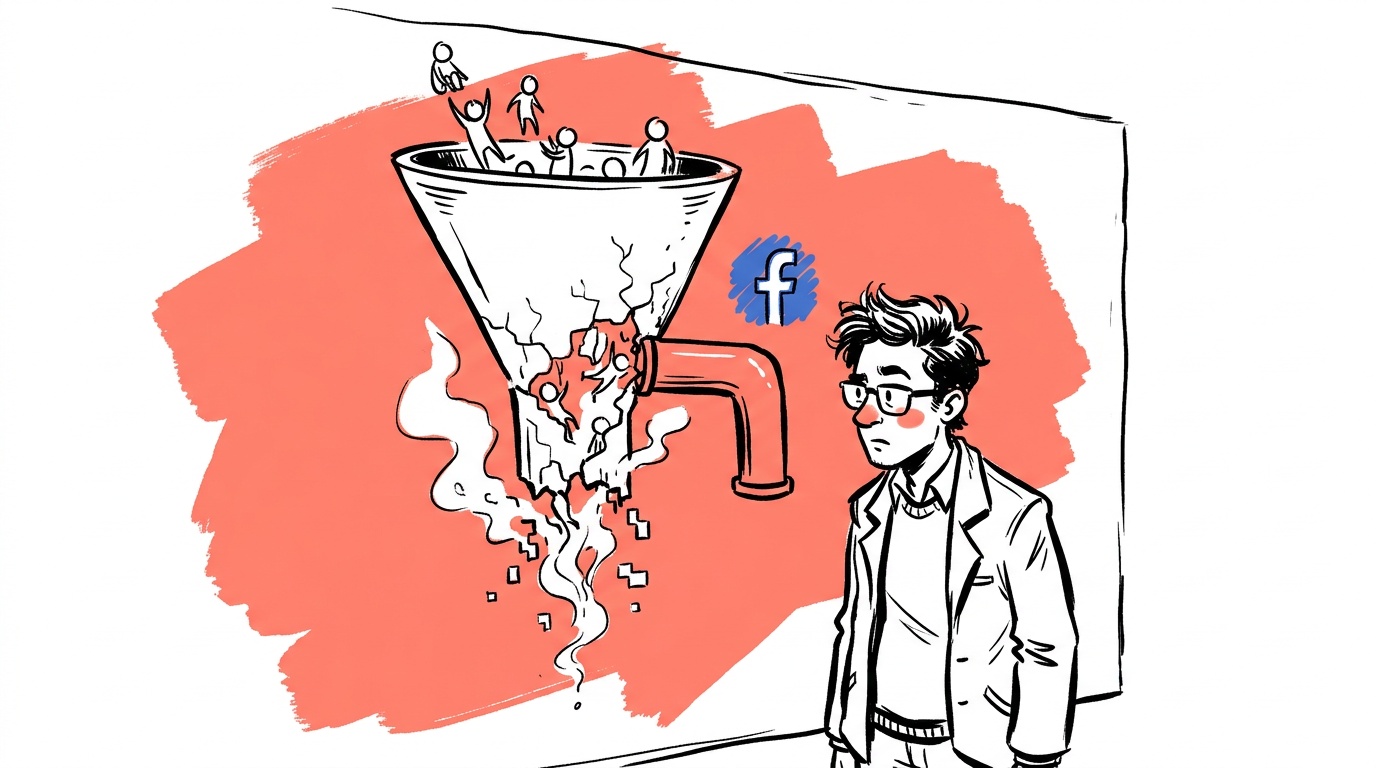

Most Meta advertisers think their tracking is fine. It isn't. Browser-based pixel firing alone misses conversion signals — blocked by Safari's ITP, ad blockers, or slow page loads that fire after a user navigates away. The signal that reaches Meta's auction is thinner than what actually happened, which means the algorithm bids on a distorted picture of your customers. Your ROAS looks worse than it is, your campaigns under-optimize, and you spend more to get the same result.
The fix has existed for years: run the Meta Pixel and the Conversions API in parallel, deduplicate them properly, and let Meta stitch together a more complete view of what your ads actually drove. This guide walks through exactly how to do that — from the first pixel fire to verifying event deduplication in Events Manager.
TL;DR — Meta Pixel + Conversions API Setup
- The Meta Pixel alone misses conversions due to browser restrictions and ad blockers; the Conversions API (CAPI) fills that gap by sending events server-side.
- Running both in parallel and deduplicating with a shared
event_idis the correct architecture — not one or the other. - CAPI requires a server-side integration or a partner integration (Shopify, GTM server-side) — it is not just a copy-paste script.
- Event Match Quality (EMQ) score in Events Manager is your primary signal of whether the integration is working well; poor hashing of customer data tanks it.
- Proper setup lets Meta's delivery system optimize against real purchase signals rather than a browser-filtered subset of them.
Why the Pixel Alone Is Broken in 2026
The Meta Pixel is a browser-side JavaScript snippet. When a user hits your thank-you page, the script fires an HTTP request from their browser to Meta's servers. Simple, and for a long time, reliable enough.
The problem is the browser environment has changed. Safari enforces Intelligent Tracking Prevention (ITP), which restricts first-party cookies and shortens attribution windows for browser-based tracking. Firefox ships with Enhanced Tracking Protection on by default. Many desktop users run some form of ad blocker, and a portion of those block the Pixel domain outright. Add in users who close the tab before the confirmation page loads — which happens more than most checkout flows account for — and you are losing a real portion of your conversion signal before it ever reaches Meta.
The result: Meta's algorithm sees fewer conversions than you actually had, bids conservatively, and your campaigns under-deliver relative to their potential. Thin signal is also the most common reason ad sets never exit the learning phase. You can get a rough sense of the gap yourself: compare your internal order count for a given day against Meta's attributed purchase count for the same window. Most advertisers who do this for the first time find the gap is larger than expected.
When the algorithm receives incomplete conversion data, it cannot correctly estimate who is likely to convert. It broadens toward cheaper, lower-intent audiences or simply slows spend. You do not just lose attribution accuracy — you lose optimization quality. The campaign is being trained on wrong data.
What the Conversions API Is (and Is Not)
The Conversions API is a server-to-server integration. Instead of relying on the user's browser to fire a pixel, your server (or a middleware layer) sends the conversion event directly to Meta's Graph API after the event is confirmed to have happened.
Because the request originates from your server, it is not subject to browser-level blocking. ITP restrictions and ad blockers operate at the browser layer; a direct server call never passes through them. A user closing a tab too fast does not cause a dropped event.
What CAPI is not: a magic fix that requires zero configuration. You need to send specific fields correctly — hashed customer data (email, phone, name), the event name, a timestamp, and critically, a shared event_id that matches the one your browser pixel fires. Without that event_id match, Meta counts the same conversion twice.
CAPI also does not replace the Pixel. The two work together. The browser Pixel handles real-time signal for fast optimization feedback; CAPI handles the events that the browser would have missed. Meta's deduplication logic, when fed matching event_id values, merges them into one.
The Three Integration Paths
How you actually implement CAPI depends on your stack. There are three realistic routes:
Native Partner Integration
If you run Shopify, WooCommerce with a supported plugin, or certain other platforms, Meta has built direct integrations. Shopify's Meta channel can send server-side events natively once you authorize it. This is the fastest path — no custom code, deduplication is handled for you, and Event Match Quality tends to be reasonable out of the box.
The downside: you have less control over which events fire and what custom parameters get sent. If you need to pass custom data (subscription tier, LTV bucket, product category) alongside the standard purchase event, you will eventually outgrow the native integration.
Google Tag Manager Server-Side is a middle path. You run a server-side GTM container on a subdomain you own (or on Google Cloud), and route Pixel events through it to Meta. This keeps the browser pixel firing normally but adds a server layer that catches events and forwards them via CAPI. Configuration is more involved, but it gives you transformation flexibility and keeps your domain as the origin of the request, which can improve match quality.
Direct API Integration means your backend engineers write the CAPI calls themselves. You send a POST request to https://graph.facebook.com/v{version}/{pixel_id}/events with the event payload. This is the highest-effort option but also the most flexible — you can send events from your CRM, your subscription billing system, or any other backend source of truth. For businesses where the real conversion (subscription activation, account approval) happens asynchronously after checkout, this is often the right answer.

Live today.
The full campaign — copy, images, targeting — generated for your site and deployed paused for your approval.
Building the Event Payload That Actually Works
Whether you use a partner integration or direct API, the payload quality determines your Event Match Quality score. EMQ is Meta's rating (shown in Events Manager) of how well your events can be matched to a Meta user. A higher score means more of your server-side events get attributed to the right person, which means more signal for the algorithm.
The fields that matter most, in rough order of impact:
- Email (em) — hashed with SHA-256, lowercased before hashing. This is the single most valuable matching field.
- Phone (ph) — hashed, with country code, digits only.
- First name (fn) and last name (ln) — hashed, lowercased.
- External ID (external_id) — your internal user ID, which you can also pass in the browser pixel for deduplication. Useful when you do not have email available.
- Client IP address (client_ip_address) and User Agent (client_user_agent) — not hashed, sent as plain text. These help Meta match events from browsers where cookie data is limited.
- fbp and fbc — the Facebook browser cookie and click ID. If you can read these from the browser and pass them to your server before firing the CAPI event, do it. They significantly improve match rates for users who clicked a Meta ad.
The event_id must be a unique string you generate at conversion time, passed to both the browser Pixel and the CAPI payload for the same event. A UUID works fine. Store it in your session or order record so you can retrieve it when the server-side call fires.
Verifying the Integration in Events Manager
After setup, go to Meta Events Manager and look at three things:
1. Event deduplication rate. Under the event details, Meta shows you the share of events that were deduplicated — arrived from both browser and server with matching event_id values. You want this to be high. If deduplication is near zero, your event_id values are not matching.
2. Event Match Quality score. Shown as a number out of 10. If the score is low, check whether you are hashing correctly, whether you are passing email and phone, and whether fbp/fbc are being captured.
3. Event volume vs. internal orders. Look at the event counts broken down by browser vs. server, then cross-reference against your actual order count for the same period. This comparison tells you whether your CAPI integration is filling a real gap or whether you have a deduplication problem inflating the numbers.
The Meta CAPI documentation includes a payload tester tool you can use to validate individual events before going live. Use it.
Deduplication: The Part Most Teams Get Wrong
This is where most implementations break. Teams wire up CAPI, see event volume increase in Events Manager, and assume it is working. But if event_id values are not matching between browser and server, Meta counts every conversion twice. Your reported ROAS spikes, your campaigns get over-optimistic signals, and the algorithm bids too aggressively toward an inflated conversion picture. (Even with perfect deduplication, reported ROAS is an optimistic number — see the Meta ROAS trust gap.)
The correct architecture:
- Browser Pixel fires
Purchasewithevent_id: "order_abc123"when the confirmation page loads. - Your server fires CAPI
Purchasewith the sameevent_id: "order_abc123"after the order is confirmed in your backend. - Meta receives both, sees matching
event_idvalues, and counts one conversion.
Where this breaks: if your event_id is generated on the server but not passed to the browser at page-load time, the browser fires with a different or missing ID. Or the server fires with a timestamp-based ID that does not match the UUID the browser sent.
Test this explicitly. Place a test order, check Events Manager's test event viewer, and confirm that one deduplicated event appears — not two separate events.
Duplicate events teach the algorithm that your campaign is performing better than it is. It increases bids, burns budget faster, and eventually the real ROAS catches up — usually right when you have scaled spend. Deduplication is not optional.
What to Do After the Integration Is Live
Once the plumbing is in place, tracking is not a one-time task. A few things to monitor:
Check EMQ monthly. Platform updates, checkout flow changes, and new privacy regulations can all degrade match quality without any visible error. A drop in EMQ often precedes a drop in attributed conversions.
Send offline and delayed conversions. If your business has a sales cycle — demo booked, call completed, deal closed — you can send those downstream events via CAPI from your CRM. Meta will associate them back to the original click. This is especially useful for lead-gen campaigns where lead-to-close rate is what actually matters, not the form fill.
Review the Meta Business Help Center guidance on advanced matching periodically. The matching logic and the fields Meta prioritizes do change.
Audit your pixel fires whenever you change your checkout flow or confirmation pages. New page structures break pixel fires silently more often than you would expect. A misfiring purchase event is one of the quiet budget leaks that catch new advertisers.
FAQ
What is the difference between the Meta Pixel and the Conversions API? The Meta Pixel is a JavaScript snippet that fires from a user's browser. The Conversions API (CAPI) sends events directly from your server to Meta. The Pixel can be blocked by browsers and ad blockers; a server-to-server call is not subject to those restrictions. Running both together gives you the most complete signal.
Do I need to remove the Pixel if I set up the Conversions API?
No. You should run both in parallel. The Pixel provides fast, real-time signal from users who are not blocking it; CAPI fills in the gaps. Proper deduplication via a shared event_id prevents double-counting.
What is Event Match Quality and why does it matter? Event Match Quality (EMQ) is Meta's score of how well your server-side events can be matched to a real Meta user profile. Higher scores mean more events get attributed correctly, which means more useful signal for campaign optimization. Low scores typically mean your customer data is missing, incorrectly hashed, or not being passed at all.
How do I deduplicate browser Pixel events and CAPI events?
Generate a unique event_id string (a UUID works) at the time of the conversion. Pass it to the browser Pixel's event payload and to your CAPI server-side call for the same event. Meta matches on event_id and counts only one conversion.
Can I set up CAPI without a developer? Partially. Shopify's native Meta integration and GTM server-side containers reduce the code requirement significantly. But some technical configuration is always involved, and direct API integration requires backend development. There is no fully no-code path that also gives you full control over the payload.
What customer data should I send with CAPI events?
Email (hashed), phone (hashed), first and last name (hashed), external user ID, client IP address, user agent string, and the Facebook browser cookie (fbp) and click ID (fbc) values if you can retrieve them. Hash all PII with SHA-256, lowercase before hashing.
How long does it take for CAPI events to appear in Events Manager? Most events appear within a few minutes. The test event tool in Events Manager shows near-real-time results, which is useful for validating your integration before you go live in production.
The single most actionable thing you can do this week: pull your internal order count for the last 30 days and compare it to Meta's reported purchase count for the same window. If the numbers diverge significantly, you have a signal gap that CAPI can close — and your campaigns are currently optimizing against incomplete data.
Live today.
The full campaign — copy, images, targeting — generated for your site and deployed paused for your approval.

We build AdControlCenter — AI-powered ad management for small businesses, online stores, SaaS companies and service providers. We write what we'd want to read: real numbers, no fluff, the things we wish we'd known when we started.
More from the team →