
Most founders think scaling Google Ads means raising budgets. They double spend, CPCs climb, they hit a frequency wall, and conclude "Google just gets expensive at scale." That's the wrong diagnosis. The real problem is almost always structure: campaigns cannibalizing each other, Smart Bidding strategies that panic when you inject new money too fast, and creative pools too thin to sustain reach without auction overlap. Fix the structure first. Then the budget does what you want.
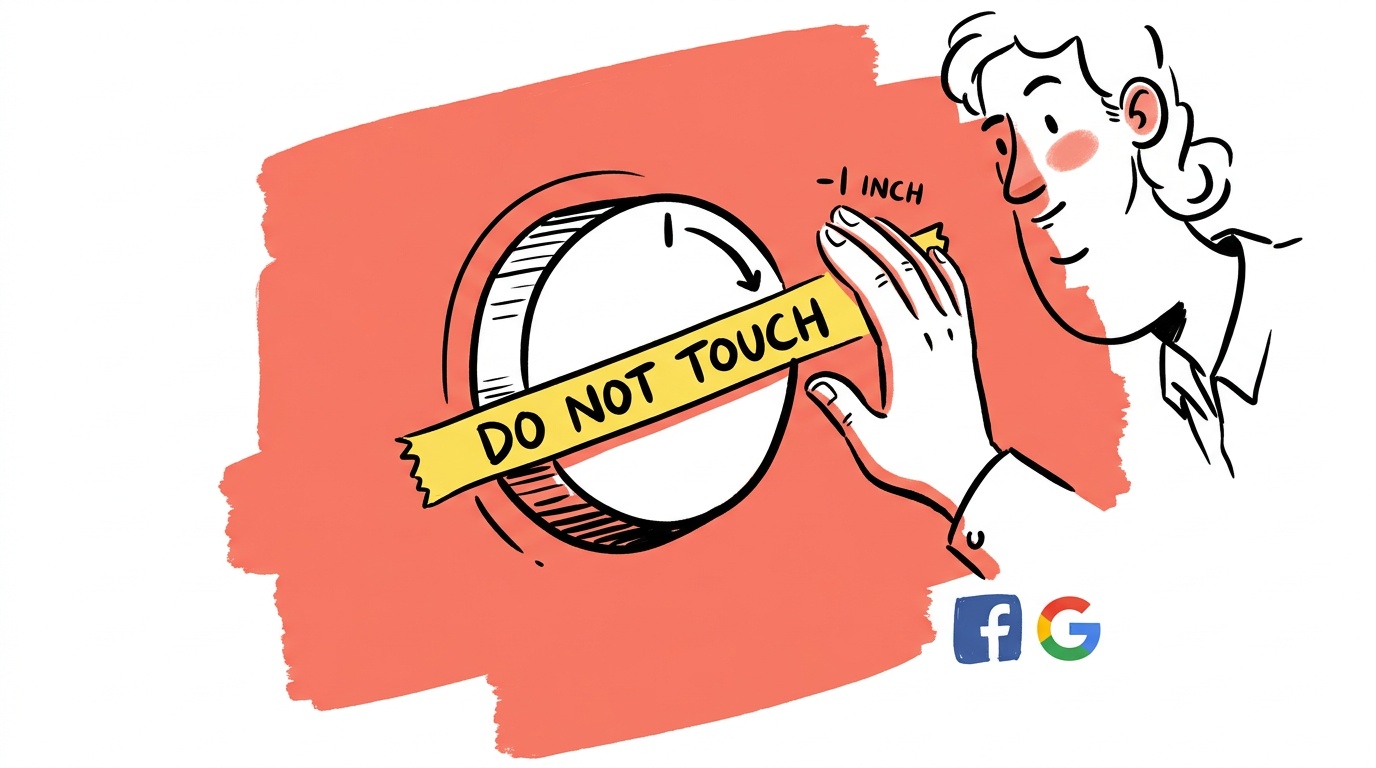
- Raise budgets in increments of 15–20% every 7–14 days. Larger jumps reset Smart Bidding's learned signals and spike CPCs.
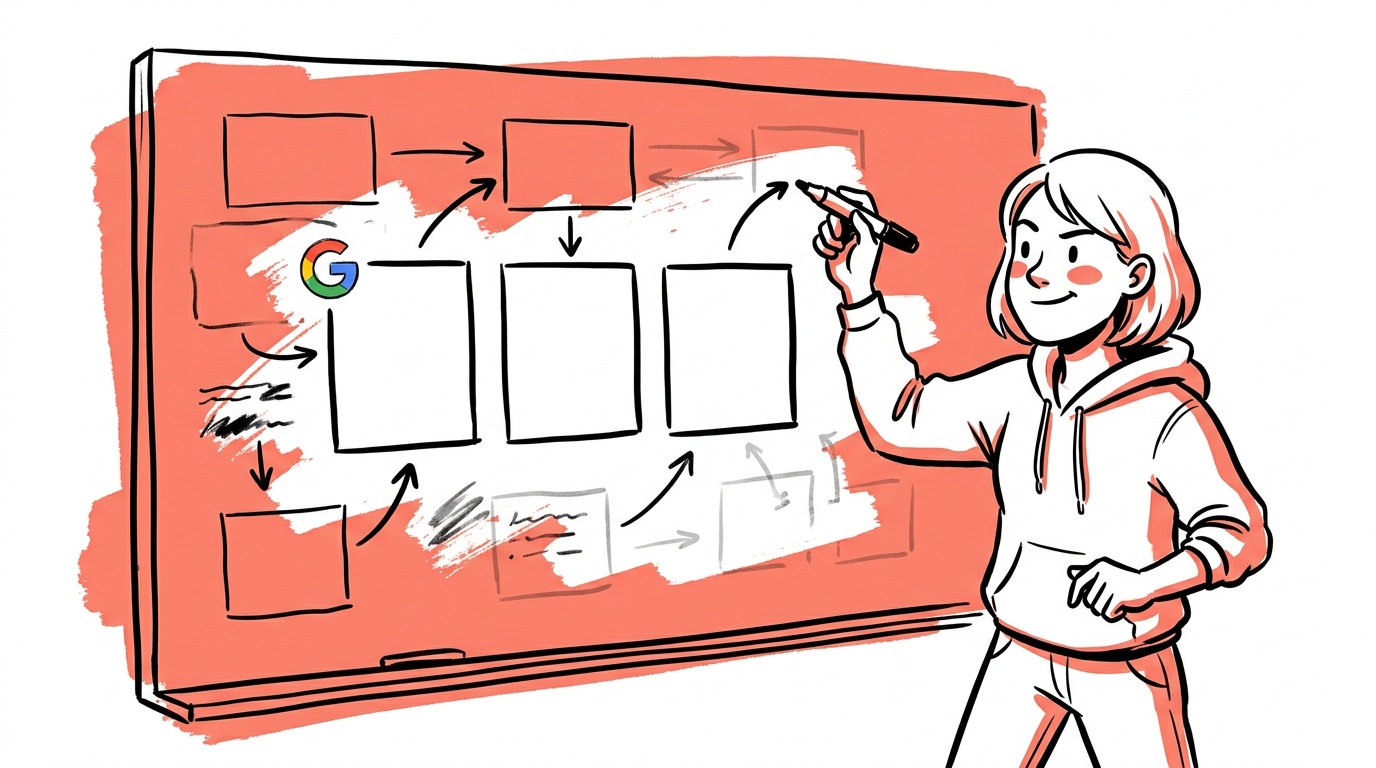
- Segment campaigns by funnel stage before you scale. Mixing brand, retargeting, and prospecting in one campaign guarantees internal bid competition.
- Demand Gen is not Display. It runs on YouTube, Discover, and Gmail simultaneously — weak creative is punished faster and more visibly here than anywhere else.
- Portfolio bid strategies let you set ROAS or CPA targets across groups of campaigns, preventing any single campaign from eating the entire budget surge.
- The scaling ceiling founders hit is almost always a creative or audience saturation problem, not a budget problem.
Why Your CPCs Spike the Moment You Increase Budget
Google's Smart Bidding learns from a rolling window of conversion data. When you raise a campaign budget by 50% overnight, the algorithm has to fill that new spend somewhere, fast. It can't wait for fresh signal — it bids into auctions it previously skipped, auctions that are either more competitive or lower intent. That's the CPC blowout. You're not paying more for the same clicks; you're buying worse clicks at a higher price.
The 15–20% budget increment rule exists specifically because a change that size lets the model extend into adjacent auctions gradually, allowing conversion signal to accumulate before the next step-up. Google's own guidance flags budget changes as one of the primary triggers for a new learning period — and stacking learning periods is how you create performance noise you can't diagnose. Seven to fourteen days between increments is the practical floor. Less than that and you're running multiple learning periods simultaneously.
Segment Before You Scale: The Structure Problem Nobody Talks About
Here is the single most expensive structural mistake we see in accounts at the $5k–$50k/month range: one campaign containing brand keywords, competitor keywords, and generic prospecting terms, all under one Target ROAS target.
The algorithm is trying to serve three completely different audience intentions with one bid signal. Brand terms convert at a high rate, which pulls the ROAS target high. Then the generic prospecting terms — which convert at a naturally lower rate — get deprioritized or bid up to meet a target they can't hit. You end up with brand traffic cannibalizing prospecting budget, or prospecting bids climbing to compensate for a ROAS target that only makes sense for brand.
Before you scale, break campaigns into at minimum three structural tiers:
- Brand + branded competitor terms — separate campaign, separate ROAS or CPA target based on brand conversion rates.
- Retargeting and warm audiences — people who've visited the site, watched video, or are in CRM lists.
- Cold prospecting — net-new audiences on generic intent keywords.
Each tier has a different conversion probability. Each needs its own bid target. How to set those targets against trailing actuals — not goals — is covered in scaling past $10k/month without wrecking ROAS. Once that's clean, scaling the prospecting tier doesn't bleed into brand, and you can raise budget on the tier with the best incremental return.
Conversion Signal Quality: The Prerequisite Nobody Checks
There's a step most scaling guides skip entirely: making sure the signal you're feeding Smart Bidding is accurate before you ask it to optimize at higher spend.
If your conversion tracking is only capturing lead form submissions but not downstream sales, the algorithm is optimizing for leads — including bad ones. Scale that and you get more spend, more leads, and flat revenue. The fix is value-based bidding: pass actual sale values back to Google, either through direct ecommerce tracking or through offline conversion imports that tie closed deals back to the original click.
Offline conversion imports are worth the integration effort. When we've seen accounts add them before a scaling push, the bid algorithm immediately starts weighting toward the query types and audience signals that correlate with real revenue rather than form fills. The budget goes further because it's targeting the right thing.
Before raising any budget, confirm: are you passing conversion values, not just conversion counts? Smart Bidding optimizes for what you tell it to optimize for. Bad signal at scale is expensive.
A practical check: pull your campaign conversion actions and confirm at least one of them carries a value. If every conversion action in your account is set to "value = 0" or a flat static value, you're running Target ROAS on synthetic data.

Live today.
The full campaign — copy, images, targeting — generated for your site and deployed paused for your approval.
How Demand Gen Breaks When You Scale It Wrong
Demand Gen is worth covering specifically because it's become one of the faster-growing placements in growth-stage accounts, and it fails in a distinctive way when scaled carelessly.
Unlike Search, Demand Gen runs across YouTube in-feed, YouTube Shorts, Discover, and Gmail simultaneously. The algorithm decides where to place your creative based on what it thinks will drive the objective you've set. That sounds convenient — and it is, until your creative isn't strong enough to perform across all four surfaces at once.
When we looked at accounts struggling with Demand Gen performance (see the sourced breakdown at Fix THIS & Get Better Results with Demand Gen in Google Ads), the pattern is consistent: a single static image or one 30-second video gets spread across all placements, and Google's system concentrates spend on whatever placement generates the signal it needs — even if that placement has low downstream conversion value for that specific business.
The practical fix: give the algorithm real creative diversity. That means at minimum one vertical video (for Shorts), one horizontal video (for YouTube in-feed), and two to three static image variants. If you only upload one asset type, you're forcing placement decisions the algorithm wasn't designed to optimize well.
Before scaling Demand Gen budget, confirm you have: 1 vertical video, 1 horizontal video, and 2 static images. Scaling a Demand Gen campaign with a single asset type is how you buy expensive, poorly-targeted impressions at scale.
Audience Signals in Demand Gen vs. Search
Demand Gen uses audience signals differently than Search. In Search, intent is expressed by the query. In Demand Gen, you're providing audience signals — customer lists, similar audiences, in-market segments — and the algorithm uses them as starting guidance, not hard targeting. Your signal quality directly affects how efficiently the campaign spends when scaled.
A small or stale customer list as your signal seed produces weaker targeting. The algorithm casts wider earlier, which increases CPM without increasing conversion rate. Before scaling a Demand Gen campaign, refresh your audience signal: upload a recent customer list (ideally your highest-LTV cohort), and layer in site visitors segmented by page depth rather than all visitors.
Portfolio Bid Strategies: The Underused Scaling Control
Most founders managing their own accounts have never touched portfolio bid strategies. They're a layer above campaign-level bidding — you define a target (ROAS, CPA, or Impression Share) and apply it across a group of campaigns. Google's bidding algorithm then allocates across those campaigns to hit the portfolio-level target, shifting budget toward whichever campaign is performing best at any given moment.
Why does this matter for scaling? Because it prevents one campaign from burning its daily budget on expensive clicks while another sits underutilized. When you raise a shared budget attached to a portfolio strategy, the algorithm has more flexibility to route spend efficiently.
The specific use case: if you have three prospecting campaigns targeting different keyword clusters, put them under a single portfolio Target CPA strategy. Raise the shared budget once. The algorithm decides which of the three campaigns deserves the incremental spend based on live auction performance. You're scaling budget without manually managing three separate bid targets.
This is covered in detail at How to Scale Google Ads Profitably — the core argument being that budget control levers and bid strategy levers are both required for clean scaling, and most accounts are only using one of them.
The Five Metrics That Tell You Whether to Scale or Stop
Before each 15–20% budget increment, check these five numbers. If more than two are moving in the wrong direction, hold the increment for another week.
- CPC trend — Is cost-per-click stable or declining week-over-week? A rising CPC alongside rising spend is normal at the start of a new tier but should flatten within 10 days.
- Conversion rate (CVR) — If CVR is dropping as spend rises, you're reaching lower-intent traffic. That's a signal problem or an audience exhaustion problem, not a budget problem.
- CPA or ROAS against target — Not the all-time average. The trailing 14-day window. Smart Bidding responds to recent signal; you should evaluate it the same way.
- Search Impression Share — If you're already capturing most of the available impressions in your market, raising budget won't buy you new reach. It will buy you more frequency on the same users, which raises CPM without raising conversions.
- Returning vs. new user ratio in landing page analytics — A significant shift toward returning users while prospecting campaigns are running at scale is an early saturation signal. Act on it before CPCs reflect it.
What a Profitable Scaling Sequence Actually Looks Like
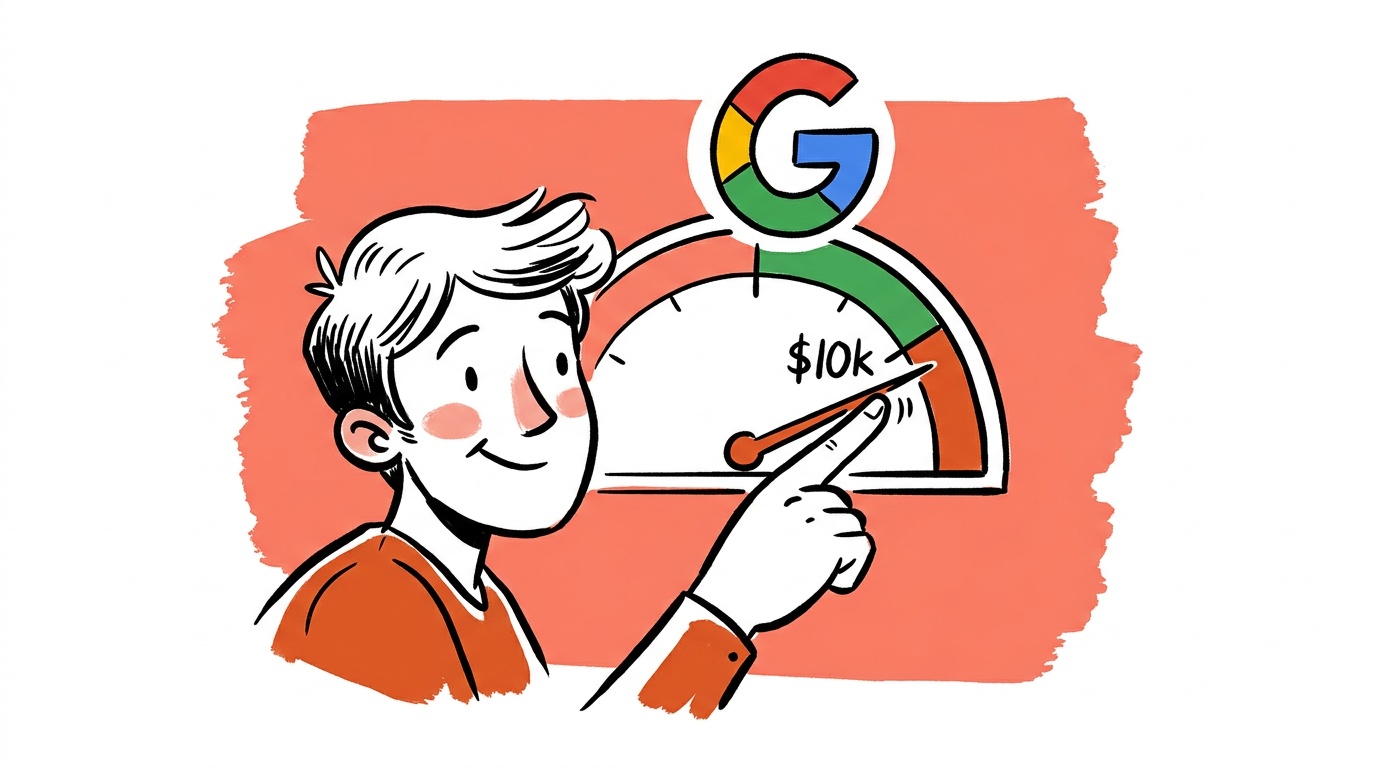
Here's the sequence we'd run for an account at $10k/month trying to reach $40k/month profitably over a quarter:
Month 1: Structure audit and signal quality. Separate brand from prospecting. Separate warm remarketing from cold. Assign each tier its own bid strategy target calibrated to that tier's real historical conversion rate. Confirm conversion tracking passes values, not just counts. If offline conversion imports are feasible, build them now. Don't touch budgets yet.
Weeks 5–6: First budget increment. Raise each campaign 15–20%. Wait 10 days. Pull a search terms report. Check Auction Insights for new competitors entering the auctions — budget raises are visible to competitors and can draw new entrants. Review the five scaling metrics above before the next increment.
Weeks 7–10: Creative refresh and Demand Gen entry. Add new creative variants to existing Search and Shopping campaigns to prevent fatigue. If Demand Gen isn't running yet, launch it with a dedicated cold-audience objective and the full asset stack described above. Start it at a capped daily budget. Refresh customer match lists before launch.
Weeks 11–13: Portfolio strategy consolidation. Group the prospecting campaigns under a portfolio strategy. Raise the shared budget instead of individual campaign budgets. This is where scaling becomes smoother — one lever instead of three.
By month 3, the account at $40k/month should have: clean three-tier segmentation, value-based conversion tracking, a live Demand Gen campaign with diversified creative, portfolio bidding across prospecting, and the 10-day rule enforced on any budget change. CPCs will likely be higher in absolute terms than at $10k — that's expected — but the incremental ROAS should be holding within an acceptable range rather than collapsing.
FAQ
What is the safest way to increase Google Ads budget without raising CPCs? Raise budgets in 15–20% increments with at least 7–10 days between changes. Larger jumps force Smart Bidding into a learning period where it bids aggressively into auctions it doesn't have conversion signal for, which is the primary cause of CPC spikes during scaling.
Why do my CPCs go up when I increase my Google Ads budget? Google's bidding algorithm runs out of the high-confidence, low-competition auctions it previously focused on. To spend the new budget, it enters higher-competition auctions or lower-intent query matches, which carry higher CPCs and often lower conversion rates. You're not paying more for the same clicks — you're buying worse clicks at a higher price.
What is a portfolio bid strategy in Google Ads and should I use it? A portfolio bid strategy applies one ROAS or CPA target across multiple campaigns, letting Google shift spend toward whichever campaign is performing best in real time. It's useful for scaling because it prevents any single campaign from burning a disproportionate share of new budget on expensive auctions. Most accounts managing more than two prospecting campaigns at once should be using one.
How is Demand Gen different from Display in Google Ads? Demand Gen runs across YouTube (in-feed and Shorts), Discover, and Gmail with a single campaign. Display runs only on the Google Display Network. Demand Gen uses audience signals rather than keyword or placement targeting, and it requires creative diversity — vertical video, horizontal video, and static images — to perform well across all placements simultaneously.
How do I know if my Google Ads campaigns have hit audience saturation? Look for rising frequency, Search Impression Share capturing most of the available inventory in your market, and a shift in site traffic toward returning users despite prospecting campaigns running. Saturation usually calls for new creative angles or audience expansion rather than higher bids.
Should brand and non-brand keywords be in the same Google Ads campaign? No. Brand keywords carry a higher conversion probability and a different cost structure than generic keywords. Mixing them under a shared ROAS or CPA target causes the algorithm to bias toward brand traffic (because it converts faster) or push non-brand bids above their efficient ceiling to compensate.
What conversion tracking setup does Smart Bidding need before you scale? At minimum, Smart Bidding needs conversion actions that pass real values — not just counts or static placeholder values. For lead-gen businesses, that means offline conversion imports that tie closed deals back to the originating click. Scaling on lead volume alone trains the algorithm to buy cheap leads, not valuable customers. Fix the signal before raising the budget.
The specific takeaway: if you're at a scaling ceiling right now, don't raise your budget this week. Spend the week segmenting brand from prospecting, confirming your conversion tracking passes values not just counts, checking whether your Demand Gen campaign has the full creative asset stack, and reviewing the five scaling metrics above. That structural work is worth more than any budget increase you could make — and it's the only thing that makes the budget increase stick.
Live today.
The full campaign — copy, images, targeting — generated for your site and deployed paused for your approval.

We build AdControlCenter — AI-powered ad management for small businesses, online stores, SaaS companies and service providers. We write what we'd want to read: real numbers, no fluff, the things we wish we'd known when we started.
More from the team →