G.E.M was invented to fix AI video. Short clips, drifting characters, metallic voices—Cami's Ads Lab built the framework specifically around those pain points. Nobody was thinking about a 1200×1500 Meta feed image when they wrote it.
And yet the discipline that makes a 30-second AI video coherent is exactly the discipline that makes a six-image test matrix coherent. The hard part of static ads has never been generating one good image. It has always been generating one good image and then reliably generating five more that look like the same brand, the same product, the same person. G.E.M solves that—if you translate it correctly.
- G.E.M (Generate / Extract / Multiply) was designed for AI video but maps directly onto the hardest problem in static ad production: character and product consistency across a test matrix.
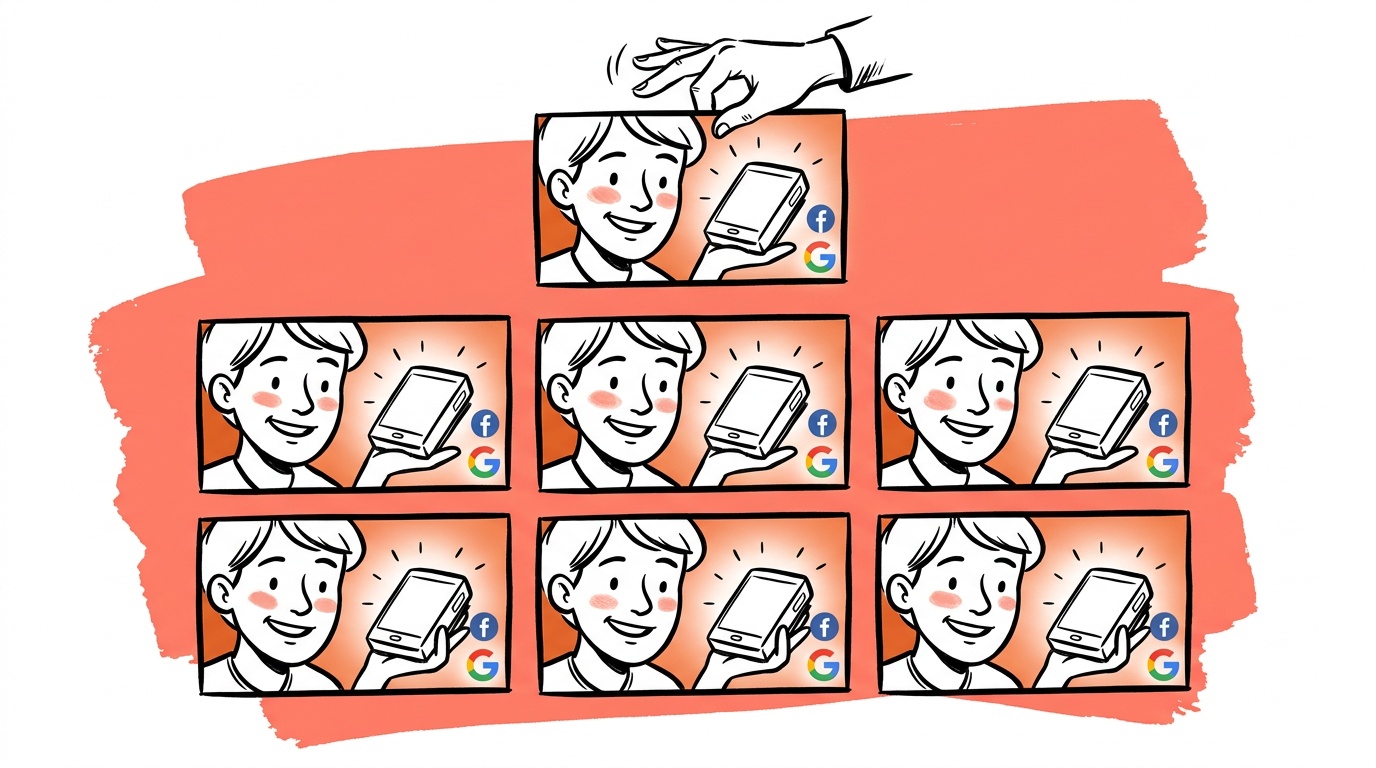
- Generate means producing a single locked reference asset—one base image your whole batch descends from—not a folder of loosely related generations.
- Extract means pulling the exact character frame or product image that will serve as your reference, using the same criteria the video framework uses: clean, crisp, lips closed, well-lit.
- Multiply means prompting every scene variation from that same original reference, never chaining edits—because quality degrades fast when you edit an already-edited image.
- Structured JSON prompts (not prose) are what make Multiply reliable at scale, because they give the model an explicit priority hierarchy that resists vibe drift away from your locked product or character.
What G.E.M actually says—and what translates
The original framework has six phases (see docs/prompt-craft/guides/gem-framework.md). Phases 4, 5, and 6 are video-only: talking avatars with RIZZ, B-roll with Kling, assembly in a video editor. Ignore those. The first three phases translate cleanly.
Generate in video means: use Sora 2 Pro to produce a visually arresting hook clip, then pick the single best one as your master. The point is not to generate a lot and use all of it—it is to generate a lot, choose ruthlessly, and treat the winner as a locked reference.
For static, Generate means the same thing: produce multiple candidate images for your base composition, pick the one with the cleanest character rendering and the most accurate product, and stop. That one image is your master. You do not move forward with a runner-up "because it has better lighting." Lighting you can adjust. A drifting product shape or a character whose face ratio is slightly off will compound across every downstream generation.
Extract in video means pulling a single frame from the winning clip—specifically a frame where the character is crisp, not mid-motion, mouth closed, well-lit. Those criteria exist because that frame becomes the reference image for all subsequent video generation, and lip-sync quality in later phases depends on it.
For static, Extract is the same operation: identify the exact pixel crop of your character or product that will serve as the reference image you pass to Nano Banana Pro's edit endpoint. If your base image has a person, the frame-selection criteria from the video framework apply directly. If it is a pure product shot, you want the angle that shows the most identifying details—texture, logo placement, form factor—because those are the things the model will need to recognize and preserve across scenes.
Multiply in video means taking the extracted character image and generating every scene your script requires: kitchen, gym, office, outdoors. The critical rule from the original framework is explicit: do not edit the same image more than twice or quality will degrade significantly—even if you prompt 4K. Use the original extracted image as reference each time.
For static, this is the whole game. Every variation in your test matrix—different backgrounds, different emotional angles, different copy hooks—should be generated from the same original extracted reference, not from a previous generation.
Why this beats "one prompt, one image"
The default workflow most founders use looks like this: write a prompt, generate an image, like it, tweak the prompt slightly, generate another, repeat. This feels fast. It is fast—for the first image. It breaks the moment you need six images that belong to the same campaign.
The problem is vibe drift. When you write a prose prompt and then slightly modify it for the next generation, the model is not tracking your previous output—it is interpreting your new text and producing something plausible. "Plausible" and "consistent with your brand system" are different things.
Structured JSON prompts fix this because they give the model an explicit priority hierarchy. Instead of a paragraph where product description, emotional tone, and scene setting compete for the model's attention, you have a subject.product block, a scene block, a constraints block. The model knows what to honor first. Our internal prompt builder (lib/creative/json-prompt-builder.ts) encodes this directly: the product reference image plus a hard constraint block is what keeps a physical product from being redesigned by the model across a six-image set.
The G.E.M Extract phase is what makes JSON prompts actually work. A great JSON prompt with no reference image is still asking the model to invent your product from a text description. A great JSON prompt with the right extracted reference image gives the model something real to anchor to. The two things are not substitutes—they are both necessary.
Worked example: supplement brand, six-image test matrix
Here is how we would run a supplement brand through G.E.M for static, using the templates built out in lib/creative/json-prompt-builder.ts.
Generate. We produce multiple candidate images using the lifestyle template: a person holding the product in a well-lit, neutral domestic setting. We are not trying to make the final ad yet. We are trying to find one image where the product label is accurate, the person's face is clean and well-proportioned, and the lighting is even. We pick one winner. Everything else gets deleted, not saved "just in case."
Extract. We pull two reference crops from the winning image: one of the character (face and shoulders, neutral expression, mouth closed), one of the product (the label side, the angle that shows the most detail). These two crops are our locked references. We check them against the actual product images scraped from the brand's site using three specific criteria: label legibility at 200px width, logo position relative to the product's center axis, and overall silhouette match. If the model drifted the label font or the product shape on any of those checks, we do not try to correct it downstream—we go back to Generate.
Multiply. Now we build our six-image matrix from the same extracted references every time, not from each other:
lifestyle— kitchen counter, morning light,aspirationemotional anglelifestyle— gym bag, outdoor light,convenienceemotional anglebefore-after— split frame transformationhero-studio— clean background catalog shot, no person, product onlyin-context— product on a surface in its natural environment, no persondetail-macro— extreme close-up of the product's texture or label detail
Each of these six images is generated from the extracted reference images plus a JSON prompt specifying the template, scene, and emotional angle. (For the buyer-psychology logic behind choosing structurally different templates, see 9 ways to multiply one product image.) None of them is generated from a previous generation in the set. The category_patterns block in the JSON injects patterns from our labeled corpus of high-performing ads in this vertical, so the model is not working from generic knowledge of supplement ads—it is working from what actually performed.
Our template set (lifestyle, before-after, hero-studio, detail-macro, in-context, unboxing) was explicitly designed around G.E.M's "multiply across scenarios" doctrine. Four emotional variations of the same lifestyle shot test copy, not creative. Four structurally different shots of the same product test what the audience actually responds to.
Live today.
The full campaign — copy, images, targeting — generated for your site and deployed paused for your approval.
How to measure consistency—before you ship
The original G.E.M framework flags quality degradation as the reason to avoid chaining edits. That is real. But "quality" is vague, and vague criteria mean you ship inconsistent sets because nothing failed an explicit check.
We run three consistency checks before a set leaves the Multiply phase:
Label legibility at 200px. Export a 200px-wide thumbnail of each image and read the product label without zooming. If the label is illegible at that size, it will be illegible in a mobile feed. This is the most common failure mode for supplement and CPG brands.
Logo position variance. Measure the distance from the logo to the product's top edge in each image, expressed as a percentage of total product height. If that number varies by more than a few percentage points across the set, the model drifted the product's proportions between generations—even if it is not obvious at full size.
Face-embedding similarity. If the set includes a character, run each character crop through a face-embedding model (we use a lightweight model in our pipeline) and compute cosine similarity against the extracted reference crop. A score below a threshold we have calibrated internally flags a generation for review. This catches subtle drift—a character who is recognizably similar but not actually the same person—before it reaches the client.
These three checks take less time than regenerating a bad image. They also give you an audit trail: when a client asks why image four looks different from the others, you can show the exact score that should have caught it.
The constraint that matters most
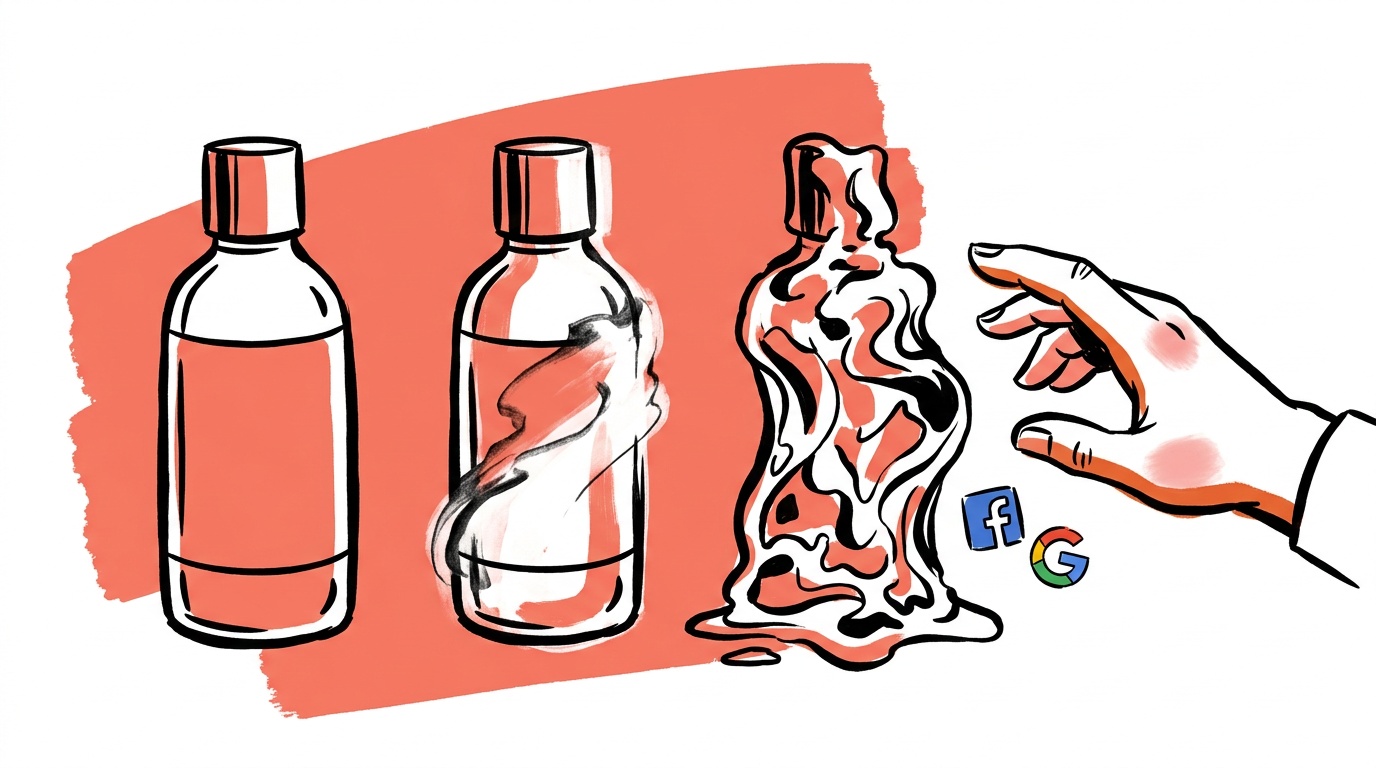
The original G.E.M framework has one rule stated more emphatically than any other: do not edit the same image more than twice. The reason given is quality degradation. We measured that degradation pass by pass in the 2-edit rule for AI ad images. This is real—every image-to-image generation step introduces compression artifacts, slightly softens details, and can drift the model's internal representation of what the product looks like.
But there is a second reason that matters more for ads specifically: when you chain edits, you lose the ability to trace which specific change caused a problem. If image four in your set has a blurry product label, is that from the lighting change in step two, the background swap in step three, or the character repositioning in step four? You cannot know. When every image in your set descends independently from the same extracted master, a problem in image four is isolated. You fix image four without touching the others.
This is also why we log the exact reference image URL and JSON prompt for every generation in our pipeline. When we cannot show it, we do not say it.
What the video framework gets wrong for static
One thing does not translate: the emphasis on motion and pace. The original G.E.M framework spends significant time on pattern-interrupt hooks and high-pace generation. In a video ad, the first two seconds must stop a thumb mid-scroll. That logic is real.
For static, the equivalent is composition and contrast—what is in the foreground, what is in the background, where the eye goes first. "Generate multiple 12-second clips and pick the winner" becomes "generate multiple base images and pick the winner," and the selection criteria are different. In video you are selecting for motion energy. In static you are selecting for structural clarity: is the product recognizable at 200px width? Is the character's expression readable without sound? Does the composition work in a 1:1 crop and a 9:16 crop?
These are the questions we have added to our internal Generate phase review. They are not in the original framework because the original framework was not built for a feed image that needs to work across six aspect ratios and three screen sizes before a single impression is served.
FAQ
What is the G.E.M framework for AI ads?
G.E.M stands for Generate, Extract, Multiply. It was developed by Cami's Ads Lab to solve the three main problems with AI video ad creation: short clip length, inconsistent character rendering across scenes, and robotic voice synthesis. The framework structures production into three phases: generate a winning base asset, extract a locked reference from it, then multiply that reference across every scene the ad requires.
Does the G.E.M framework work for static image ads, not just video?
Yes, with some translation. The Generate and Extract phases apply directly. Multiply applies directly with one important change: instead of multiplying a character across video scenarios using a talking-avatar model, you multiply a reference image across static scene templates using an image generation model like Nano Banana Pro. The critical rule—always return to the original extracted reference, never chain edits—applies in both contexts.
Why does image quality degrade when you chain AI image edits?
Each image-to-image generation step introduces small artifacts and softens details from the previous generation. After two steps of distance from the original, the model's representation of your product or character can drift enough to produce visible inconsistencies—label text blurs, product proportions shift, skin tone or facial structure changes slightly. The G.E.M framework's rule of never editing the same image more than twice exists precisely to prevent this.
What is "vibe drift" in AI image generation?
Vibe drift is what happens when you use prose prompts and iterate by modifying the text. The model interprets each new prompt fresh, without memory of what it generated before. Small changes in phrasing can produce large changes in output—a product gets redesigned, a character's age shifts, a background color changes tone. Structured JSON prompts with explicit product reference images prevent vibe drift, because they give the model a hard anchor rather than a text description to interpret.
What image templates should I use when multiplying across scenarios for a static ad set?
Our implementation (see lib/creative/json-prompt-builder.ts) includes nine templates: lifestyle, product-close-up, before-after, contact-sheet, hero-studio, detail-macro, in-context, unboxing, and gift-moment. For a standard six-image test matrix, we recommend using structurally different templates—lifestyle, before-after, hero-studio, detail-macro, in-context, and one scene-specific template relevant to the product—rather than six emotional variations of the same lifestyle template.
How do I know if my static ad set is actually consistent before I ship it?
Run three checks: label legibility at 200px width (read the product label on a thumbnail without zooming), logo position variance across the set (if the logo drifts relative to the product's top edge, the model shifted proportions), and face-embedding similarity if a character is present. These checks take less time than regenerating a bad image and give you an audit trail if a client questions why two images look different.
Do I need a reference image, or can I use a detailed text description?
For any campaign where brand or product consistency matters across multiple images, you need a reference image. A detailed text description tells the model what you want; a reference image shows it. The JSON prompt structure helps the model prioritize correctly, but the reference image is what gives it something real to anchor to. Text-only prompts produce good individual images. Reference images plus structured prompts produce consistent sets.
If you are running a static ad test matrix right now and you cannot explain exactly which reference image and which prompt JSON produced each image in the set—and show a consistency score for each one—your Multiply phase is broken, even if the individual images look fine.
Live today.
The full campaign — copy, images, targeting — generated for your site and deployed paused for your approval.

We build AdControlCenter — AI-powered ad management for small businesses, online stores, SaaS companies and service providers. We write what we'd want to read: real numbers, no fluff, the things we wish we'd known when we started.
More from the team →