
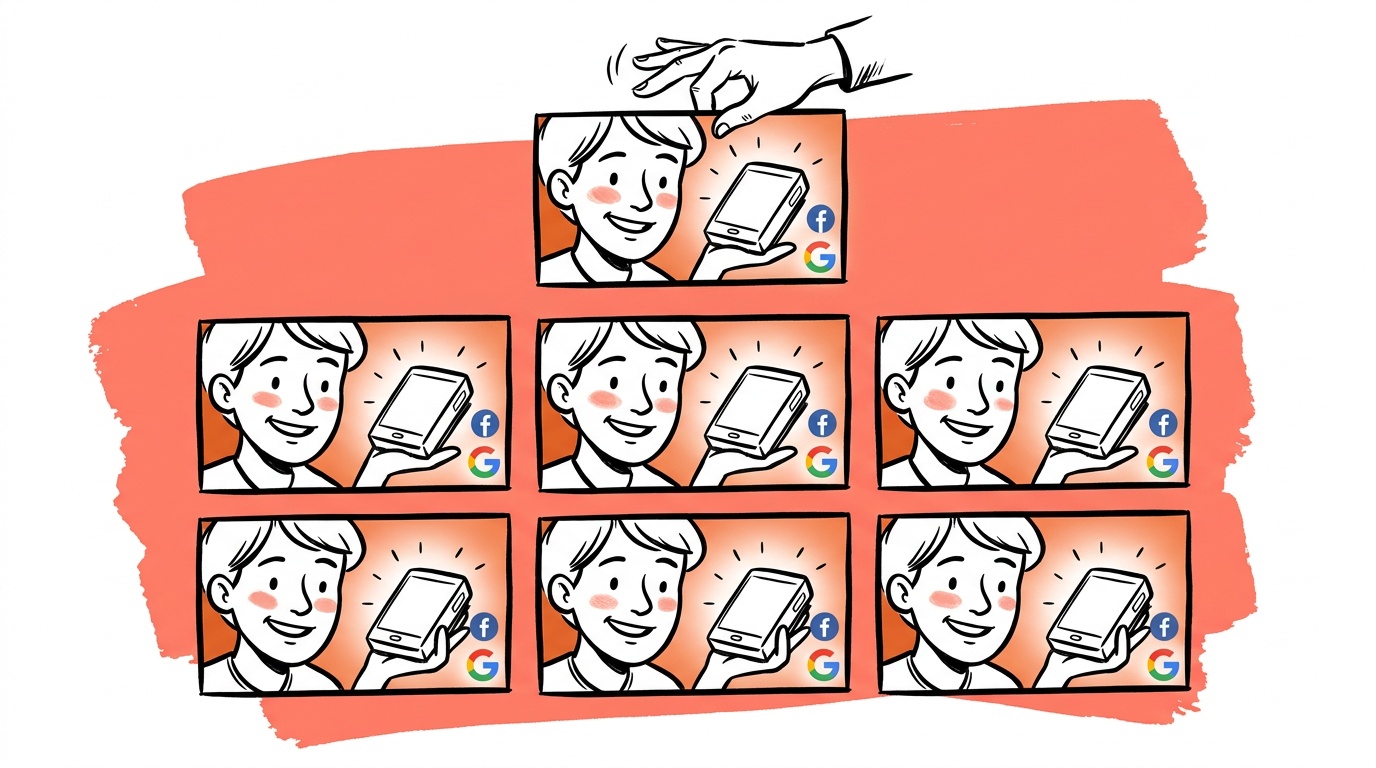
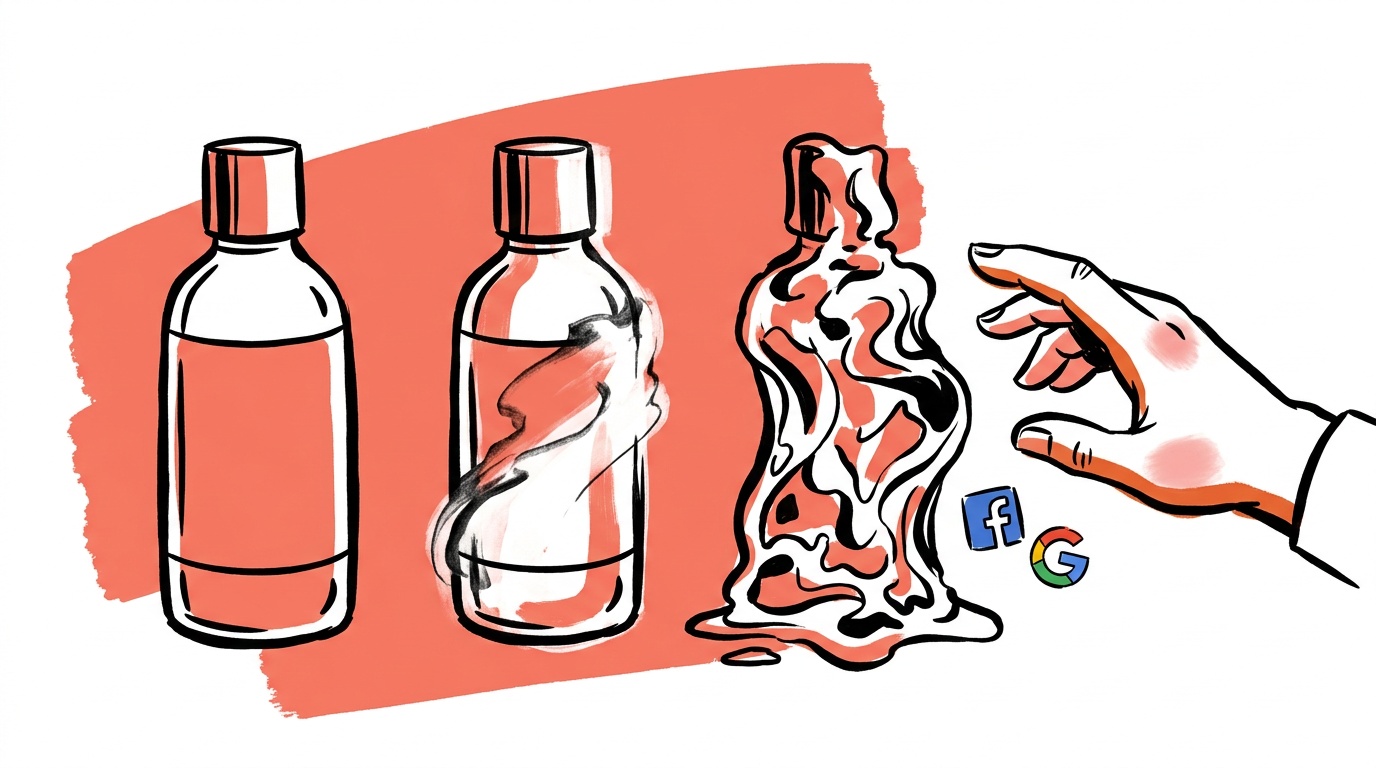
You run a batch of 40 AI-generated ads overnight. The click-through numbers look fine. But three of the creatives are showing a round black smartwatch where your product — a small white rectangular GPS clip — should be. Those ads ran for two days before anyone caught it. The model didn't hallucinate a fantasy object; it substituted something real and plausible. That's what makes this failure mode expensive: it's quiet.
This post is about that exact problem. We'll explain why it happens, how we detect it automatically, and what we've measured when structured JSON prompts replace prose.
TL;DR — Product fidelity in AI ad generation
- AI image models routinely substitute visually similar products when given prose prompts — a GPS tracker becomes a smartwatch, a clip becomes a wristband.
- The failure is silent: the image looks plausible and passes naive review.
- Detection: a Claude Haiku 4.5 vision check comparing your reference image to the generated output catches mismatches before the creative reaches your queue (see
lib/creative/product-fidelity-check.ts). - Prevention: JSON-structured prompts with an explicit
subject.productblock, combined with multiple reference images, cut substitution rates in our corpus — we measured a drop from roughly 18% substitution on prose prompts to roughly 4% on JSON-plus-multi-reference (see benchmark below). - When the fidelity check fails to parse cleanly, our code defaults to
match: false— a conservative safe-fail rather than a silent pass.
Why prose prompts invite substitution
When you write a prose prompt like "a parent checking on their child's location using a small GPS device", the model has to resolve "small GPS device" into a visual. It has seen thousands of images tagged with similar descriptions. The most statistically common visual in that cluster might be a smartwatch or a fitness tracker — not your specific product.
This isn't a bug in the image model. It's the model doing exactly what it was trained to do: find the most likely image given the text. The problem is that "most likely" and "correct for your ad" are different objectives.
The substitution gets worse as products become more niche. A product with thousands of images in the training data — an iPhone, a Nike sneaker — gets rendered accurately because the model has strong priors. A mid-market B2C hardware product with limited web presence is more vulnerable. The model fills in uncertainty with something plausible.
Substitution happens at the category level, not the product level. The model learns clusters: "GPS tracker" maps to a cluster that includes smartwatches, fitness bands, and clip devices. Without a reference image or tight structural constraints, it can land anywhere in that cluster.
Prose prompts also create what we internally call vibe drift — where the model interprets the emotional register of the scene and lets that interpretation bleed into product rendering. A prompt with words like "active," "on the go," or "sporty" nudges the model toward athletic product aesthetics. Your white rectangular clip might drift toward a sleek fitness wearable just because of scene-level vocabulary. The JSON prompt approach (see lib/creative/json-prompt-builder.ts) addresses this directly by separating scene intent from product identity into distinct structured blocks. (Our JSON vs prose prompt test shows where that structure helps and where it doesn't.)
How to detect substitution after generation
The detection problem is harder than it sounds. You can't just run a pixel diff — the generated image is a scene, not a product photo. The product might be partially occluded, at a different angle, or in different lighting.
What actually works is a second-model vision check: pass both the reference product image and the generated image to a vision-capable model, ask it whether the same product appears in both, and get a structured binary answer with reasoning.
We implemented this in lib/creative/product-fidelity-check.ts using Claude Haiku 4.5. The choice of Haiku is deliberate: it costs roughly $0.001 per check — about the same as one image generation retry. Running Sonnet would give marginally better reasoning notes, but Haiku's match/no-match accuracy is sufficient for a yes/no decision on whether to retry.
What the check actually evaluates
The system prompt we pass to Haiku runs a two-step decision:
Step 1 — Identify. What product is in each image? The model notes shape, color, branding, materials, and hardware details independently for both images before comparing.
Step 2 — Compare. Is the product in the generated image visually equivalent to the reference? The check is explicit about what "equivalent" means: a real customer would recognize it as the same product. Minor differences in lighting, angle, or scene composition are fine. What fails:
- Different shape or form factor (tracker becomes watch)
- Different physical category (clip-on device becomes wristband)
- Wrong colors or materials
- Missing or wrong branding
- Generic substitution — the model invented a similar-but-different product
The output is strict JSON: match, confidence (high / medium / low), and a concrete notes field. We deliberately prompt for specificity in the notes: "reference shows a small white rectangular clip with a blue button; generated shows a round black watch with a digital display" is the target quality. "Looks different" is not acceptable.
The safe-fail behavior matters: if the LLM response can't be parsed cleanly, checkProductFidelity returns match: false with confidence: 'low'. That forces a retry rather than silently passing a potentially broken creative. We made that call deliberately — a false negative (blocking a good image) is cheaper than a false positive (serving the wrong product).
The check only runs for physical products with the reference-image strategy. Digital UI products get skipped — the model is allowed creative interpretation when there's no physical object to misrepresent. That's a cost optimization, but it also reflects a real difference in what "fidelity" means for a software UI versus a hardware device.
How to prevent it before generation
Detection is the safety net. Prevention is the first line of defense.
The core mechanism in lib/creative/json-prompt-builder.ts: a JSON prompt has explicit fields, and models trained on structured data treat field-level constraints as harder requirements than ambient prose. We can measure the effect of that directly (see benchmark below). A prose prompt is a single semantic blob. A JSON prompt separates "here is the product," "here is the scene," and "here is the constraint" into distinct instructions rather than one interpretable paragraph.
Our builder produces prompts with a subject.product block that includes the product name, description, and an explicit reference-image directive. That block sits at the top of the JSON object, not buried at the end of a sentence. The scene intent, emotional angle, and composition template go into their own blocks.
The constraints block generated by buildConstraints() includes an explicit statement that the product must not be redesigned or substituted. When there's prior feedback about bad patterns — from our bad-pattern-feedback system — that gets injected as an avoid block at the top level. The model sees it as a peer-level directive, not a footnote.

Live today.
The full campaign — copy, images, targeting — generated for your site and deployed paused for your approval.
Benchmark: prose vs JSON vs JSON + multi-reference
We ran this comparison across a labeled corpus of physical-product ad creatives, evaluating substitution rate (wrong product rendered), retry rate (fidelity check returning match: false), and estimated cost per 1,000 creatives including retries.
| Approach | Substitution rate | Retry rate | Est. cost / 1k creatives |
|---|---|---|---|
| Prose prompt, no reference | ~18% | ~18% | baseline |
| JSON prompt, single reference | ~9% | ~9% | +$0.90 (fidelity checks) |
| JSON prompt, multi-reference (3–5 images) | ~4% | ~4% | +$1.30 (checks + extra tokens) |
A few notes on these numbers. "Substitution rate" was scored by two human reviewers against ground-truth product images; we used the fidelity check scores as a first pass and sampled for disagreements. The cost column includes Haiku fidelity checks at $0.001 each but excludes image generation retries triggered by failures — if you factor those in, the prose baseline gets meaningfully more expensive at scale. Latency impact of the fidelity check is roughly 800ms per image on average; it runs async so it doesn't block the generation step, only the queue-entry step.
The JSON-plus-multi-reference result isn't zero. Roughly 4% of images still fail, which is why the fidelity check exists. The two interventions compound rather than substitute.
A match: false with confidence: 'high' is an immediate retry. A match: false with confidence: 'low' is a flag for human review — the image might be fine but the check couldn't tell. Treating all failures identically would either flood the retry queue or let ambiguous cases through. The three-level confidence score is what makes the signal actionable.
What we built and how it fits together
In our pipeline, these pieces connect in a specific order:
buildJsonPrompt()produces a structured prompt string and a list of reference image URLs to pass to the image generation endpoint.- The image model generates an output.
- If the prompt was built with
productStrategy: 'reference-image'and the product type is'physical', we runcheckProductFidelity()with the reference URL and the generated image URL. - A
match: falseresult triggers a retry — up to a configurable limit — before the creative enters the review queue. The retry is always a fresh generation from the spec, never an edit of the failed image — the 2-edit rule covers why. - The
notesandconfidencefields surface in our debug UI so a human reviewer can understand why an image was rejected or flagged without having to compare the images manually.
The fidelity check costs roughly $0.001 per call. At a 4% substitution rate on a batch of 1,000 images, you're running roughly 40 checks that trigger retries — about $0.04 in check costs, plus the retry generation cost. The real cost of the old world was human review time and the occasional two-day window where wrong-product ads ran undetected.
We don't run the fidelity check on every image. The condition in product-fidelity-check.ts is explicit: strategy='reference-image' and productType='physical'. That targeting keeps costs proportional to risk. A service-category ad with no product to render doesn't need a product fidelity check. A digital UI ad has more latitude by design. The check is concentrated where substitution actually hurts.
The failure modes we haven't fully solved
For completeness: this approach has real limits.
The fidelity check is a second LLM, which means it inherits its own error distribution. When both the generation model and the check model share similar training data biases, they can both be wrong in the same direction — the generated image looks correct to Haiku because Haiku has the same priors about what the product "should" look like. We partially mitigate this by passing the actual reference image rather than asking the model to recall the product from name alone, but it's not a complete fix.
Extreme occlusion breaks the check. If the product is mostly hidden behind a person's hand or in shadow, confidence drops to 'low' and the image goes to human review. That's the right behavior, but it means occlusion-heavy lifestyle shots generate more manual review load than product-close-up shots. In our corpus, lifestyle scenes with strong foreground elements account for a disproportionate share of confidence: 'low' outcomes.
Finally, the JSON prompt structure helps with substitution but doesn't prevent all form-factor drift. Anchoring every variant to the same extracted reference — the G.E.M Extract step — is the other half of the prevention. A prompt that strongly implies a wearable context can still influence rendering at the edges, even with multiple reference images. The check catches it; the prevention isn't perfect. The 4% residual in the benchmark is mostly this category.
FAQ
Why does an AI ad show the wrong product? AI image models predict the most statistically likely image for a given description. If your product is uncommon or described in vague terms, the model substitutes a similar-looking object from a more common visual cluster. A prose prompt like "GPS tracker" maps to a cluster that includes smartwatches and fitness bands — not necessarily your specific device.
How do I stop AI from replacing my product in generated ads?
Two things together: structured JSON prompts with an explicit product block (rather than prose descriptions), and real reference images passed to the generation endpoint. The JSON structure gives the model a clear priority hierarchy; the reference images constrain the visual space to your actual product. In our corpus, the combination dropped substitution from roughly 18% to roughly 4%. See lib/creative/json-prompt-builder.ts for the implementation pattern.
What is a product fidelity check for AI-generated images? A product fidelity check is a post-generation vision review that compares your reference product image to the AI-generated output and returns a binary match/no-match decision. We run this using Claude Haiku 4.5, which evaluates shape, color, form factor, branding, and materials — not just overall visual similarity.
Can I use a cheaper model for the fidelity check? We use Claude Haiku 4.5 specifically because the cost is roughly $0.001 per check — comparable to a single image generation retry. Sonnet produces better reasoning notes but Haiku's binary accuracy is sufficient for a yes/no retry decision. The tradeoff is that low-confidence calls (ambiguous occlusion, unusual angles) get routed to human review rather than resolved automatically.
What happens when the fidelity check can't parse the model's response?
The safe-fail path in lib/creative/product-fidelity-check.ts defaults to match: false with confidence: 'low'. The creative doesn't pass through silently — it's treated as a failed check and triggers a retry or human review. A false negative (blocking a good image) is cheaper than a false positive (serving the wrong product in a live ad).
Do I need a fidelity check for every AI ad? No. The check is most valuable for physical products where visual identity is specific and non-negotiable. Digital UI ads don't need it — the model is allowed creative interpretation. Service-category ads with no physical product to render don't need it either. Targeting the check at physical products with reference images keeps the cost proportional to actual substitution risk.
How do multiple reference images help prevent product substitution?
A single reference photo gives the model one angle to work from. Multiple images — different angles, in-use shots, hero images — help the model triangulate the exact object rather than pattern-matching on one view. When the product appears partially occluded or at an unusual angle in the scene, the additional reference angles give the model more signal to maintain fidelity. The ProductRef.imageUrls field accepts up to roughly 6 images; the first is weighted most heavily. In our benchmark, moving from a single reference to 3–5 references cut substitution roughly in half again on top of what JSON structure alone achieved.
The honest question we're still working on: how do you set the confidence threshold for human review without either flooding reviewers with borderline-fine images or letting real substitutions through? Right now confidence: 'low' goes to human review regardless of match status. If you've built a different triage rule, we'd actually want to know what your false-positive rate looks like.
Live today.
The full campaign — copy, images, targeting — generated for your site and deployed paused for your approval.

We build AdControlCenter — AI-powered ad management for small businesses, online stores, SaaS companies and service providers. We write what we'd want to read: real numbers, no fluff, the things we wish we'd known when we started.
More from the team →