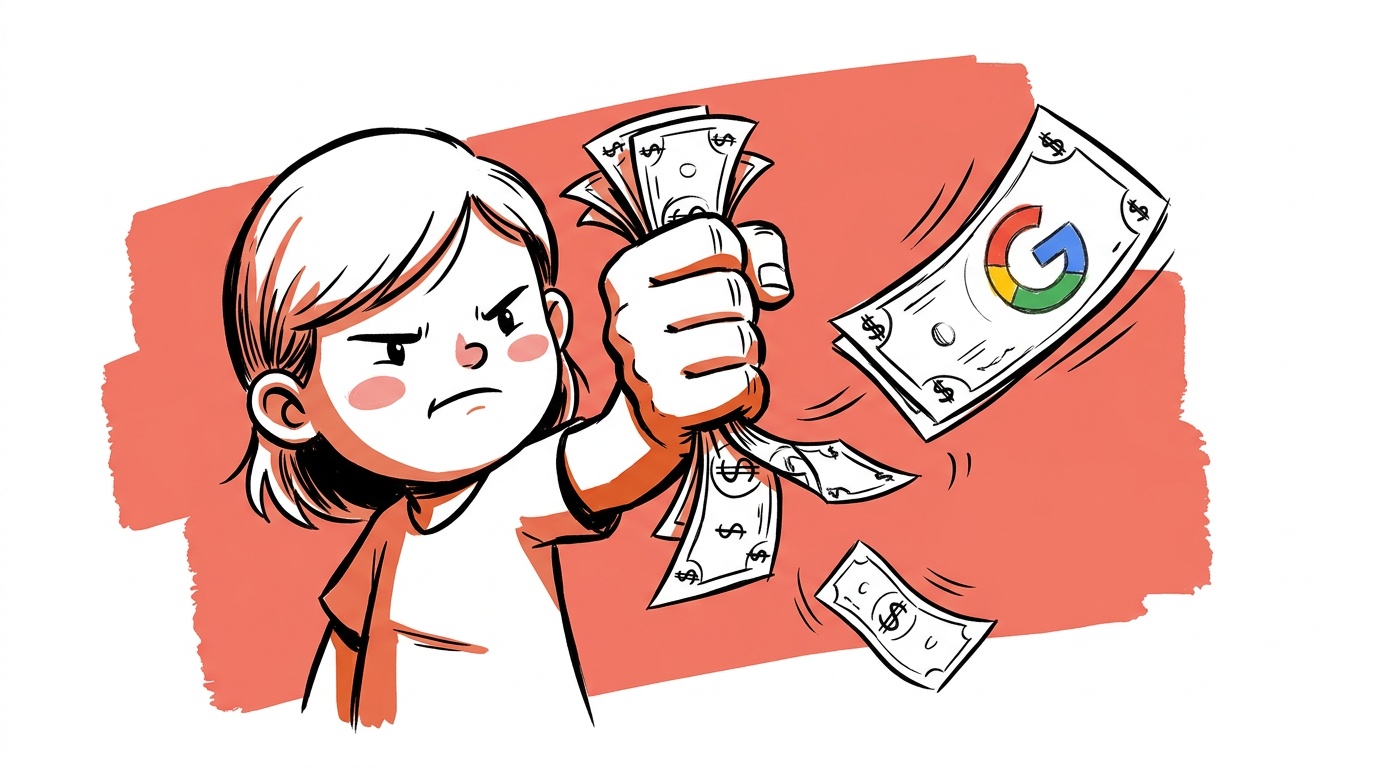
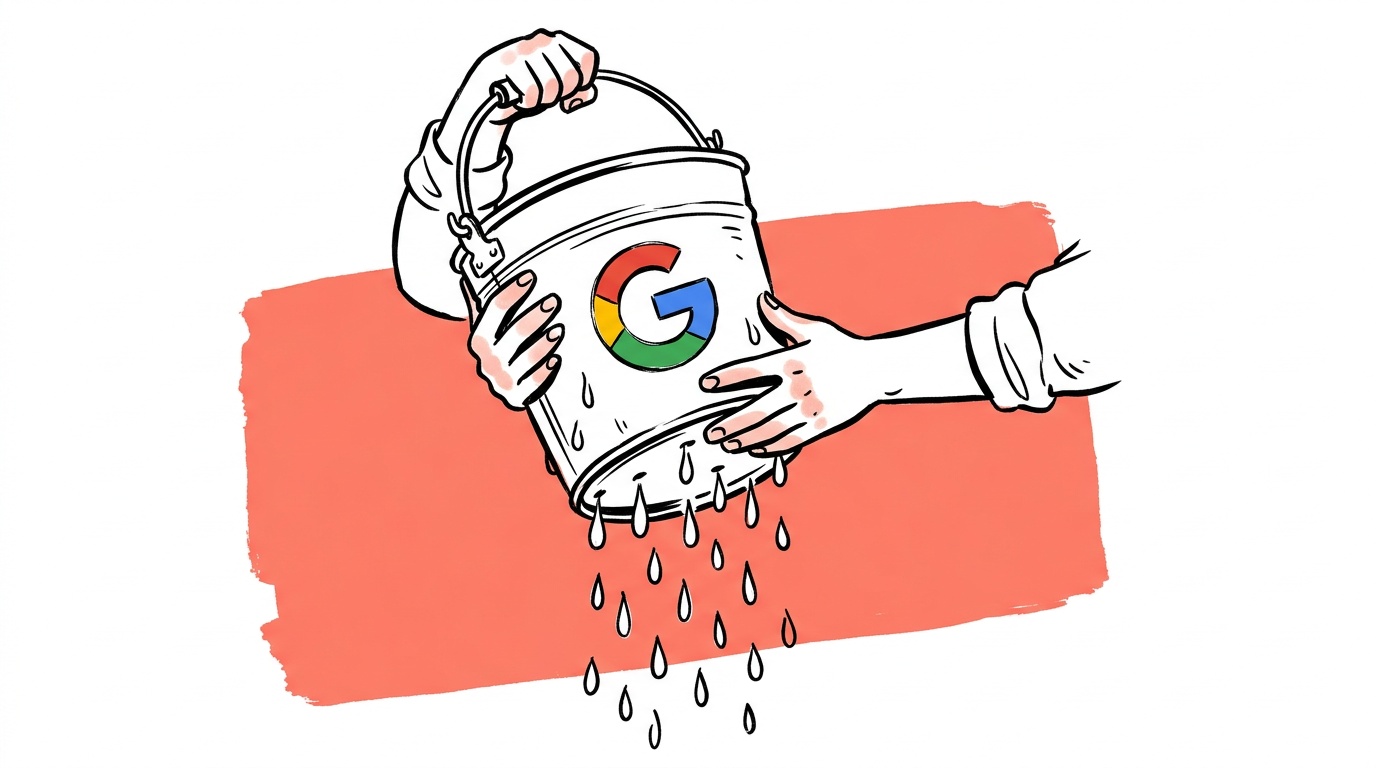

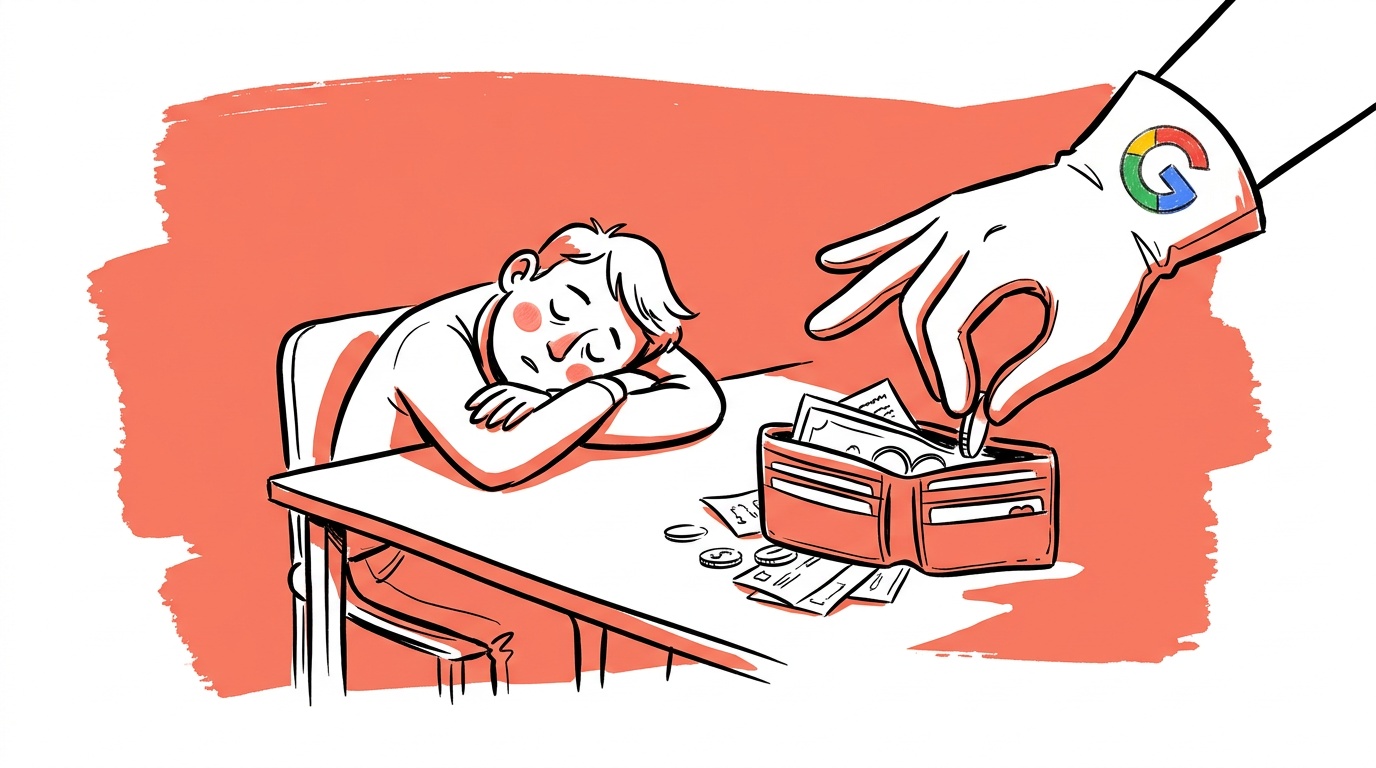
A campaign with a $50/day budget and $0.45 average CPC is buying about 3,300 clicks per month. Of those, the median small-business account converts on roughly 60. So when an operator tells us "Google Ads doesn't work for us," what they usually mean is: 3,240 of those clicks were the wrong people. They're right, and the platform took the money anyway.
This post is the audit we run on every account we look at, in the order we run it. Most accounts find at least three real leaks in the first 30 minutes.
If you spend 30 minutes auditing a Google Ads account and don't find at least one obvious leak, the account is healthier than 80% of what we see. It's that common.
Where money actually leaks
Five categories, in rough order of how often we see them:
- Geo bleed. Campaign set to "United States" but the business serves three cities, or set to "All countries" by mistake during a setup wizard.
- Mobile-vs-desktop mix. Mobile traffic is cheaper but converts worse for most B2B and considered-purchase categories. Most accounts run a 50/50 mix because that's the default.
- Search term mismatch. Broad-match keywords pulling in queries that don't even mention the product, paid for at full CPC.
- Bad audience expansion. Performance Max and "audience signals" silently spending budget on lookalike audiences with no qualifying intent.
- Ad creative on autopilot. RSAs that the algorithm has stopped showing because Quality Score dropped, but no one notices because spend continues.

The audit you can run in 30 minutes
Open Google Ads. In order:
1. Check geographic performance
Reports → Predefined → Geographic → User location. Sort by cost descending. If you see a country, state, or city you don't serve in the top 20 by spend — that's leak #1. Add a negative location target. Single biggest fix in most audits.
2. Check device performance
Reports → Devices. Look at conversion rate and CPA per device. If mobile CPA is more than 2x desktop CPA and your product is considered (B2B SaaS, hotels, services, anything over $200 ticket) — adjust the mobile bid modifier down 30%. Don't go to zero unless mobile literally never converts.
3. Check search terms
Keywords → Search terms. Filter by spend descending, look at the top 50. For every search term that's clearly off-topic (matches a competitor, a job seeker, a tutorial searcher) — add as a negative keyword. We routinely find 8–15 in the top 50.
Performance Max campaigns hide their search terms by default. You have to specifically request the "search terms insights" report. If you're running PMax and haven't checked it, you're flying blind on a quarter of your spend.
4. Check Quality Score on top spenders
Keywords → Add the "Quality Score" column. Sort by spend. Any keyword with Quality Score 4 or below in your top 20 by spend is costing you 50–100% more per click than a keyword at QS 7+. Either rewrite the matching ad to align with the keyword, or pause that keyword.
5. Check audience expansion settings
For every campaign with audience expansion or "broad targeting" turned on — pause it for two weeks and watch what happens to conversions. The platforms enable these settings by default and most operators never turn them off. Half the time they're net-negative.
The waste pattern nobody talks about
Most "Google Ads doesn't work" stories are actually "we paid for traffic that wasn't ours" stories.
When an account is leaking 30% of spend on geo, device, or term mismatch, the remaining 70% might be performing perfectly fine — but the headline numbers look broken. The operator concludes Google Ads doesn't work and moves to Meta. Where, of course, the same defaults are working against them in slightly different ways.
The fix isn't a different platform. The fix is paying attention to the defaults.


Live today.
The full campaign — copy, images, targeting — generated for your site and deployed paused for your approval.
What to ignore
Things people obsess about that don't actually matter much:
- Ad rotation settings. Negligible impact compared to the leaks above.
- Ad scheduling beyond rough day-parts. Unless you're a nightclub or an emergency-service business, hourly bid adjustments are theatre.
- The exact bidding strategy. Manual CPC, Maximize Clicks, Maximize Conversions all work at small scale if the targeting is clean. Pick one and stop tinkering.
What does matter: the five categories above, plus one human review per week of the account's actual search terms and creative output. Twenty minutes a week. That's the floor.
What good looks like
A healthy Google Ads account, by our rough rule:
- Less than 5% of spend goes to off-target geographies
- Less than 10% of spend goes to keywords with Quality Score below 5
- The top 20 search terms by spend all clearly match the product
- The conversion rate on desktop and mobile differs by less than 2x
- The operator can explain, in plain English, why each campaign exists
If your account fails three or more of these, the leaks are probably costing you more than any new tactic you've been considering.
What we'd do first
Open the account. Run the geographic report. Add the obvious negatives. That's the highest-leverage move in any audit and it takes about 4 minutes. Everything else can wait until you've pocketed that win.
Live today.
The full campaign — copy, images, targeting — generated for your site and deployed paused for your approval.

We build AdControlCenter — AI-powered ad management for small businesses, online stores, SaaS companies and service providers. We write what we'd want to read: real numbers, no fluff, the things we wish we'd known when we started.
More from the team →