Why is Facebook spending more than my daily budget? Because a Facebook "daily budget" is not a cap — it's a target average, and Meta's system is allowed to spend up to 75% more on any single day as long as it "balances out over the week." That's the short answer. The longer answer is the reason your ads can drain a budget overnight on traffic that never had a chance of converting, and it's worth understanding before you launch another campaign.
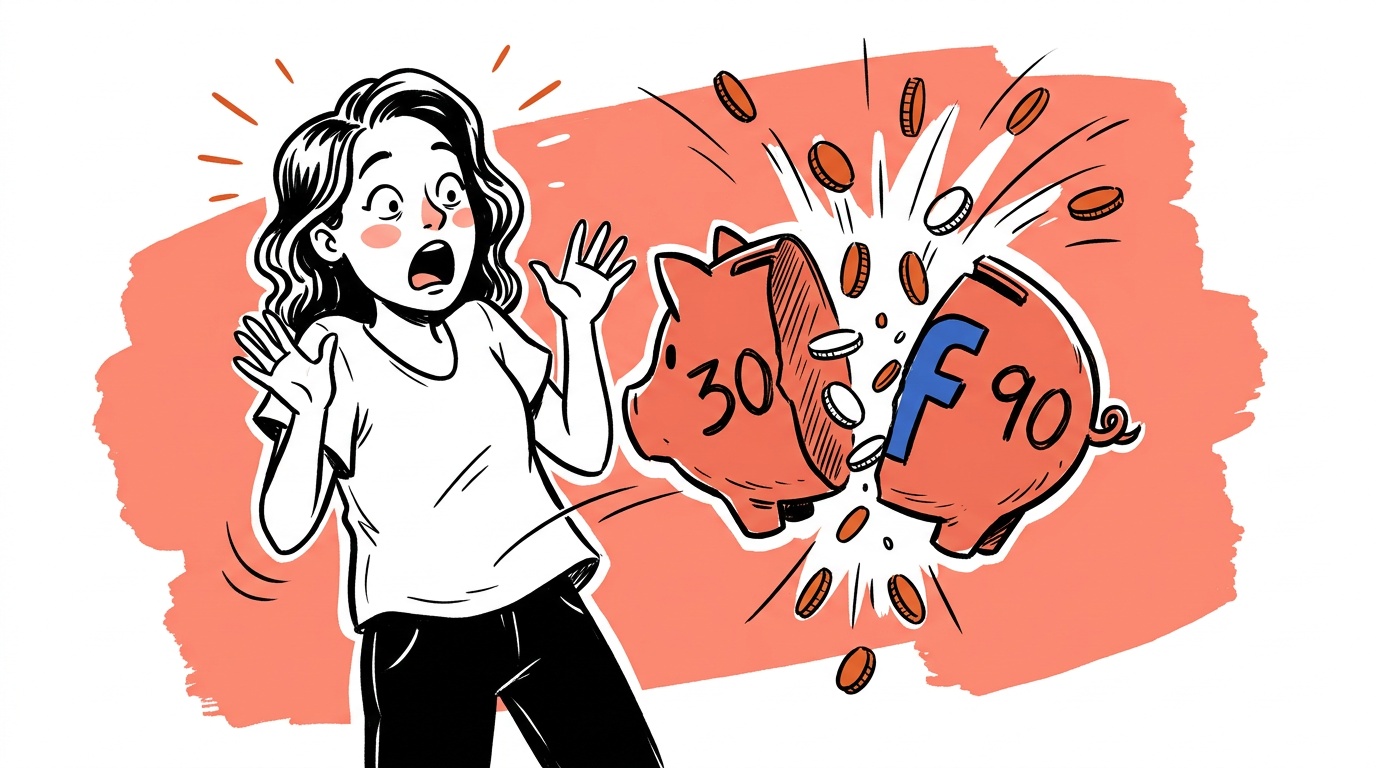
Here's how I learned it. I set a $30 daily budget on my first Facebook campaign in years. I was careful: narrow geos, one precise interest, English only, a hard daily cap — or so I thought. By the next morning the campaign had spent over $90 — three times the limit I set — on traffic that bounced at 100% with an average of 0.7 seconds on the page. Not a single visitor read a word. The money was gone, and according to Meta's own policy, every one of those clicks was "valid."
- A Facebook "daily budget" is an average, not a cap. The system can spend up to 75% more on any given day (so $52.50 on a $30 budget) as long as it balances out over the calendar week.
- My campaign blew past even that — roughly 300% of budget in under a day — and burned it on Advantage+ / Audience Network placements that delivered 100% bounce, 0.7s on site.
- Facebook ads spending too fast with no conversions is almost always placements + optimization goal, not your product: Advantage+ placements plus "Link Clicks" optimization buys cheap, low-intent taps.
- The only true hard cap is a lifetime budget with an end date, or an account spending limit — the daily-budget field can't give you one.
- To stop the bleed: turn off Advantage+ / Automatic placements, optimize for Landing Page Views not Link Clicks, set a lifetime budget, and distrust every "recommended" default at setup.
What I actually set up
I did the careful version. This was not a "boost post and hope" experiment.
- Geography: USA, Canada, UK, Germany, Italy, Spain, the Netherlands, Denmark, Finland. Deliberately excluding the regions where click farms are cheapest, because I'd been burned by junk traffic before.
- Interest: WooCommerce users. One interest. Narrow and precise to exactly who I sell to — not a pile of "related" categories to "increase reach."
- Language: English only.
- Budget: $30 a day. A first-timer's careful number.
- Creative: ad copy plus several images so the system could rotate and find a winner.
Then Facebook did what Facebook does. It told me it would "pick the best campaign type" for my ad, and it recommended Automatic placements (now branded Advantage+). Two innocent-sounding recommendations. Both of them are where the money leaks.
The ad passed a quick review. Fifteen minutes later I was watching live traffic land in Google Analytics. A hundred sessions in five minutes — then dead. I assumed it was Meta's crawlers reading the page for optimization. It wasn't. I checked Ads Manager: $35 already spent. Over the $30 cap, but Facebook says it can run a little over, so I told myself it was reasonable. I'd check the quality metrics in the morning and adjust.
By morning the spend was past $90. Google Analytics showed a 100% bounce rate and an average of 0.7 seconds on site. Total junk. Ninety dollars converted into nothing.
Why Facebook spends more than your daily budget
Here is the first thing nobody reads until it's too late. On Facebook, the number you type into the "daily budget" field is not a ceiling. It's a target average. From Meta's own Business Help Center: to "maximize opportunities," the system may spend up to 75% more than your daily budget on a given day, on the promise that it averages out over the calendar week.
So a $30 budget authorizes up to $52.50 in a single day by design. That alone is a 75% overage most first-time advertisers never see coming. My campaign went well past it — to roughly 300% — which is a separate problem I'll get to. But the baseline lesson stands:
Advantage+ placements and the Audience Network: where your money goes
The 100% bounce rate is the tell. Real humans who match "WooCommerce users in Germany" do not click an ad and leave in 0.7 seconds with perfect consistency. That pattern is accidental taps and low-intent placements — and the source is the recommendation I accepted at setup.
Automatic / Advantage+ placements let Facebook run your ad across its entire network, including the Audience Network: third-party apps and mobile games where a "click" is often a mis-tap on an interstitial ad. The campaign was also optimizing for Link Clicks, which tells the system to find the people most likely to click — not the people most likely to wait for your page to load or actually read it. Combine "click-optimized" with "runs inside mobile games" and you get exactly what I got: a flood of clicks, zero engagement, a drained budget.
This is also the usual answer to "why are my Facebook ads not working" or "getting no conversions." It's rarely the product and rarely the audience. It's that the placements and the optimization goal are quietly buying the cheapest possible clicks. (And if you have the opposite problem — ads live but spending nothing — that's the zero-delivery trap, with its own checklist.) You can read Meta's own framing of placements and optimization goals in the Business Help Center. The defaults are not neutral — they are tuned to spend. (Advantage+ has a second trick beyond placements: concentrating your entire budget on one ad and editing your creative without asking — covered in why Meta's AI hijacks your budget.)
What Facebook support says when your ads spend too fast
I paused the ad and went to support. The agent was an AI. Its first response, after "checking my account," was a checklist of reasons the $90 was somehow fine or my fault:
A daily budget is an average. To maximize opportunities, our system may spend up to 75% more than your daily budget on a given day, provided it balances out over a weekly period.
Then: maybe I had other ads running. Maybe the charge wasn't "billed" yet, just real-time spend. My campaign was optimized for Link Clicks, so low engagement is expected. Advantage+ placements "can sometimes reach low-intent placements." And the closer:
According to Meta's billing policy, refunds are not provided for poor ad performance or low return on investment. Because the clicks delivered are considered valid according to the campaign's optimization settings, we are unable to offer a refund for this spend.
Followed by helpful recommendations for next time: optimize for Landing Page Views, use manual placements, deselect Audience Network, check my page speed. In other words: the settings Facebook recommended to me at setup were the problem, and the fix is to not do what Facebook recommended.
For a moment it sounded legit. Maybe I should have read the fine print. Maybe my landing page was slow. Then it clicked: this is the script. Recommend the spendy defaults, guarantee nothing, take as much as the rules allow, and route the blame back to the advertiser.

Live today.
The full campaign — copy, images, targeting — generated for your site and deployed paused for your approval.
The reversal — and the threshold they don't volunteer
So I pushed back. I told it, plainly, that spending $90 against a $30 limit on a first campaign — with no other ads and no prior balance — is not "an average balancing out," it's bad campaign management dressed up as policy, and being told to "live with it" is not acceptable.
It went quiet for a minute, re-checked, and changed its answer:
While the standard daily budget allows for a 75% increase, a $90 spend is an unusual surge... because your spend exceeded the standard 175% daily threshold, this qualifies for a more detailed review by our billing specialists.
There it is. There is a 175% daily threshold. There is a review path for crossing it. The assistant even documented the ad account, campaign name, and the issue for a billing specialist. None of that surfaced until I refused the first answer. The escalation exists — it's just on the other side of a wall of excuses most people give up at. I filed the refund request the same day.
How to stop Facebook ads from spending too fast
If you're running Facebook ads yourself, change these before you launch:
- Turn off Automatic / Advantage+ placements. Use Manual placements and keep only Facebook and Instagram Feeds. Deselect the Audience Network — that's where the mis-tap clicks come from.
- Optimize for Landing Page Views, not Link Clicks. This tells the system to find people who actually wait for your page to load, not people who tap and vanish.
- Set a hard cap, not just a daily average. Use a lifetime budget with an end date, or set an account-level spending limit, so the 75% daily overage can't compound while you sleep.
- Watch the first hour live, then pause if engagement is junk. If Google Analytics shows a 100% bounce and sub-second dwell in the first 100 sessions, pause immediately. Don't wait for morning. I did, and it cost me $55 extra.
- Distrust every "recommended" toggle at setup. Each one is optimized for Meta's objective — delivery and spend — not your return.
Other ways Facebook ads burn money
Spending too fast is the loudest way to burn budget, but it's not the only one. If your ads are draining money without sales, check these too:
- The wrong optimization objective. A Traffic or Engagement objective tells Facebook to find cheap clicks or reactions, not buyers. If you want sales, run a Sales/Conversions objective — otherwise you're optimizing for the wrong action and paying for it.
- A broken or missing Meta Pixel. The pixel is how Facebook learns who actually converts. If it's misfiring, double-counting, or missing the purchase event, the algorithm is optimizing blind — and blind optimization is expensive.
- Ad fatigue and high frequency. When the same people see your ad too many times, relevance drops and costs climb. Rising frequency with falling results means it's time for fresh creative, not a bigger budget.
- No retargeting. Most first-time visitors don't buy on the first click. With no retargeting, you pay full price to acquire warm leads and then let them go cold.
- A budget too thin to exit the learning phase. The flip side of overspending: a budget so small the campaign never gathers enough conversions to stabilize, so it thrashes in permanent "learning" and wastes spend.
Notice the tension in that last one. Facebook's own advice when you're spending too fast is often "spend more to exit the learning phase." Sometimes that's right. Often it's how a $30 test quietly becomes a $300 one. Fix placements and objective first, then decide whether more budget is actually warranted.
Are Facebook ads a scam? No — but the defaults aren't on your side
Filing a refund over $90 sounds like a waste of time. It isn't — and not really for the $90. It's the principle of the welcome experience. A business owner sets a careful $30 limit, gets charged triple for bot-grade traffic, and is told to absorb it and tweak some buried setting next time.
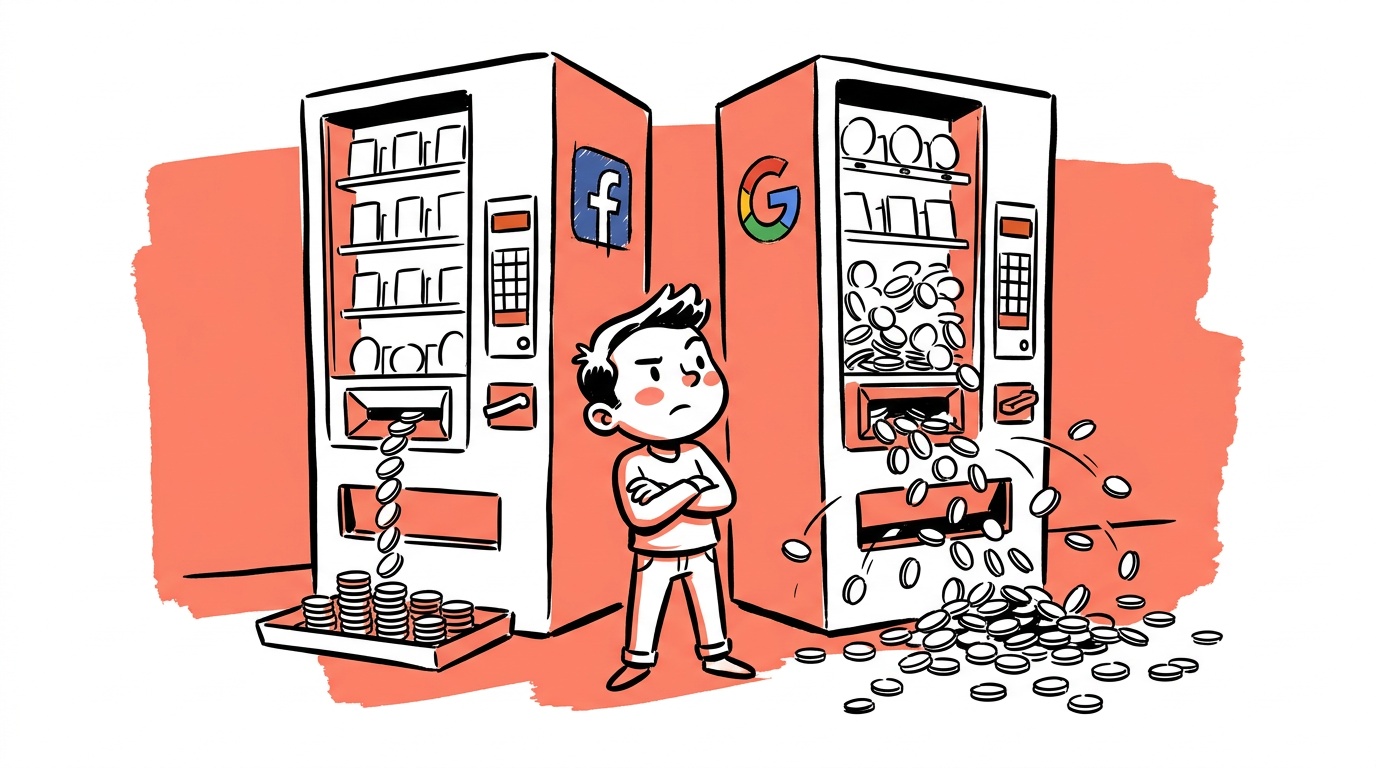
Facebook ads aren't a scam in the legal sense. The clicks are real-ish, the policy is disclosed somewhere, the boxes were technically checked. But the design leans hard toward spend: recommend the spendy defaults, guarantee nothing, take as much as the rules allow, and route the blame to the advertiser. The same pattern shows up on Google, TikTok, and the rest — different labels, same machine. These networks are enormous and can easily afford to honor a first-timer's budget instead of leaning on the SMB owner who can least afford the leak. The current design pushes that owner toward one of two outcomes: give up on running their own ads, or hand it all to an agency and pay a fortune. Both are good for the network. Neither is good for you.
If you got a charge like this, you have more leverage than the first support reply implies. Document the overage against your stated budget, screenshot the engagement metrics (a 100% bounce / sub-second dwell is strong evidence of low-quality traffic), and ask explicitly for the billing-specialist review for spend over the 175% threshold. Keep your own records in Google Analytics, and if a network won't engage in good faith, you can file a complaint with the FTC. Persistence is the whole game.
Where AdControlCenter fits
This is the exact problem we built AdControlCenter for. We run your campaigns across Facebook, Google, Reddit and the rest while defaulting every one of these hidden levers to the budget-safe setting — manual placements, no Audience Network, engagement-based optimization, true spend caps, ultra-narrow targeting. We know which "recommended" toggles are budget traps because we've paid the tuition. You shouldn't have to run your first campaign as an expensive lesson in reading fine print.
You can run your own ads and still keep your money. The networks just don't make it the default.
FAQ
Why is Facebook spending more than my daily budget? Because a Facebook daily budget is an average, not a cap. The system can spend up to 75% more on any single day as long as it averages back to your number over the calendar week. To set a true ceiling, use a lifetime budget with an end date or an account-level spending limit.
Why are my Facebook ads spending so fast? Fast spend with little to show for it usually means Advantage+ / Automatic placements (which include the Audience Network) combined with a Link Clicks optimization goal. That mix buys the cheapest possible clicks — often accidental taps in mobile apps — so the budget drains quickly while engagement stays near zero.
Is it normal for Facebook to spend 3x my daily budget in one day? No. The standard daily overage tops out at 75% (175% of budget). Spend beyond that is unusual and, per Meta's own support, "qualifies for a more detailed review by our billing specialists." If you crossed that threshold, ask for that review explicitly.
How do I set a hard budget cap on Facebook ads? The daily-budget field can't give you a hard cap. Use a lifetime budget with a fixed start and end date, or set an account spending limit in billing settings. Either one prevents the daily-average overage from compounding.
How much should I spend on Facebook ads per day? Whatever you set, treat it as a floor that can run 75% higher, and never spend money you can't afford to lose while you're still learning the account. More important than the number is using a lifetime budget so the total is truly capped, and watching the first hundred sessions live before you trust the campaign.
Why are my Facebook ads not working or getting no conversions? Most "Facebook ads not working" cases are placement and optimization problems, not product problems. Advantage+ placements plus Link Clicks optimization deliver high click counts with near-zero engagement (100% bounce, sub-second dwell). Switch to manual Feed placements, optimize for Landing Page Views or conversions, and confirm your landing page loads fast on mobile.
Why are my Facebook ads burning money? Usually one of a few things: Advantage+ placements buying low-intent clicks from the Audience Network, the wrong optimization objective (Traffic or Engagement instead of Sales), a broken Meta Pixel so the algorithm optimizes blind, ad fatigue from high frequency, or no retargeting to convert warm leads. Fix placements and objective first — they waste the most money the fastest.
Should I use Advantage+ (automatic) placements? For most small advertisers, no. Automatic placements let Facebook run your ad across the Audience Network — third-party apps and games where clicks are frequently accidental. Use manual placements and keep Facebook and Instagram Feeds until you have data proving another placement converts.
Can I get a refund from Facebook for bad traffic? Meta's stated policy is no refunds for poor performance or low ROI, because clicks that match your optimization settings count as "valid." But spend that exceeds the 175% daily threshold has an escalation path. Document the overage and the engagement metrics and request the billing-specialist review.
If your first ad network experience looked like mine, it wasn't your fault and it wasn't bad luck — it was the defaults working exactly as designed. The move isn't to give up on running your own ads. It's to take back the settings the platforms bury, and to make them honor the budget you set.
Live today.
The full campaign — copy, images, targeting — generated for your site and deployed paused for your approval.

We build AdControlCenter — AI-powered ad management for small businesses, online stores, SaaS companies and service providers. We write what we'd want to read: real numbers, no fluff, the things we wish we'd known when we started.
More from the team →